
Here’s a number that bothered me enough to actually do something about it: 94 minutes.
That’s how long I was spending every day — on average — dealing with the fallout from meetings. Not the meetings themselves.
The stuff after. Writing up notes, pasting action items into Slack, re-scrubbing through a Zoom recording because I couldn’t remember exactly what the client said about the scope revision. 94 minutes. Every day.
I’m not a slow note-taker. I’ve been doing this long enough that I have systems. But systems only work when you have the mental bandwidth to run them, and by the third call of the day, I’m taking progressively worse notes on each one.
So I spent about six weeks testing every AI meeting assistant I could get my hands on. Not free trial demos, not vendor walkthroughs — actual calls.
Customer syncs, internal standups, vendor negotiations, a very long and painful three-timezone call where someone’s audio kept cutting out. Real conditions. I wanted to know which of these tools would actually change my day, not just look good in a comparison chart.
Here’s what I found.
One Thing to Understand Before You Pick Anything
Most of these tools use the same transcription engine under the hood, or something close to it. Whisper, or a variant of it, is doing the heavy lifting on audio-to-text for a lot of them. So when a vendor tells you their transcription accuracy is “industry-leading,” take that with some skepticism.
The real differences are in what happens after the transcript exists — how it’s summarized, how it’s organized, where it goes, and how easy it is to actually find things later.
The tool that fits your workflow is almost always the right tool, not the one with the highest accuracy number in a controlled test on clean studio audio.
Comparison Table
| Tool | Best For | Transcription | Standout Feature | Starting Price |
| Otter.ai | General use, research, students | Very good (real-time) | Live transcription + searchable archive | Free / $16.99/mo |
| Fireflies.ai | CRM-heavy sales teams | Good | AskFred cross-meeting search | Free / $18/mo |
| Fathom | Zoom users, solo operators | Good | Live highlights + zero-config setup | Free / $15/mo |
| Gong | Enterprise revenue teams | Excellent | Conversation intelligence + deal risk signals | $1,200+/yr per seat |
| Notion AI | Existing Notion teams | Depends on input | Lives in your existing workspace | $8-10/mo add-on |
| tl;dv | Async and remote-first teams | Good | Clip-and-share workflow | Free / $18/mo |
| Avoma | Mid-market sales and CS | Very good | Full meeting lifecycle + manager analytics | $19-79/mo |
1. Otter.ai
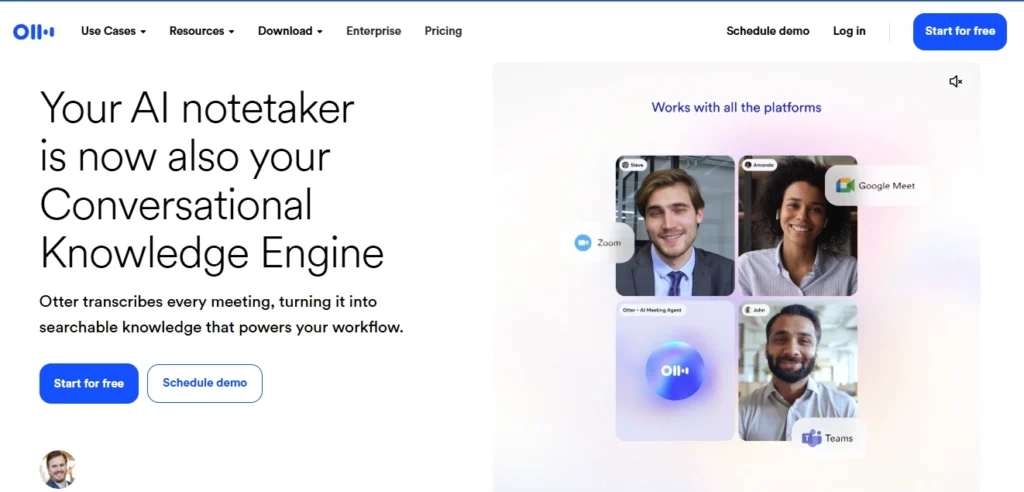
I’ve been using Otter on and off since before most of these other tools existed, and I have a complicated relationship with it.
- The Good:
The transcription is genuinely good. Better than good in a lot of conditions. I’ve used it in a coffee shop, on a call with someone using a cheap USB headset, in a room where someone was eating chips within earshot of their microphone — and it held up better than it had any right to.
The live transcription, specifically, is something I haven’t seen matched cleanly elsewhere. You can follow along as the text appears, which sounds gimmicky until you’re on a call with someone who mumbles and you’re trying to figure out if they said “Tuesday” or “two days.” - The Nuance: The AI summaries pull out action items and highlights. They work about 70% of the time, which is more useful than it sounds — that 70% covers the straightforward decisions and task assignments.
The other 30% is usually things with context the AI can’t infer, like “let’s circle back on the pricing thing” being flagged as an action item when it was actually the client politely killing the conversation. - The Catch: The free tier runs out fast, the export options haven’t kept up with the rest of the product, and if you want it deeply integrated with your CRM or project management stack, you’re going to hit friction points.
It’s also worth knowing that the speaker identification is good but not perfect. On a call with three people who have similar vocal energy, it starts to guess wrong.
Verdict: Use Otter if you want reliable transcription, a searchable archive, and you don’t need heavy integrations. Also solid for journalists and researchers who just need to know what was said and when.
Pricing: Around $16.99/month for Pro. The free version is worth trying first.
2. Fireflies.ai
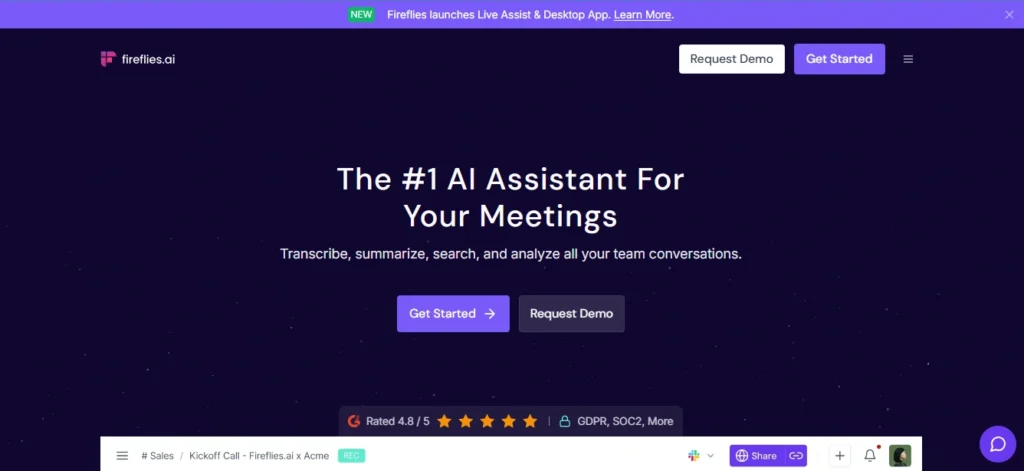
Fireflies is the one I’d pick if my job revolved around a CRM. Specifically HubSpot or Salesforce — the integrations there are cleaner than anything else I tested in this tier.
The setup experience is straightforward. A bot called “Fred” joins your meetings as a participant, records everything, and generates a transcript and summary afterward.
The topic tracking — where it groups chunks of the conversation by what was being discussed — is useful for long calls where you want to jump directly to the part about pricing without scrubbing through an hour of context-setting.
- Standout Feature: The feature that sets Fireflies apart is AskFred. After a meeting, you can ask questions about what was discussed and it’ll pull the relevant moments. More usefully, you can ask questions across multiple meetings — “what has the Acme account said about their integration timeline over the last three calls?” That kind of thing.
- The Catch: The bot joining as a visible participant is a thing you need to think about before you just turn it on. Some clients don’t care. Some are in regulated industries where having a third-party service recording the call creates legal or compliance issues.
Verdict: Best for account managers and sales professionals tracking relationship history over months.
Pricing: Starts free with limited minutes, Pro is around $18/seat/month.
3. Fathom
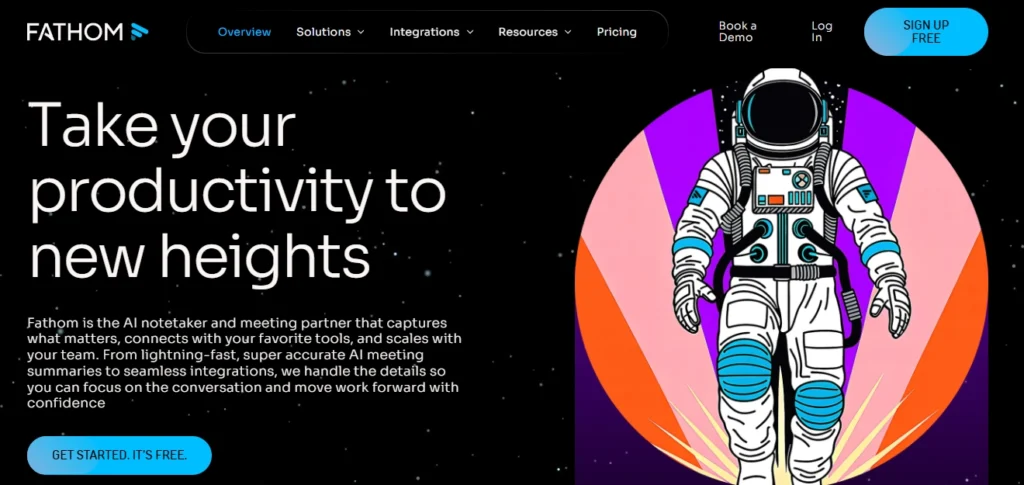
If someone asks me for a recommendation and I don’t know their setup, I tell them to start with Fathom. It’s the closest thing in this space to “just works.”
You install it. You connect it to Zoom. That’s basically the whole onboarding. Within a day you’ve forgotten you set it up, and your calls are just… being handled.
- Standout Feature: The live highlight tagging. During a call, I can hit a keyboard shortcut to flag a moment — a decision that was just made, a specific number someone mentioned, a concern the client raised. At the end of the call, those highlights are clipped and timestamped.
Instead of sending someone a 47-minute recording, I send them a 90-second clip with a note. That friction reduction matters more than I expected it to. - The Catch: Teams and Google Meet support exists but it’s noticeably less smooth than the Zoom experience. If your company uses Teams as the primary call platform, you’ll feel the difference.
Verdict: Phenomenal for Zoom users and anyone who hates complex setups. The free plan is legitimately useful.
Pricing: Starts free (seriously usable free), paid plans from around $15/month.
4. Gong
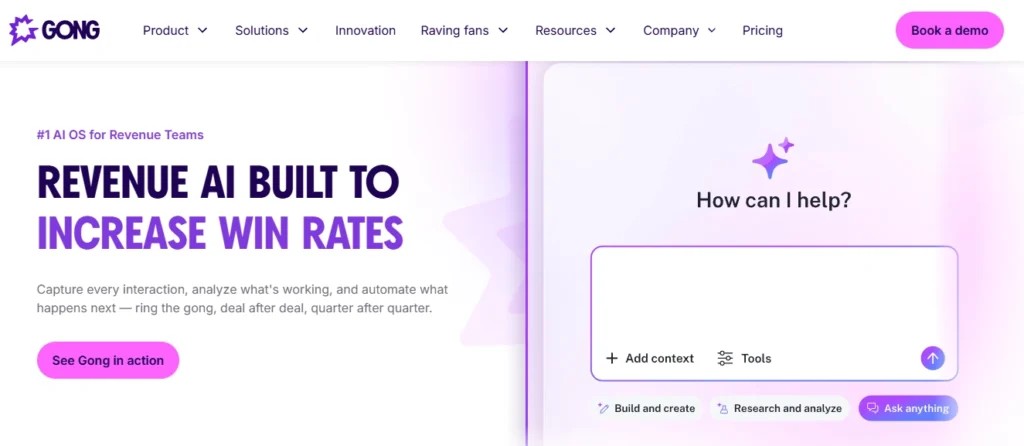
Gong is the one I can’t personally expense but wish I could.
It’s expensive. Properly expensive — $1,200 to $1,600+ per user per year, usually quoted annually, minimum seats often required. For most people reading this, that’s a non-starter.
But if you’re running a sales team of any real size, and your deal sizes are in the thousands or above, Gong probably pays for itself in one deal you would have otherwise lost.
Here’s what makes it different from everything else on this list: it’s not really a transcription tool. The transcript is almost incidental. What Gong is doing is conversation intelligence — analyzing the patterns of your calls over time to identify what’s actually working and what isn’t.
- Manager Benefits: I watched a demo where a manager pulled up a 14-second clip of a rep’s call and used it as a coaching moment. Not “your calls aren’t going well” but “at this exact moment, this is what happened, and here’s a different way to handle it.” That’s useful in a way that generic sales training isn’t.
- The Catch: The implementation takes real effort. You need to run it for weeks before the pattern recognition starts to surface anything meaningful. And the compliance considerations are significant.
Verdict: Essential for enterprise sales teams; overkill for everyone else.
Pricing: Enterprise, quoted on request, brace yourself.
5. Notion AI Meeting Notes
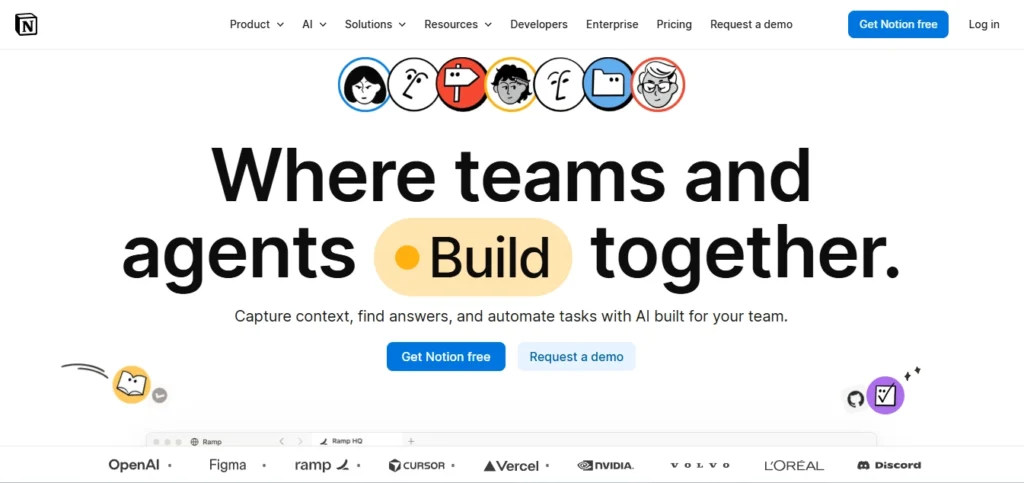
This one only makes sense if you’re already in Notion every day. If you’re not, skip it and come back if that changes.
For Notion users, the appeal is obvious: your meeting notes live where everything else lives. No switching between apps, no copy-pasting summaries into your project wiki, no broken links because someone moved a doc in the wrong tool.
You feed a transcript into Notion AI — or use the native recording feature — and the AI generates a structured summary that slots directly into your existing pages and databases.
- The Catch: The limitation is that Notion AI is a general-purpose tool being applied to a specific use case. It doesn’t have the meeting-specific intelligence that Fathom or Fireflies have built over years of training on call data.
It won’t tag speaker sentiment or identify deal risks or track topic trends over multiple meetings.
Verdict: Lowest-friction option for teams with strong Notion habits.
Pricing: Notion AI adds $8-$10/user/month on top of your Notion subscription.
6. tl;dv
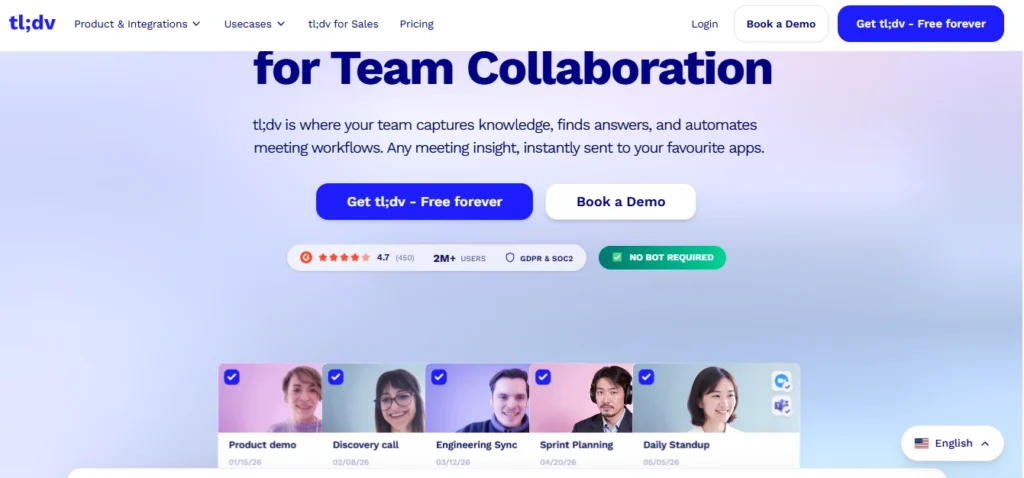
The name means “too long; didn’t view,” which tells you exactly what problem this is trying to solve.
Here’s the actual problem with meeting recordings: nobody watches them. You record a call, upload it somewhere, send the link to three people who missed it, and everyone intends to watch it later and then doesn’t.
- Standout Feature: The core of what tl;dv does differently is the clip-and-share workflow. You watch (or skim) a recorded call, you highlight the 90 seconds that matter, you add a comment, you share that. Recipients get something they’ll actually watch.
I used this heavily during a product feedback round where we were doing user research calls. - The Catch: The integration surface isn’t as wide as Fireflies, and if you’re in a CRM-heavy environment, you’ll need to build bridges that should exist natively. The free plan also has restrictive storage limits.
Verdict: Incredible for async and remote-first teams who need to share knowledge without enforcing mandatory attendance.
Pricing: Free plan available, Pro around $18/month per user.
7. Avoma
Avoma is the one I’d point a 20-50 person company toward when they’ve outgrown the “everyone just uses Otter” approach but can’t justify Gong yet.
It covers the full meeting lifecycle in a way that most tools don’t attempt. Before a call, you can set up an agenda template that structures what you want to discuss.
During the call, you get live transcription with those agenda sections as a scaffold — so your notes are organized as they’re being taken, not after. After the call, you get a summary, action items, and CRM sync.
- Standout Feature: The conversation analytics. Managers can see trends across their team’s calls — which objections come up most often, how different reps handle similar situations, how talk time is distributed. Not as deep as Gong’s analysis, but at a fraction of the price.
- The Catch: Pricing tiers can feel confusing because some analytics features are behind higher tiers. Map out which features you actually need before signing up.
Verdict: The sweet spot for mid-market sales and customer success teams.
Pricing: From around $19/month per user for basic plans, up to $79/month for full conversation intelligence.What I’d Actually Do If I Were Starting Fresh
And if you’re already a heavy Notion user and your main problem is that meeting notes never end up in your wiki, try Notion AI first before adding another subscription. It might be enough.
Start with Fathom. Use the free plan for a month. If you find yourself relying on it and wishing it did more, then you have a clearer picture of what “more” means for your actual workflow — which makes choosing between Fireflies, Avoma, or Gong a much easier decision.
If you’re running a sales team right now and haven’t tried Gong, at least book a demo. The sticker shock is real but so is the ROI calculation for the right team size and deal size.
If transcription accuracy on difficult audio is the specific problem you’re solving — accents, crosstalk, technical vocabulary, lousy microphones — run a proper trial of Otter.ai head-to-head against whatever you’re currently using. The difference in live transcription quality specifically is still meaningful.