
I’ve been writing for clients since 2014. That’s a long time to watch “the best writing tool ever” come and go.
Consequently, when AI grammar checkers started blowing up, I didn’t get excited. I got irritated instead.
This reaction occurred because I’d already been through this cycle multiple times — with WhiteSmoke, with After the Deadline, and with every other tool that promised to fix my writing but mostly just added digital noise.
However, clients eventually started asking me about them. Then editors started using them routinely. Ultimately, I realized I couldn’t have a valid opinion without actually sitting down and using these programs myself.
Putting the Tools to the Test
To find out what actually works, I picked seven tools that kept coming up in industry conversations. Next, I wrote four completely different documents: a client proposal, a casual blog post, a technical explainer, and an email chain.
Finally, I dropped them into each tool and paid attention solely to what actually happened rather than the marketing fluff.
Quick Comparison Table
| Tool | Best For | Free Plan | AI Suggestions | Plagiarism Check | Price/Month |
|---|---|---|---|---|---|
| Grammarly | Business writing, teams | Yes (limited) | Yes | Premium only | $12–$30 |
| ProWritingAid | Long-form, fiction, deep edits | Yes (limited) | Yes | Yes | $10–$24 |
| Hemingway Editor | Readability, sentence clarity | Yes (web) | No | No | $19.99 one-time |
| QuillBot | Paraphrasing, ESL writing | Yes | Yes | Premium only | $9.95 |
| Wordtune | Sentence rewrites, variation | Yes (limited) | Yes | No | $13.99 |
| LanguageTool | Multilingual writing | Yes | Partial | No | $5.83–$19.90 |
| Ginger Software | Mobile writing, ESL | Yes (limited) | Yes | No | $13.99 |
1. Grammarly
Let me get the obvious option out of the way first.
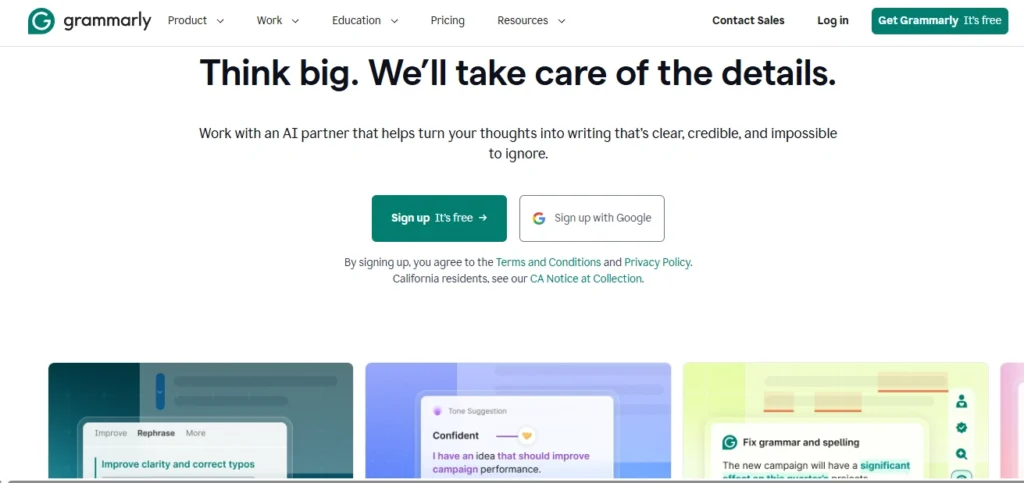
Grammarly works remarkably well. That’s not a compliment wrapped in a caveat — it genuinely performs, and the reason it’s dominated this space for years is because the core product is incredibly solid.
The browser extension sits quietly in the background and catches genuine syntax errors. For example, it highlights comma splices, subject-verb disagreements, and the kind of passive voice you write without noticing because you’re too close to the draft.
The Style Personality Overlap
When I ran my client proposal through it, Grammarly caught a construction I’d let slide for two editing passes — “the deliverables were reviewed and approved by the team” buried near the end. It changed it and immediately made the sentence faster.
However, I have a specific frustration with Grammarly that every other review ignores: it possesses a strict style personality and will nudge you toward it whether you want it or not. For instance, I had three intentional sentence fragments in the blog post I tested.
They were rhetorical and they worked. Grammarly flagged all three, but if I were a newer writer who trusted the tool without question, I’d have published a worse, more sterile piece.
The free plan covers basic spelling, which is enough for short emails. Meanwhile, the Premium tier at $12/month adds tone detection and a plagiarism checker. The Business tier adds style guides, which is where Grammarly actually earns its price if you’re managing writers.
- Works well for: Office workers, content teams, anyone whose writing is primarily email and documents.
- Doesn’t work well for: Writers with a strong personal voice, creative work, anything unconventional.
2. ProWritingAid
This is the specific software I completely underestimated.
Initially, I went in expecting it to feel like a budget version of Grammarly. The interface doesn’t have the same level of polish, the suggestions load a half-second slower, and the onboarding feels overwhelming. As a result, my first impressions were not great.
Deep Document-Level Analysis
Subsequently, I ran my 2,400-word technical explainer through it and the report it generated stopped me in my tracks. ProWritingAid doesn’t just flag errors in isolation; instead, it gives you a full picture of stylistic patterns across your document.
For example, it told me I’d used the word “essentially” six times. Furthermore, it flagged four consecutive sentences that all started with “The,” and showed me that 34% of my sentences were in passive voice.
That’s different from what Grammarly does. Grammarly tells you what’s wrong with a single sentence, whereas ProWritingAid tells you what’s wrong with your overall writing habits. The document-level analysis is where it truly separates itself.
- Works well for: Long documents, writers who care about structural patterns, fiction, and research writing.
- Doesn’t work well for: Quick email checks or people who find detailed reports overwhelming.
3. Hemingway Editor
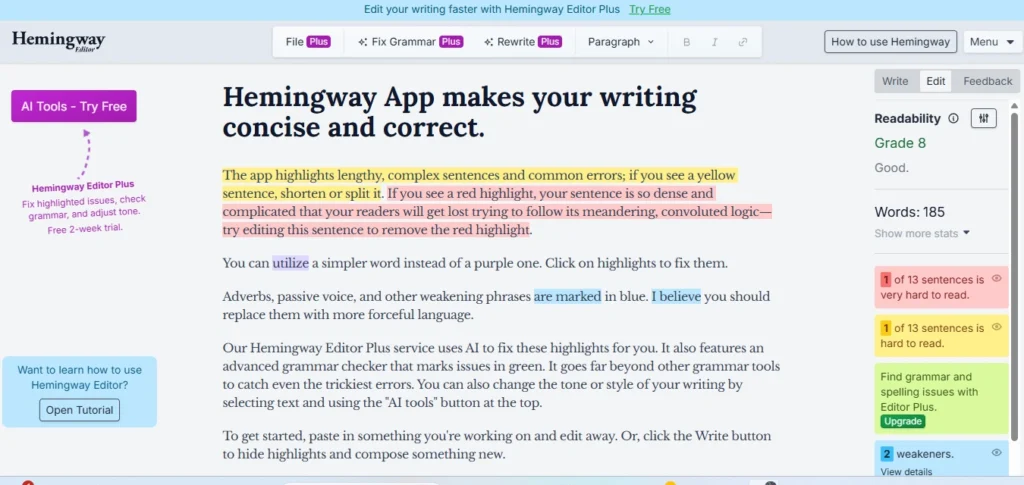
Hemingway is not a traditional grammar checker. I want to be clear about that upfront because people keep trying to use it like one and then complaining it doesn’t work.
What Hemingway does is highlight sentences that are structurally hard to read. Red means very hard, yellow means moderately difficult, purple highlights adverbs, and green flags passive voice.
That’s the whole tool—there is no complex database of grammar rules, just visual readability feedback.
Tightening the Prose
Furthermore, it’s genuinely useful for a specific purpose. I ran the same client proposal through Hemingway after Grammarly and found two sentences that were grammatically fine but structurally dense.
Because they contained long subordinate clauses, Grammarly had left them alone. Hemingway lit them up red, which forced me to look at them again and cut them both in half.
Note: Do not use this as your only editing tool since you will miss technical grammar errors. Use it exclusively as a final pass for structural readability.
- Works well for: Tightening prose, simplifying for general audiences, and a final readability pass.
- Doesn’t work well for: Catching grammar errors or anything written in a non-English language.
4. QuillBot
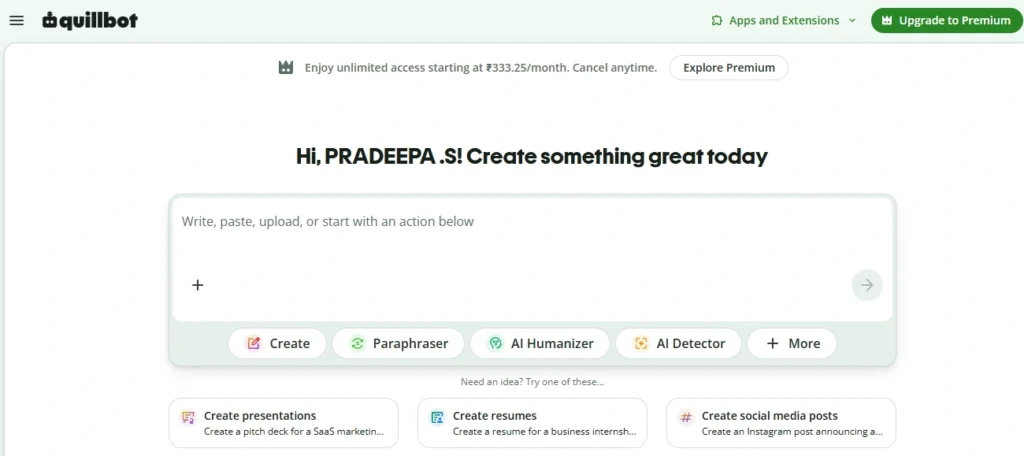
QuillBot often gets slotted into generic grammar lists, but its real strength lies in deep paraphrasing.
The paraphrase engine is legitimately impressive. You paste in a paragraph, choose a mode — such as Fluency, Formal, Simple, or Creative — and it generates alternatives.
In addition, for ESL writers specifically, QuillBot does something the other tools don’t do as well: it helps your prose sound natural, not just technically correct.
Grammatically correct English written by a non-native speaker often reads stilted in ways that are hard to pinpoint. Fortunately, QuillBot’s rephrasing adjustments address that issue directly.
- Works well for: Paraphrasing, ESL writers, summarizing content, and sentence-level rewrites.
- Doesn’t work well for: Deep grammar analysis or documents with complex style requirements.
5. Wordtune
Wordtune is harder to categorize than the others because it’s not trying to fix your grammar — it’s trying to optimize your phrasing.
The core feature is a dynamic rewrite suggestion panel. You highlight a sentence and Wordtune suggests anywhere from 5 to 10 alternative versions.
For instance, on weak sentences where I knew something wasn’t landing right, Wordtune’s alternatives sparked an immediate fix. On strong sentences, however, the suggestions were completely unnecessary.
Therefore, it works best for experienced writers who are already solid on grammar and want a tool for the harder problem — whenever they get stuck on flat sentences that don’t sing.
- Works well for: Writers stuck on flat sentences, marketing teams needing variation, and polishing rough drafts.
- Doesn’t work well for: Technical grammar checking or beginners who need foundational structural guidance.
6. LanguageTool
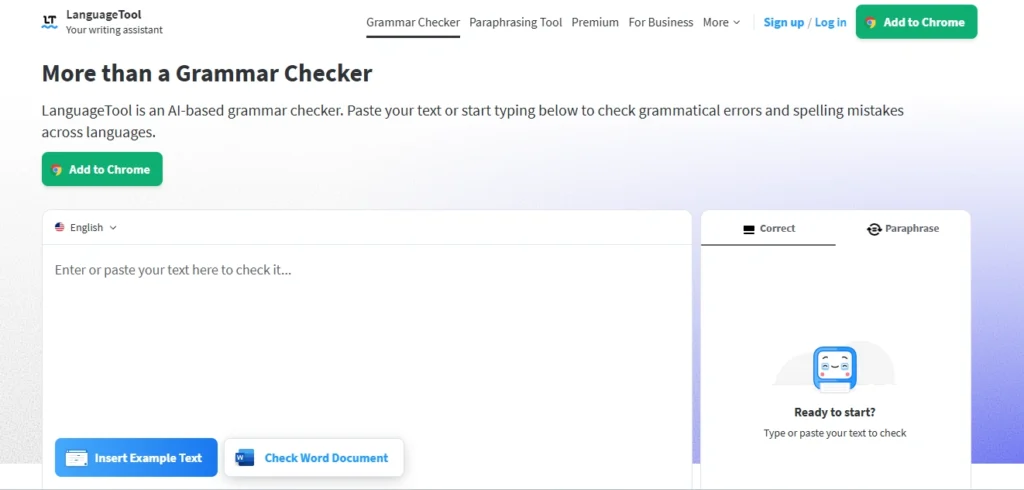
LanguageTool is genuinely underrated, primarily because it doesn’t market itself aggressively in English-speaking markets.
The unique value proposition here is that it works seamlessly across over 30 languages with native grammar rule databases.
If you write professionally in German, Spanish, French, or Dutch, LanguageTool is easily your best option. On the other hand, for English-only writing, it’s good but feels slightly more rigid and rule-based than AI-driven alternatives.
- Works well for: Multilingual writers, privacy-conscious users (it offers an open-source version), and budget-conscious users.
- Doesn’t work well for: Writers who want fluid, AI-powered contextual suggestions at Grammarly’s level.
7. Ginger Software
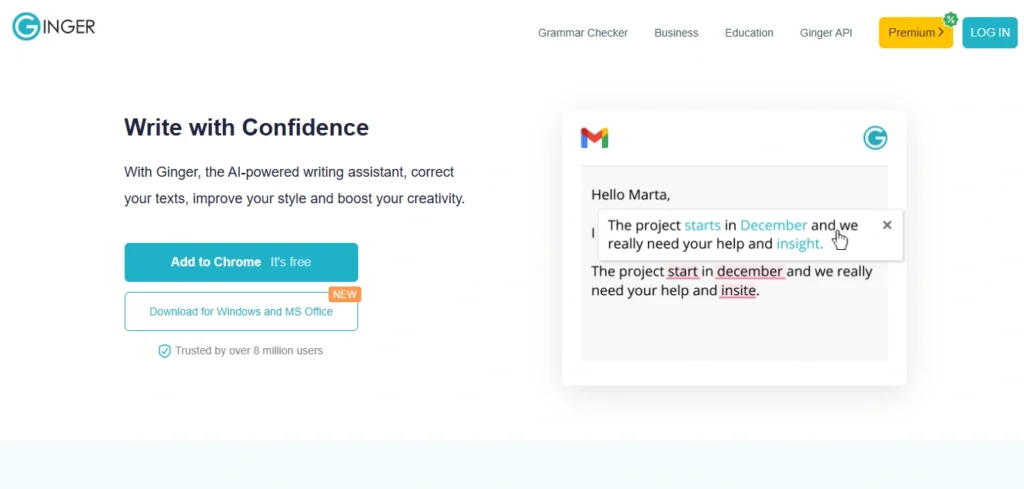
Ginger has been around since 2010, making it one of the oldest legacy tools in this entire category.
While its desktop application is standard, its mobile ecosystem is where Ginger maintains a distinct advantage.
Specifically, the Android and iOS keyboard integration is the best in this category. It works naturally within your existing phone layout rather than requiring you to copy-paste text back and forth.
- Works well for: Mobile-first writing and users who write significant amounts of text on their phones.
- Doesn’t work well for: Desktop power users who need advanced structural analysis tools.
My Actual Workflow After Testing All Seven
Instead of relying on a single platform, I currently use three tools doing different jobs:
- Grammarly Premium handles real-time checking for client emails and short documents to ensure quick clarity.
- ProWritingAid gets the long stuff. Any article over 1,500 words goes here to catch deeper structural habits.
- Hemingway serves as the final step to visually review clarity before hit publishing.
What These Tools Cannot Do
I want to end on this reality because AI grammar tools catch errors but completely lack human perspective. They are checking language mechanics; they are not actually reading your message.
Specifically, they cannot:
- Evaluate whether your core argument is truly convincing to a reader.
- Check if your overall narrative structure flows logically from point to point.
- Predict whether your target audience will actually care about the topic.
- Warn you if the most critical takeaway is buried too deep in the document.
Consequently, treat them as an assistant rather than an editorial replacement, or you’ll end up with clean, correct, but completely mediocre writing. Use the tools, but don’t outsource the thinking.