
Let me be upfront about something. I have a tab open right now with a chatbot that’s confidently telling users our return window is 14 days.
It’s been 30 days for eight months. Nobody updated it. That’s the chatbot story nobody puts in a “best of” roundup — the part after you deploy it.
I’ve tested a bunch of these platforms over the past year, not always for fun. Some of it was client work, some of it was curiosity, some of it was trying to fix a bot someone else set up and left undocumented.
I’ve seen what breaks, what silently fails, and what actually works when real users start poking at it.
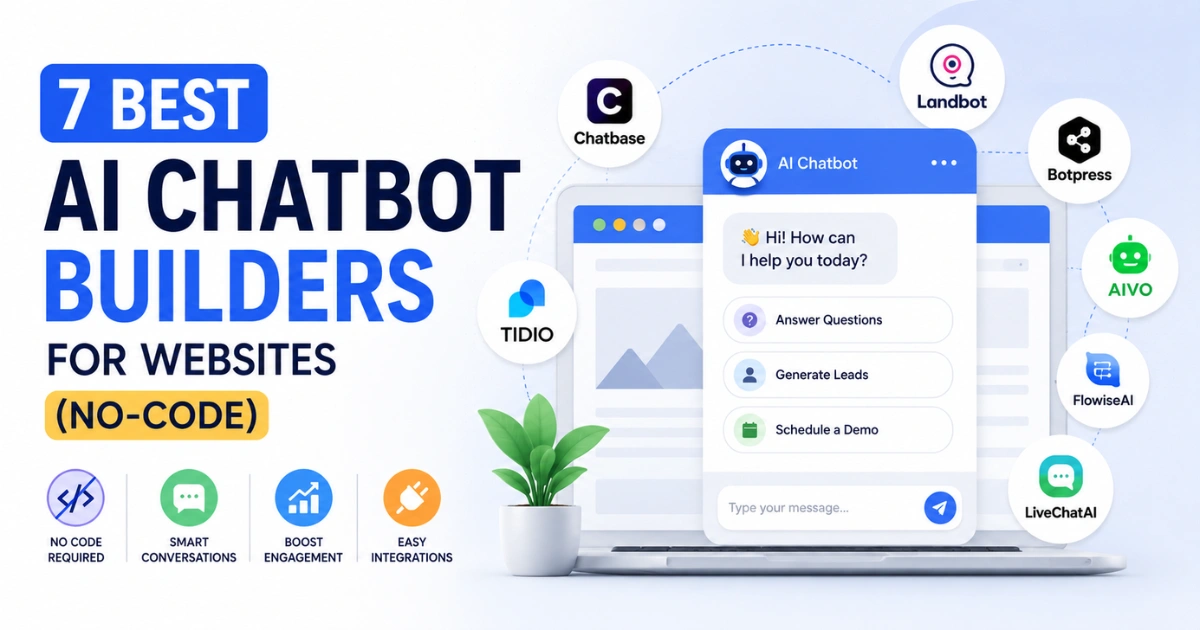
This list covers seven tools. They’re not all equal, they’re not all for the same thing, and I’ll tell you which ones I’d actually recommend versus which ones I’d only recommend in specific situations.
Quick Note on What “No-Code” Means Here
The category is kind of a mess, honestly. Some vendors call their product no-code when what they mean is “you don’t write Python.”
You still have to think through 30-node conversation flows, manage webhook logic, and understand how their credit system works before you get a working bot. That’s not what most people mean when they say no-code.
For this article, I’m treating no-code as: a reasonably non-technical person — a marketing manager, a founder without a developer on staff, a support team lead — can get something working and maintain it without filing an IT ticket every time something needs updating.
Also worth saying: the “which AI model does it use” question has basically stopped being interesting. GPT-4, GPT-4o, Claude, some combination — almost every platform on this list runs on something capable.
The differentiation now is how the product is built around the AI, not the AI itself. Understanding the real difference between AI agents and traditional chatbots is much more important for figuring out what you actually need to deploy.
Comparison Table
| Tool | Paid Plan Starts | Free Plan | What It’s Actually Built For | Human Handoff | How Hard to Set Up |
| Chatbase | $19/month | Yes — 1 bot, 100 credits | Website FAQ bot, fast deployment | No | Very easy |
| Tidio | ~$39/month (with Lyro add-on) | Yes — limited features | Ecommerce live chat + AI support | Yes | Easy |
| Landbot | €40/month | Very limited | Lead capture and structured flows | No | Easy |
| Botpress | $89/month + usage | Yes — 500 messages | Custom AI agents, developer teams | Yes (configurable) | Hard |
| ManyChat | ~$15/month | Yes — 1,000 contacts | Instagram/Facebook DM automation | No | Easy |
| Voiceflow | Varies by plan | Yes — limited | Complex conversation design | Yes (configurable) | Moderate |
| Intercom Fin | $0.99/resolution + seat fee | No | Enterprise support on Intercom | Yes — seamless | Easy if already on Intercom |
1. Chatbase
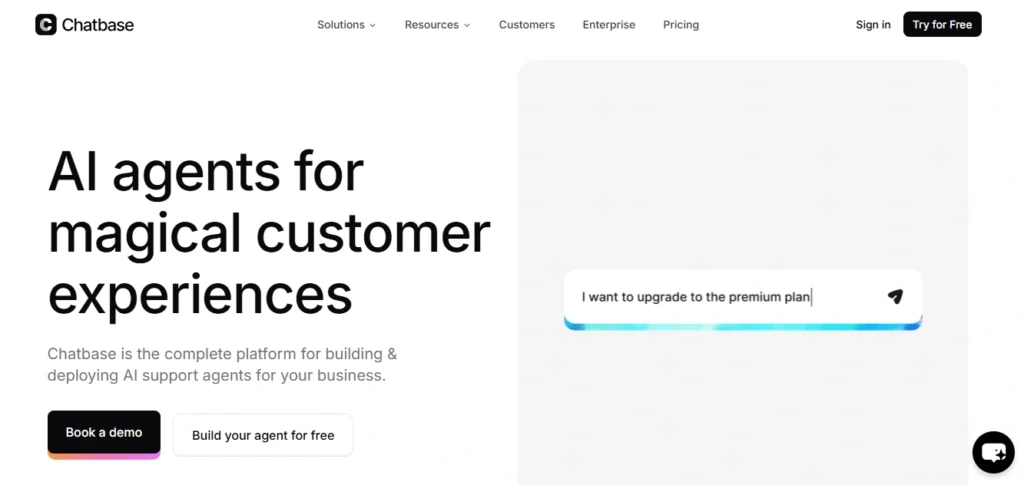
Who it’s for: Businesses that want an AI support bot on their website and want it working today, not next week.
I’ve set up Chatbase bots three times now for different projects. The fastest was 11 minutes from account creation to embedded widget — uploaded two PDFs and a URL, wrote a brief system prompt, copied the script tag. That’s genuinely fast.
The way it works: you give it content (PDFs, website URLs, Notion pages, raw text), it processes everything and builds a retrieval system from it. If you’ve ever wondered what RAG is in AI, this is it in practice.
When someone asks a question, the bot searches your content for the relevant chunk and generates an answer from that. It’s not magic — it’s pattern matching on your own documents — but for FAQ-type questions, it’s solid.
Where I’ve seen it struggle: Anything that requires pulling information across multiple documents and synthesising it into one answer. Ask it “what’s your return policy for international orders on sale items” when those three things are mentioned in different places — that’s where the cracks show.
If you’ve dealt with the hidden problem of why chatbots forget complex context, you’ll recognize that the retrieval is a bit shallow for advanced logic.
Pricing:
- Free plan: One chatbot, 100 message credits.
- Paid: Starts at $19/month.
- Note: Removing Chatbase’s branding is a separate $39/month charge. If you’re building this for a client or you want it to look like your own product, that’s not optional.
There’s also no real human handoff built in. When the bot hits something it can’t answer, it just… runs out. For a secondary support tool that’s fine. As your primary channel it’s a problem.
2. Tidio
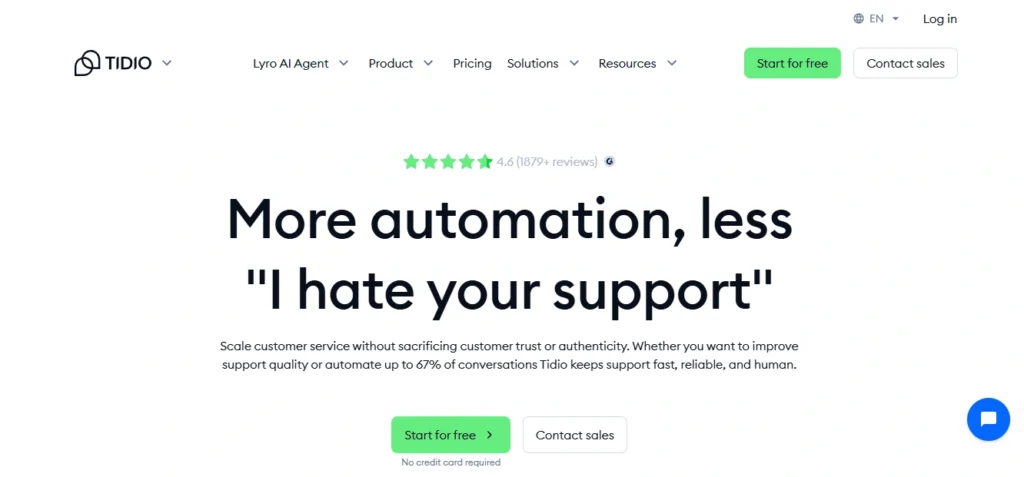
Who it’s for: Ecommerce, especially Shopify stores that already want live chat and want the bot layered into that.
Tidio started as a live chat tool and added AI later. That order of operations matters. The live chat side is the best part of the product — clean, fast, smooth handoff between bot and human when a conversation escalates.
The Shopify integration is legitimately good. I’ve watched it pull order status in real-time mid-conversation, which is the kind of thing that sounds like a feature demo but actually works in production.
The AI component is called Lyro. It trains on your website content and handles common questions. It’s not going to win any benchmarks but for “where’s my order” and “what’s your return policy” type volume, it works without needing much maintenance once it’s set up.
Pricing: This is where Tidio gets annoying. The base plan is affordable but Lyro AI ($39/month) and chatbot automation flows ($29/month) are separate line items. People sign up expecting one price and end up paying double or more once they realise the AI features they actually wanted aren’t included. Run the real numbers before you commit.
The flow builder is easy enough. Pre-built templates for abandoned cart, lead capture, that kind of thing. If your use case is standard ecommerce, you’re probably not building from scratch.
Skip Tidio if: Your customers mainly reach you on WhatsApp or Instagram. It’s website-first and fighting against that is annoying. Also skip it if you don’t actually need live agents — the strength of this product is the human-bot combination.
3. Landbot
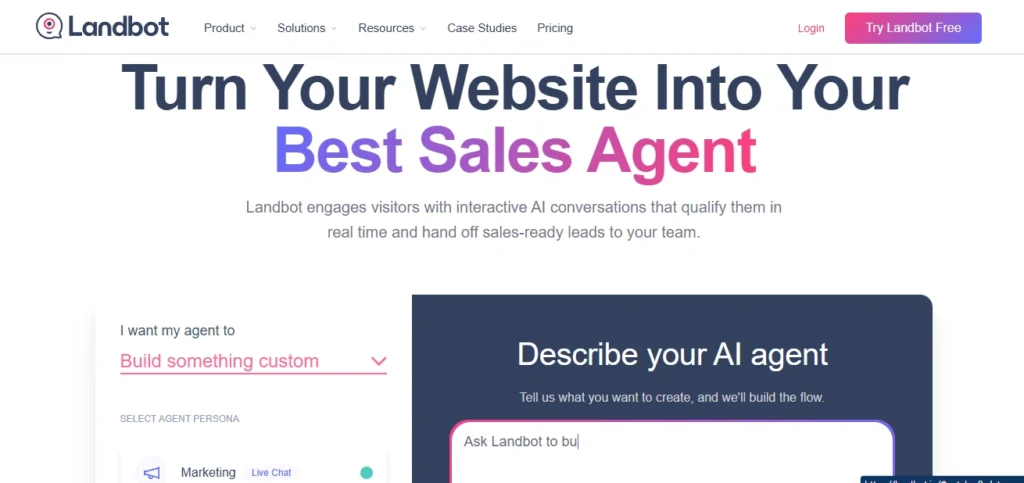
Who it’s for: Lead gen flows, booking forms, quote requests — basically anything where you want a structured conversation instead of an open-ended one.
Here’s the thing about Landbot: it’s not really a chatbot in the traditional sense. It’s more like a Typeform that pretends to be a chat interface. Which sounds like a criticism but is actually a compliment depending on what you’re trying to do.
The visual builder is good. Drag blocks, connect them, add branching conditions, define variables. I built a lead qualification flow for a B2B client in about 40 minutes — first time on the platform, no tutorial. The structure of the builder maps naturally to how a qualification conversation should work.
Where it falls apart: Open-ended AI conversation. If someone using your Landbot flow asks a question that isn’t in your predefined branches, the bot handles it awkwardly. It has GPT integration now but the product’s DNA is structured flows, and that shows. Compare this to Chatbase for open-ended Q&A and Chatbase wins easily.
Pricing:
- Web: Starts at €40/month for 500 chats and 100 AI chats with 2 seats.
- WhatsApp: Separate plan at €80/month. AI credit costs add up once you’re past basic usage.
If the question in your head is “I need a chatbot to answer customer support questions,” Landbot is probably the wrong call. If the question is “I want my contact forms to stop feeling like forms,” it’s worth a serious look.
4. Botpress
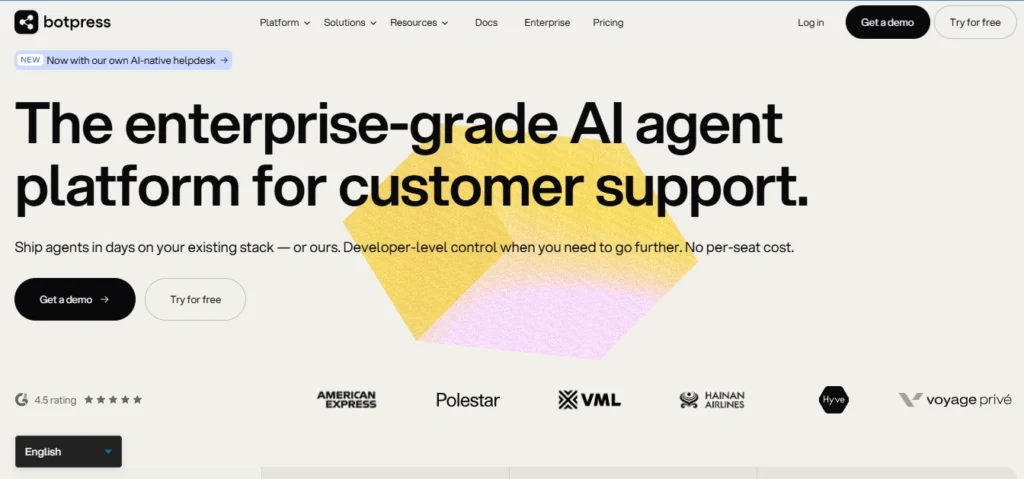
Who it’s for: Technical teams. Not “technically inclined” — actual technical teams.
I want to be straight about this one because Botpress gets mentioned in “no-code” roundups a lot and it creates confusion. Yes, it has a visual builder. No, a non-technical person is not going to comfortably own this tool in production.
The Studio interface gives you nodes — user inputs, AI responses, API calls, conditional logic — and you connect them. For someone who thinks in systems and has built flows before, it clicks. For a marketing manager who just wants a chatbot that answers product questions, it’s going to be a frustrating afternoon.
What you get for that complexity: serious flexibility. Multiple LLM provider support (you choose which model handles which step), open-source architecture so you can self-host, JavaScript access when the visual builder isn’t enough, and a deployment path to basically any channel. It’s the most capable tool on this list by a significant margin.
Pricing:
- Free tier: 500 messages/month, full builder access.
- Plus plan: $89/month.
- Team plan: $495/month. Then LLM costs on top, then overage fees. Real production costs usually land somewhere between $170 and $400/month once you account for all of it. If you’re managing this, you’ll need a solid strategy on how to reduce OpenAI API costs to keep your bills manageable at scale.
The self-hosting option is real and matters if you have GDPR concerns or just don’t want your customer conversation data routing through three different vendor clouds.
5. ManyChat
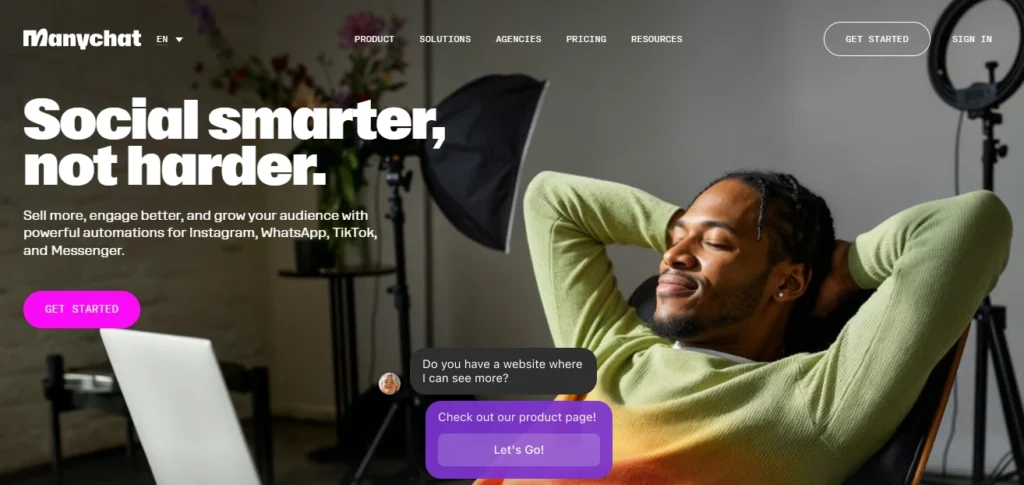
Who it’s for: Instagram-first businesses, course creators, consumer brands that live and die by DM conversion rates.
ManyChat is not a website chatbot. I’m putting that upfront because half the confusion around this tool comes from people who buy it expecting a website widget and end up with something that doesn’t solve that problem at all.
What it is: the best tool available for automating Instagram and Facebook DM flows. The comment-to-DM automation specifically — where someone comments on a post and automatically receives a DM — is genuinely effective for driving signups, capturing leads, and running giveaways. Instagram’s algorithm also seems to reward this engagement pattern, which is a side benefit.
Pricing:
- Free plan: Covers 1,000 contacts across Instagram, Facebook, and WhatsApp.
- Paid plans: Start around $15/month and scale by contact count.
The AI side is basic. ManyChat is flow-based marketing automation, not an AI that can answer open-ended questions. If someone asks something outside your defined flow, it doesn’t handle it well. For the use case it’s built for, that doesn’t matter — you’re not asking people to have an open conversation, you’re guiding them through a defined funnel.
6. Voiceflow
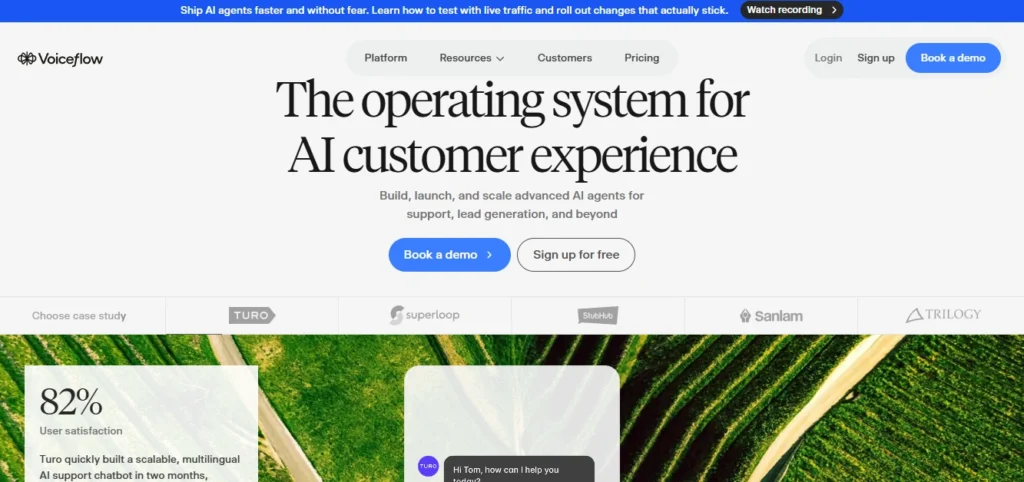
Who it’s for: Product teams and conversation designers building something complex that needs to be designed properly, not just configured.
Voiceflow is the most design-oriented tool on this list. It started as an Alexa skill builder, which tells you something about the level of conversation architecture it was built to support.
The canvas interface lets you map out multi-step flows with branching logic, context variables, disambiguation handling, and response variants.
Teams building something with real complexity — a support bot that routes differently based on account type, subscription tier, and issue category, for example — tend to appreciate how precisely you can control the experience in Voiceflow.
Two things to check before committing:
- WhatsApp, Twilio SMS, and Teams integrations were dropped in 2025 and now require third-party connectors. Verify what the current setup actually requires.
- This product is better as a design and prototyping environment than a production deployment platform at scale. Some teams find the hand-off from “designed in Voiceflow” to “running reliably for thousands of conversations” requires more work than expected.
7. Intercom Fin
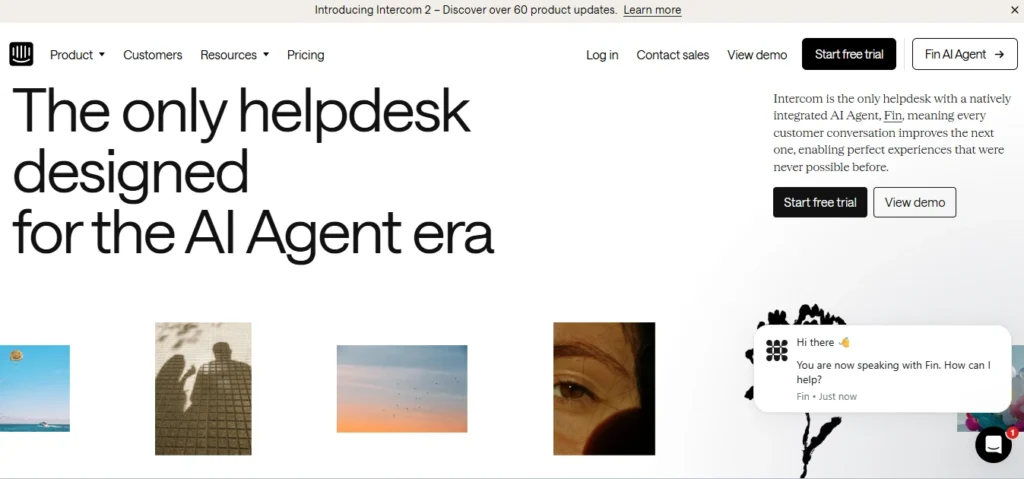
Who it’s for: Companies already inside the Intercom ecosystem with real support volume.
Fin is the AI agent built into Intercom. It’s powered by GPT-4 and pulls answers from your help docs and past conversation history.
Resolution rates of 50%+ are commonly reported by teams with solid knowledge bases — meaning more than half of inbound support conversations get fully handled without a human touching them. This is the clearest example of why AI won’t replace your team — but it will replace your workflow.
Pricing:
- Model: Per-resolution ($0.99 each time the bot fully handles a conversation, on top of the base Intercom seat cost). At low volume that sounds fine. At 2,000 resolutions a month you’re adding close to $2,000 in AI fees alone. Model your volume honestly before assuming this is cost-efficient for your situation.
The handoff when Fin can’t answer is the best of any tool here. The full conversation context transfers to an agent — no “let me transfer you” dead air, no repeating information. That’s harder to build than it sounds and Intercom does it well.
If you’re not already on Intercom: the setup timeline for a new customer is 2-4 weeks minimum, the cost base is higher than anything else on this list, and migrating your knowledge base is real work.
This product makes most sense as an upgrade to a support stack you’re already running, not as a starting point.
Honestly, How Do You Pick?
Start with the channel question. Where do your customers actually reach you?
- Website only — Chatbase or Tidio depending on whether you need live chat.
- Mostly Instagram — ManyChat, nothing else is close.
- Enterprise support stack — Intercom Fin if you’re already there.
Then ask who on your team is going to maintain this. If the answer is “whoever has 20 minutes,” pick something simple: Chatbase, Tidio, or Landbot. If you have a technical person who’s willing to actually own the build, Botpress opens up a lot.
The thing I’d push back on: the instinct to pick the most powerful tool “just in case.” I’ve seen Botpress deployments that sat half-configured for six months because nobody had time to finish them.
A Chatbase bot that’s well-maintained and updated weekly will outperform an ambitious, over-engineered setup every single time. It is exactly why AI projects fail before they ever reach production.
Also — and this is the thing that bites people — ask any vendor you’re evaluating what your actual monthly bill looks like at your expected conversation volume with the features you need. Get a specific number.
Branding removal fees, extra credit tiers, per-seat add-ons, AI usage charges — these are real costs that several of these tools bury below the headline price. The number you see on the pricing page is almost never the number you pay.