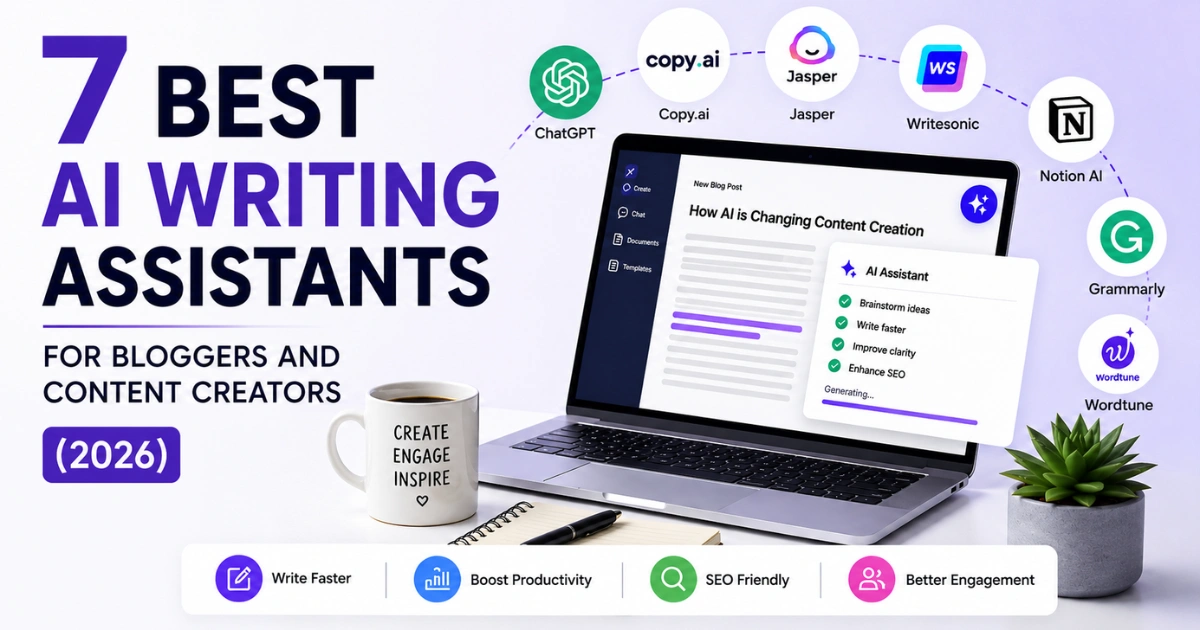

Okay, I’ve been using AI writing tools since the days when GPT-3 would confidently tell you that Barack Obama was the current US president and you’d have to clean it up paragraph by paragraph. We’ve come a long way from that.
But here’s what nobody tells you in these roundups — most AI writing tools you’re paying $60, $80, $120 a month for are just fancy interfaces sitting on top of the same models you could access directly for $20. That’s the thing that annoyed me enough to actually sit down and test these properly.
I ran seven tools through the same brief. Same topic, same rough requirements, same amount of setup time. No cherry-picking the best output on the fifth try. Here’s what I actually found.
Comparison Table
| Tool | Best For | Free Plan | Starting Price | SEO Built-in |
| Claude (Anthropic) | Long-form, natural writing | Yes | $20/month Pro | No |
| ChatGPT GPT-5.5 | All-round daily use | Yes | $20/month Plus | No |
| Jasper AI | Brand teams, content at scale | No (7-day trial) | $49/month | Via Surfer add-on |
| Surfer SEO | SEO and AI search ranking | No | $79/month | Yes — core feature |
| Writesonic | Budget-friendly SEO writing | Yes (limited) | $16/month | Yes |
| Copy.ai | Short-form, repurposing, ideation | Yes | $49/month | No |
| Grammarly | Editing and tone across platforms | Yes | $12/month Pro | No |
1. Claude — The One That Actually Sounds Like a Person Wrote It
I’ll be honest, I came into this testing expecting Claude to be good but not this good for longform. The difference isn’t subtle.
When I gave it a detailed brief — context, tone notes, target reader, competing articles to reference — what came back needed far less editing than anything else I tested. Not no editing. But less.
What’s happening under the hood is that Claude handles context unusually well. You can paste in a 5,000-word research document, your existing article drafts, three competitor posts, and your outline, and it doesn’t start forgetting the earlier stuff by paragraph eight.
That matters more than people realise. So many AI-written articles fall apart in the second half because the model stops tracking the beginning. Claude is noticeably better at maintaining coherence across a long piece.
It’s also — and I know this sounds vague but it’s real — better at sounding like it has a point of view. Other tools produce competent summaries. Claude can make an argument.
- What I don’t like: There’s no built-in SEO layer. At all. If organic search is your goal, you’re using Claude to draft and then jumping into Surfer or Writesonic to check your optimization. That extra step irritates me even though I’ve accepted it.
Also, the free tier will cut you off mid-session if you’re working on something long, which is deeply annoying. - Pricing: Free tier. Claude Pro is $20/month.
- Use it if: You’re a solo blogger, a journalist, anyone writing pieces where voice and quality actually matter to you. Not the right pick if your whole strategy is SEO volume production.
2. ChatGPT (GPT-5.5) — The Swiss Army Knife You Already Have
Everyone’s using ChatGPT. The question is whether you’re using it well or just generating mediocre first drafts and wondering why it’s not as good as everyone says.
GPT-5.5 landed in April 2026 and it’s a meaningful upgrade. The context window is now 1 million tokens — which sounds absurd until you realise you can paste your entire blog archive into it and ask it to match your writing style and identify content gaps simultaneously.
That’s actually useful in ways that weren’t possible six months ago.
Where ChatGPT genuinely wins is versatility. It does research synthesis, outlines, headline testing, repurposing, email sequences, ideation, brainstorming, coding for your blog… it does all of it passably to well. Claude beats it on pure longform prose quality.
Surfer beats it on SEO. But nothing beats it for being a writing room companion across the full range of tasks you deal with as a content creator.
Custom GPTs are worth setting up if you haven’t. I have three: one loaded with my brand voice and topic guidelines for blog drafts, one for social repurposing, one for newsletter structure. First-time setup takes maybe an hour. The time it saves after that is real.
- Where it lets you down: Vague prompts get you generic content, and a lot of people blame the tool when the real issue is the input. You have to be specific. Also, the free tier on GPT-4o is good but not GPT-5.5 good, and that’s where the actual improvement lives.
- Pricing: Free (GPT-4o). ChatGPT Plus at $20/month for GPT-5.5.
- Use it if: You want one AI tool that handles everything from drafting to research to repurposing, and you’re willing to put some effort into prompting properly.
3. Jasper AI — Good. Also Oversold. Let Me Explain.
Jasper has a marketing machine that makes it sound like the category leader in AI writing. It’s not, for most individual bloggers. But it is the right tool for a specific type of operation, and that distinction matters.
What Jasper does that genuinely impresses me is workflow at the team level. If you’re running a content operation with multiple writers and you need every single piece to sound like it came from the same brand — same tone, same terminology, same positioning — Jasper’s Brand IQ feature actually does that.
You train it once. It enforces it consistently. The alternative is writing a detailed style guide, praying your writers read it, and editing everything manually. Jasper is cheaper than the time that takes.
The Surfer SEO integration inside the Jasper document editor is also legitimately useful. Writing a blog post while SEO scoring happens in a side panel in real time — not copying text back and forth between two tabs — that’s a workflow improvement that adds up across dozens of posts.
- The uncomfortable truth: Raw prose quality from Jasper needs editing. Users on Reddit and G2 consistently flag that output is generic without very careful prompting and setup.
And the pricing is hard to stomach for solos — $49/month Creator, $125/month Pro with the SEO features, no permanent free plan, just a 7-day trial with your credit card already entered. That’s a lot of commitment before you know if it fits your workflow. - Pricing: Creator from $49/month. Pro from $125/month. 7-day trial only — no free plan.
- Use it if: You’re a marketing team, content agency, or established publisher producing high volumes across multiple writers. Not the right call for a solo blogger doing four posts a month.
4. Surfer SEO — I Use This Every Week and That Says Something
I wasn’t expecting to like Surfer as much as I do. The interface looks like it was designed by someone who loves spreadsheets a bit too much, and the onboarding isn’t particularly smooth.
But it does the thing it does better than anything else: it tells you specifically why your content isn’t ranking and exactly what to do about it.
The Content Editor scores your draft against top-ranking pages in real time. It shows you what terms you’re missing, what entities Google expects to see covered, where your word count stands relative to competitors, and what questions your audience is asking that you haven’t addressed. It’s not guesswork. It’s the specific information you need to make a decision.
The 2026 addition that changed things for me personally: Surfer now tracks how your content performs in AI search — ChatGPT citations, Claude answers, Perplexity results.
That AI Tracker feature ($95/month add-on) monitors whether your brand and content are showing up in AI-generated answers, not just Google blue links.
For anyone whose traffic strategy includes being cited by AI tools (which is increasingly everyone), this is information you simply can’t get anywhere else right now.
- Where it lets you down: Surfer doesn’t write your articles. That’s worth saying clearly. You still need Claude or ChatGPT for the actual drafting. What Surfer does is answer the question “will this actually rank?” before you publish, and then tell you how to fix it if the answer is no.
- Pricing: Essential plan from $79/month (billed annually). AI Tracker is an add-on at $95/month.
- Use it if: Organic traffic is your primary acquisition channel and you’re publishing seriously enough to warrant the investment. Not for casual bloggers.
5. Writesonic — Underrated, Especially at This Price
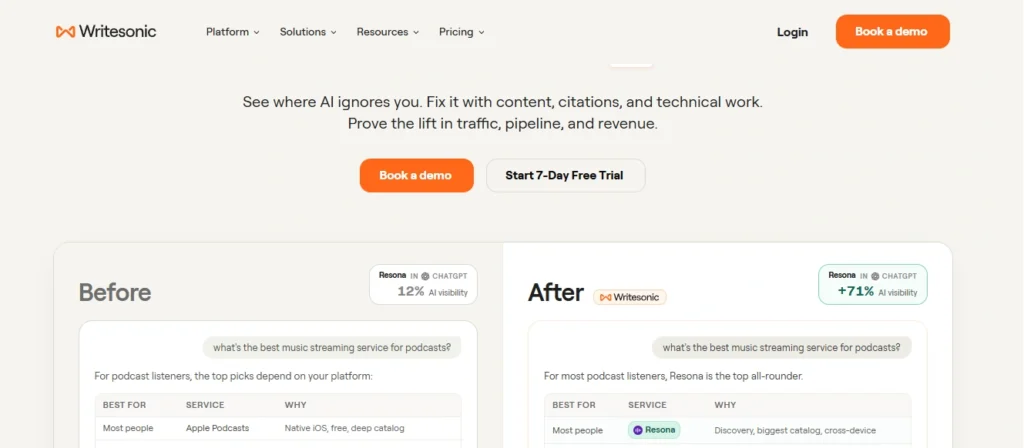
Writesonic doesn’t get the attention it deserves because it doesn’t have the marketing budget of Jasper or the brand recognition of ChatGPT. That works in your favour if you’re budget-conscious and need SEO baked in without paying for two separate tools.
Here’s what I noticed testing it: the SEO features feel native, not bolted on. Keyword research, SERP analysis, and content scoring sit inside the same drafting environment.
For a solo blogger who can’t justify $79/month for Surfer on top of a $20/month AI writing subscription, Writesonic’s all-in-one approach at $16/month makes a lot of sense.
The real-time web data integration is worth flagging. Unlike pure language models, Writesonic pulls current sources when generating certain content types, which reduces (not eliminates, but reduces) the fact-checking burden on technical and news-adjacent topics. That’s actually useful.
- Where it falls down: Long-form writing feels formulaic to me. The structure is usually solid. The voice is… fine. Not memorable. The pieces it produces feel like competent SEO articles rather than content that makes someone want to share it.
Which, honestly, is fine for a lot of use cases. Not every blog post needs to be literature. If your goal is traffic and your articles are a means to that end, Writesonic delivers. - Pricing: Limited free plan. Paid from $16/month.
- Use it if: You’re a solopreneur or small team that wants SEO writing and optimization in one place without the Jasper price tag.
6. Copy.ai — Better for Repurposing Than for Writing from Scratch
Copy.ai is honest about what it is now, which I respect. It repositioned as a marketing operations platform rather than an AI writer, and that framing is accurate.
It’s not where you go to write a 2,500-word guide. It’s where you go when you have that guide and you need to turn it into six LinkedIn posts, a newsletter intro, three headline variations, and an email subject line before lunch.
The Brand Voice feature works well. This is consistently the thing people mention when they like Copy.ai — it actually remembers your tone across sessions in a way that feels consistent. If you’re working with multiple clients, the ability to switch between stored brand voices without re-explaining everything is genuinely time-saving.
The First Draft Wizard generates a full article from a topic and a few inputs. The output is… usable as a starting point. I wouldn’t call it good exactly — it’s more like a scaffolded first pass that shows you the shape of the piece.
For writers who find starting the hardest part, that value is real. For anyone expecting a polished draft, adjust expectations.
- Pricing: Free plan available. Paid plans from $49/month.
- Use it if: You have existing content that needs to be multiplied across formats and platforms, or if you’re frequently stuck at the ideation and blank-page stage.
7. Grammarly — The Tool You’ll Use Even If You Use Everything Else
Grammarly is unglamorous. Nobody posts about it on Twitter. There’s no discourse about whether it’s going to replace writers. It just sits in the background and catches things you’d be embarrassed to publish.
After the rebrand to Superhuman in late 2025, the core editing functionality stayed intact and the AI rewriting layer improved.
The tone detection is better than it was — it’ll flag a paragraph that reads more confrontational than you intended, or tell you when passive voice is quietly making your writing worse. These are small catches that matter at publication scale.
The reason Grammarly stays on this list even in 2026 is simple: it works everywhere. While every other tool on this list wants you writing inside their platform, Grammarly follows you to Gmail, Google Docs, WordPress, LinkedIn, Notion, wherever you’re already working.
That frictionless integration is its biggest advantage and the reason I still have it installed despite using Claude and ChatGPT for most of the actual drafting.
For AI-assisted content specifically, Grammarly is useful as a final pass — it catches the robotic constructions that slip through even good AI output, the passive voice clusters, the sentences that technically say something but don’t quite land. Not a replacement for a human editor on important pieces, but a worthwhile net.
- Pricing: Free tier covers basics well. Pro from $12/month.
- Use it if: Honestly, everyone. Especially anyone publishing AI-assisted content who wants a fast editorial safety net that doesn’t require changing where you write.
What Stack Actually Makes Sense for Different Situations
I’ve watched bloggers spend $200/month on tool subscriptions they don’t fully use. Here’s what I’d actually recommend:
- If you’re a solo blogger publishing a few times a month: Spend $20/month on either Claude Pro or ChatGPT Plus and nothing else initially. Get good at prompting. Learn what you actually need before adding tools.
- If traffic is your main goal and you’re publishing seriously — at least weekly: The setup that makes sense is ChatGPT Plus for drafting plus Surfer SEO Essential for optimization. Around $99–100/month total. That combination handles quality and ranking without unnecessary overhead.
- If you’re running a team or agency: Jasper Pro with Surfer included, Claude for the pieces that need deeper quality, Grammarly Pro for consistency across writers. Budget $150–200/month and treat it as infrastructure rather than a subscription you’re evaluating monthly.
Copy.ai and Writesonic both earn their place in specific situations — Copy.ai for repurposing-heavy workflows, Writesonic for budget-conscious solo operators who need SEO baked in. Neither is essential if the tools above already cover your actual needs.
The Thing Worth Saying
AI writing tools in 2026 are genuinely good at structure, decent at synthesis, and increasingly good at matching a voice you’ve given them examples of. What they’re still not good at is the part of writing that makes people actually care about what you wrote.
The bloggers getting real results from these tools are using them to move faster through the mechanical parts — first drafts, outlines, repurposing, keyword coverage — so they have time and energy left for the decisions that matter: the specific example from their own experience, the counterintuitive angle, the sentence that makes someone feel seen.
That’s not something any of these tools can provide. But they can get you to the point where you’re making those decisions faster, and that’s worth paying for.