Exploring AI, One Insight at a Time

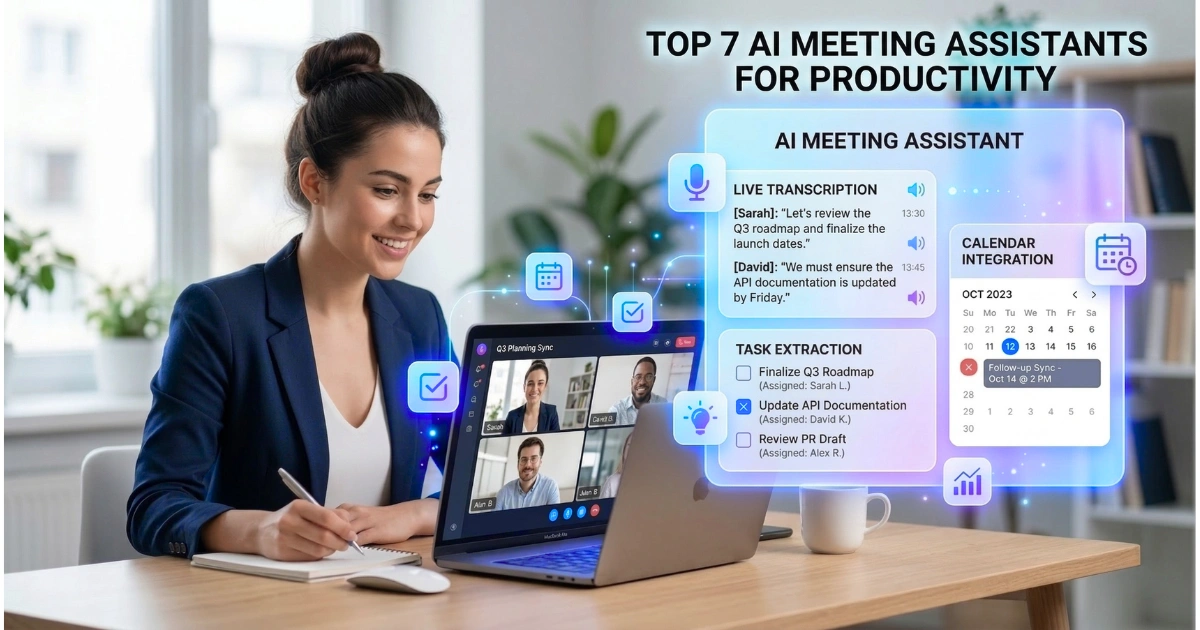
Top 7 AI Meeting Assistants for Productivity

We’re past the experimental phase with AI at work. We rely on it now. Why? Because the sheer volume of virtual meetings is crushing us. Knowledge workers switch apps roughly 1,200 times a day, and you lose vital context every time you jump from one call to the next.
That’s why AI meeting assistants aren’t just a novelty anymore; they’re necessary to stop things from slipping through the cracks.
These aren’t the clunky dictation tools from five years ago. Today’s platforms act as agentic workflows. They pull data from emails, Slack, and Jira to build a functional working memory for your entire company.
The financial side is hard to ignore. We’re looking at a market hitting over $21 billion by 2033, driven entirely by companies desperate to claw back time lost to administrative busywork. If an automated system saves a sales rep 11 hours a week, that’s almost a day and a half they can spend actually executing strategy instead of typing up notes.
Technical Evaluation Criteria for 2026 Meeting Intelligence
If you’re picking a tool this year, you need to look past the marketing hype. Here is what actually matters when you deploy these systems in a real-world setting.
Transcription Precision and Language Support
Word Error Rate (WER) is your baseline. A 90% accuracy rate used to be acceptable, but top-tier platforms hit 95% or better now.
They have to handle heavy accents, terrible microphone audio, and overlapping speakers without turning the transcript into gibberish. Real-time translation is also becoming table stakes for distributed global teams.
Integration Depth and Agentic Workflows
A transcript sitting in a vacuum is useless. The real test is whether the assistant pushes that data where it belongs automatically. Does it update Salesforce? Does it draft a follow-up email that actually sounds like you? The best tools handle these multi-step tasks across your existing stack without you having to lift a finger.
Recording Methodology: The Bot vs. Botless Debate
How the tool records matters. A lot of platforms send a visible bot to join your Zoom call. It works, but it can kill the vibe in a sensitive HR meeting or make clients uncomfortable.
Because of this, “botless” native integrations—where the recording happens invisibly in the background—are gaining serious traction among executives who hate the “creepy” factor of a visible bot.
Governance, Privacy, and Data Sovereignty
You are feeding these assistants highly sensitive corporate strategy. SOC 2 Type II, HIPAA, and GDPR compliance are non-negotiable. We’re also seeing a huge push for data sovereignty—companies demanding their data stays in their own region and isn’t used to train public language models.
| Metric | Benchmark Standard (2026) | Business Impact |
| Word Error Rate (WER) | < 7% | High accuracy reduces manual cleanup time. |
| Processing Latency | < 30 seconds post-call | Immediate access for back-to-back meetings. |
| Integration Count | 40+ Native Apps | Eliminates manual data entry across the stack. |
| Security Certification | SOC 2, GDPR, HIPAA | Necessary for legal, finance, and healthcare. |
| Language Support | 30+ Dialects | Facilitates international scaling and inclusion. |
1. Fireflies.ai: The Enterprise Workflow Standard
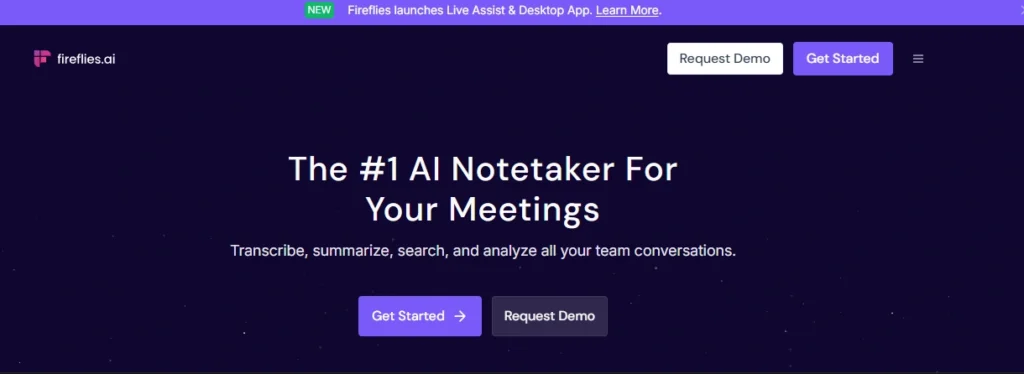
Fireflies.ai essentially turns your meetings into a structured database. It connects with basically everything and treats your spoken conversations like actionable data points.
Overview and Market Position
This platform integrates perfectly across Zoom, Teams, Webex, and standard dialers. Operations and sales teams lean on it heavily to automate the tedious data entry that usually follows a client call.
Why Fireflies.ai Was Picked
We selected it for the massive integration ecosystem and the “AskFred” search agent. If you need to find a specific pricing commitment you made three months ago, Fireflies finds it in seconds. It bridges the gap between talking about something and actually getting it done.
Core Features and Technical Capabilities
Fireflies uses language models to track specific conversational themes. If a prospect mentions a competitor, Fireflies tags it. It also maps speaker sentiment. The “Soundbites” feature is a great touch, letting you cut short audio clips of a customer’s exact phrasing to drop directly into a Slack channel for your product team.
| Specification | Detail |
| Platform Support | Zoom, Meet, Teams, Webex, Skype, WhatsApp |
| Transcription Accuracy | ~90-95% in business English |
| Language Support | 69+ Languages |
| Native Integrations | 40+ (Salesforce, HubSpot, Slack, Asana, Notion) |
| Security | SOC 2 Type II, HIPAA, GDPR (Business/Enterprise tiers) |
- Pros: Robust automation; excellent cross-meeting search via AskFred; detailed analytics on speaker talk-time and sentiment.
- Cons: The presence of a visible bot (Fireflies Notetaker) can be intrusive; the dense feature set can lead to a steeper learning curve for non-technical users.
- Reason to Buy: Organizations should invest in Fireflies.ai if they prioritize workflow automation and need to consolidate meeting intelligence into a central repository that can be queried by AI. It is the definitive “set and forget” tool for teams that live in their CRM.
2. Otter.ai: The Leader in Real-Time Collaborative Notes
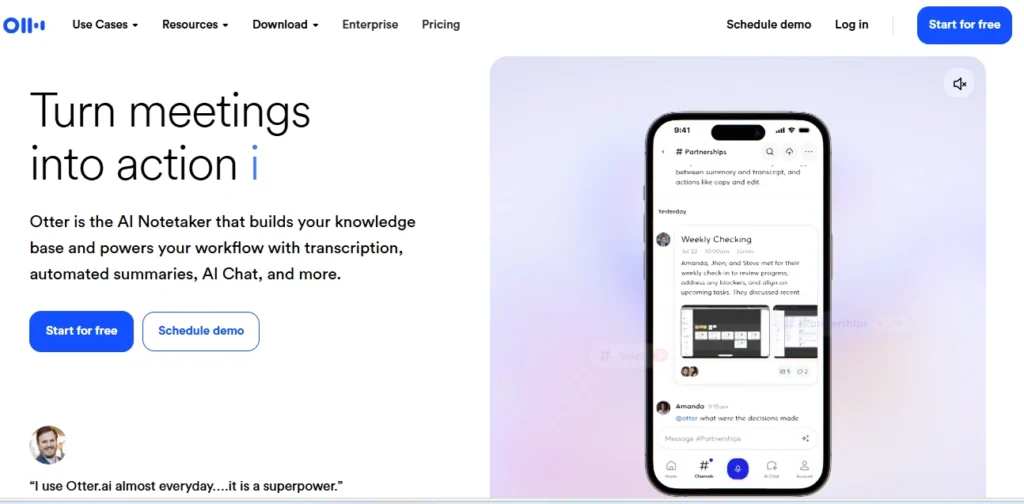
Otter is built entirely around the live meeting experience. Instead of just sending you a recap after the fact, it turns the active call into a shared workspace.
Overview and Market Position
Otter is known for its clean, “smart notebook” feel. It is a massive favorite among media professionals and educators who need to see a live transcript to stay focused. The OtterPilot auto-join feature also ensures you never miss a recording, even if you are double-booked.
Why Otter Was Picked
The real-time AI Chat is the differentiator here. You can literally ask the AI questions during the call—like summarizing the last ten minutes if you joined late. It’s perfect for fast-moving teams that need to collaborate on the fly.
Core Features and Technical Capabilities
You can highlight text, add comments, and tag colleagues directly in the live transcript. The speaker identification is fairly robust, though the transcription engine can occasionally struggle if there’s heavy background noise compared to some audio-first competitors.
| Specification | Detail |
| Platform Support | Zoom (Native), Google Meet, Microsoft Teams |
| Free Tier Limit | 300 minutes per month |
| Max Meeting Duration | 30 mins (Free) / 4 hours (Business) |
| Mobile App | iOS and Android (High rated) |
| Transcription Accuracy | ~85-90% (lower with heavy accents) |
- Pros: Industry-leading real-time transcription experience; easy-to-use mobile app; helpful in-meeting AI chat.
- Cons: Transcription quality can dip with non-English languages or significant background noise; the bot (OtterPilot) can sometimes be perceived as intrusive.
- Reason to Buy: Otter is the best choice for professionals who need a highly intuitive, mobile-friendly tool for both virtual and in-person meetings. It is ideal for those who prioritize simplicity and live collaboration over deep CRM data mapping.
3. tl;dv: The European Standard for High-Growth Teams
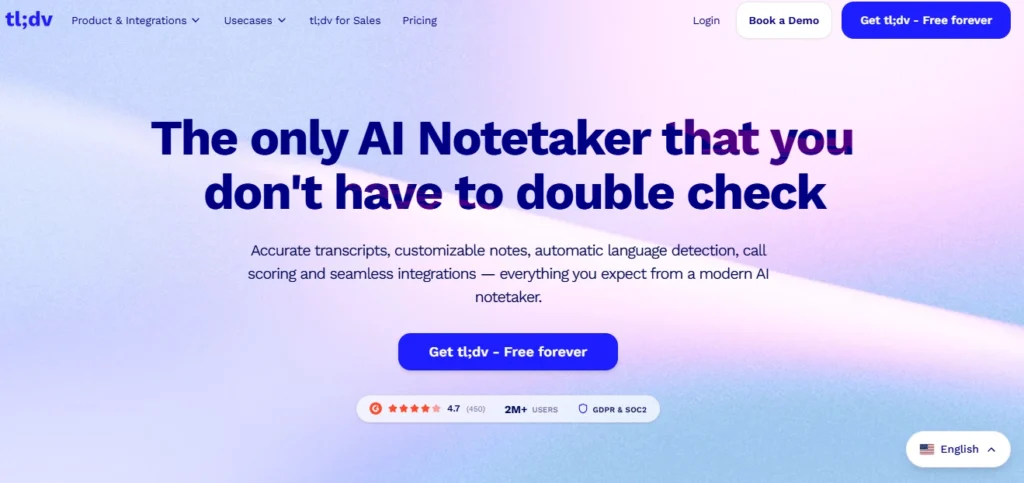
tl;dv (Too Long; Didn’t View) grew out of Amsterdam and built its reputation entirely on handling video highlights efficiently.
Overview and Market Position
It’s designed to stop you from having to watch a full hour-long recording just to get five minutes of context. Remote teams use it heavily to cut down on total meetings by sharing asynchronous video clips instead.
Why tl;dv Was Picked
The free tier is incredibly generous, and the privacy controls are top-notch. Because they offer strict EU-based data hosting, it’s the default choice for GDPR-conscious companies. They also offer multi-meeting trend analysis that you usually have to pay enterprise prices to get.
Core Features and Technical Capabilities
During a call, you click a floating button to instantly timestamp an important moment. Later, the AI stitches those moments into a highlight reel. It pushes this data straight into HubSpot or Salesforce, and the paid tiers will even automatically score your sales discovery calls based on standard BANT/MEDDIC frameworks.
| Specification | Detail |
| GDPR Compliance | EU-based hosting and data residency |
| Language Support | 30+ languages with high accuracy |
| Free Plan | Unlimited recordings and transcriptions (limited AI) |
| Integrations | 6,000+ via Zapier/Make; native CRM sync |
| Specialty | Video highlights and timestamped recaps |
- Pros: Best-in-class free tier; strong focus on privacy and EU hosting; excellent for coaching and sharing video clips.
- Cons: Full AI summaries are restricted to the Pro plan; limited native project management features compared to monday.com or Fireflies.
- Reason to Buy: Teams that conduct high volumes of customer interviews or sales calls should choose tl;dv to build a searchable video library of customer insights. It is the definitive choice for European teams that cannot compromise on data privacy.
4. Fathom: The Fast, Frictionless Solution for Individuals
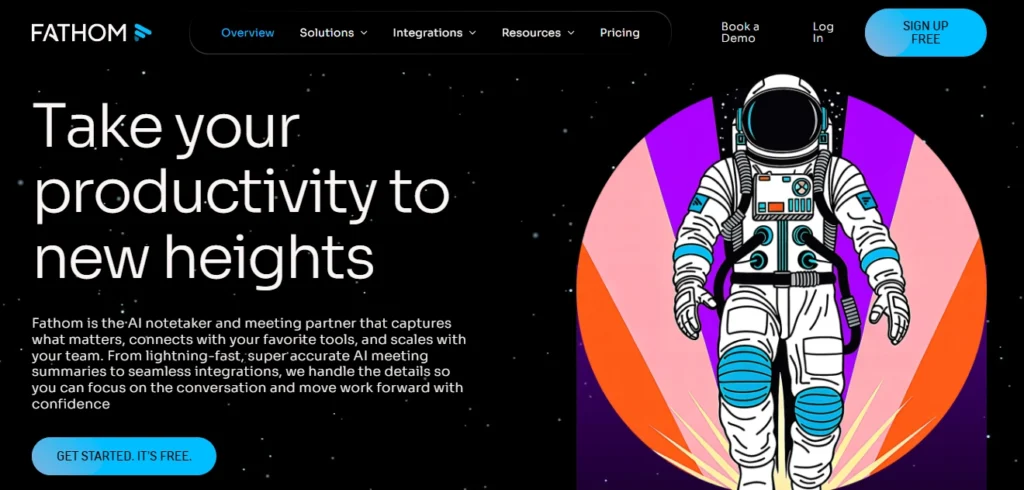
Fathom doesn’t try to be a massive, complicated enterprise platform. It just wants to give you the fastest, most accurate meeting summary possible with zero friction.
Overview and Market Position
If you use Zoom, Teams, or Meet and just want a clean way to remember what was said, Fathom is the obvious choice. The summary quality is widely considered the best out there right now.
Why Fathom Was Picked
It’s completely free for individuals to record and transcribe, making it incredibly easy to adopt. The “Ask Fathom” copilot is sharp, letting you pull highly specific answers from your call history in seconds.
Core Features and Technical Capabilities
As soon as you hit end on your call, Fathom spits out a highly structured recap. It reads surprisingly well—less like a robot and more like a sharp chief of staff taking notes. It also aggregates deal data over time for sales reps, though it lacks the deeper coaching analytics found in heavier tools.
| Specification | Detail |
| Processing Speed | Summaries ready in < 30 seconds |
| Free Plan | Unlimited recordings and transcripts for individuals |
| CRM Integration | Salesforce, HubSpot (on paid plans) |
| UI Style | Fast, minimalist, focused |
| Language Support | 28 languages (English is strongest) |
- Pros: Exceptional summary quality; incredibly fast processing; generous free tier for individuals.
- Cons: No “bot-free” recording option (joins as a visible participant); lacks the deep analytics (talk ratios, sentiment) found in Avoma or Fireflies.
- Reason to Buy: If you are an individual contributor or a small team leader on a budget, Fathom is the logical starting point. It provides 90% of the value of enterprise assistants with 10% of the setup friction.
5. Avoma: The Revenue Operations Specialist
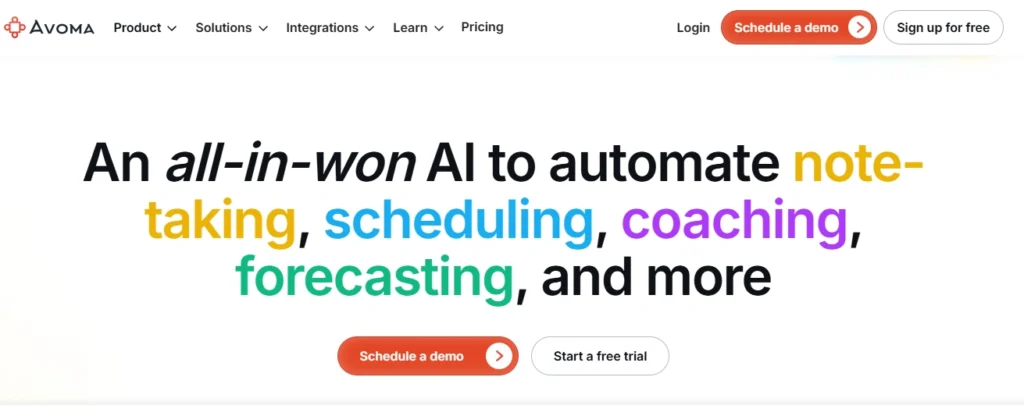
Think of Avoma less as a notetaker and more as an intelligence layer for your revenue team. It focuses almost entirely on tying conversational data to actual business outcomes.
Overview and Market Position
Avoma is built for companies that live and die by their sales pipeline. It gives you a total view of the customer lifecycle, acting as a coaching tool to catch risks in your deals before they fall apart.
Why Avoma Was Picked
It categorizes your notes by business context—automatically bucketing the conversation into “Pain Points” or “Pricing.” It also tracks talk-to-listen ratios and filler words, which managers need to coach new hires effectively without shadowing every single call.
Core Features and Technical Capabilities
It slices hour-long calls into chaptered video clips based on themes. The deal intelligence dashboard lets sales leaders see exactly which objections are stalling deals across the board. It even handles pre-meeting scheduling, acting as a complete end-to-end meeting manager.
| Specification | Detail |
| Specialization | Revenue Intelligence & Sales Coaching |
| Note Generation | Smart categories with linked timestamps |
| Analytics | Talk ratio, filler words, topic tracking, sentiment |
| Transcription Accuracy | ~95% with industry-specific jargon support |
| Integration | Salesforce, HubSpot, Pipedrive, and common dialers |
- Pros: Highly accurate and categorized notes; powerful coaching analytics; supports the entire meeting lifecycle.
- Cons: Not designed for individual use; the complexity and price point may be excessive for teams just looking for simple transcripts.
- Reason to Buy: Enterprise sales and success teams should select Avoma to institutionalize their meeting knowledge and scale their coaching efforts. It is the best choice for organizations where the quality of the conversation directly impacts the bottom line.
6. Granola: The Discrete Executive Notepad
Granola takes a completely different path. It runs locally on your machine and never sends a bot into the meeting room, keeping things totally invisible to everyone else on the call.
Overview and Market Position
Leadership teams at high-growth startups love this tool. If you value privacy, or if you find recording bots distracting during creative sessions, this is the solution.
Why Granola Was Picked
The “Hybrid Human-AI” setup is fantastic. You jot down a few bullet points during the call, and Granola uses the background audio to flesh those thoughts out into a comprehensive document. It captures your specific perspective, rather than just spitting out a generic summary.
Core Features and Technical Capabilities
It relies on device-based audio capture, meaning you don’t have cloud bots lurking in your sessions. You can set up custom templates for board meetings or hiring loops. The chat function lets you query past meetings flawlessly.
| Specification | Detail |
| Recording Style | Botless (System audio capture) |
| Platform Support | Mac, Windows, iOS (Android coming) |
| Transcription Accuracy | 90-96% |
| Privacy Model | No cloud audio storage; device-level capture |
| Integrations | Notion, Slack, HubSpot, Zapier |
- Pros: No visible bot; privacy-first architecture; human-in-the-loop note enhancement feels more personalized.
- Cons: No audio or video playback (focuses on text only); mobile support is currently limited to iOS.
- Reason to Buy: Executive leaders and those in high-stakes consulting or legal roles should choose Granola to maintain meeting intimacy while gaining the benefits of AI-powered recall. It is the definitive choice for those who want a “silent” assistant.
7. Krisp: The Noise-Canceling Powerhouse
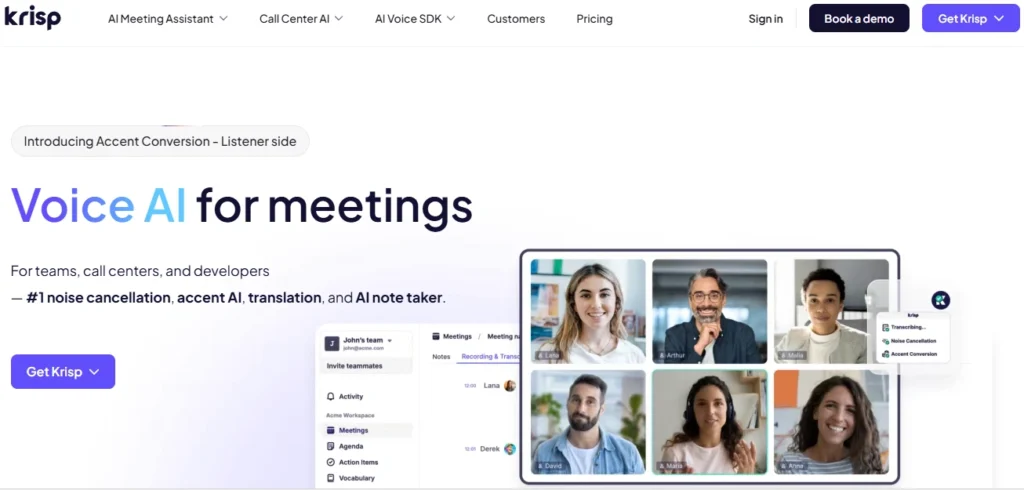
Krisp started as a hardcore noise-cancellation app, but their pivot into AI meeting assistants is brilliant. Because they intercept and clean the audio before it ever reaches the transcription engine, the text is staggeringly accurate.
Overview and Market Position
It acts as a virtual audio driver on your machine, so it works seamlessly with over 1,000 different calling apps. Remote professionals rely on it heavily when they need flawless audio capture in less-than-ideal environments.
Why Krisp Was Picked
If you work in a loud environment, Krisp is the only logical choice. It filters out barking dogs and coffee shop chatter perfectly. It also runs completely bot-free, sitting quietly at the system level.
Core Features and Technical Capabilities
The real-time accent localization helps smooth out international communication. It handles standard automated summaries well, and because it processes everything locally on your device, your sensitive audio data remains highly secure.
| Specification | Detail |
| Core Strength | AI Noise & Echo Cancellation |
| Recording Style | Botless (Virtual audio driver) |
| Free Plan | 60 mins/day noise cancellation; unlimited transcription |
| Compliance | SOC 2, GDPR, HIPAA support |
| Searchability | AI Chat inside meeting notes |
- Pros: Best-in-class noise cancellation; bot-free and secure; works with virtually any communication app.
- Cons: Summaries are less detailed than sales-specific tools; no multi-meeting intelligence for trend analysis.
- Reason to Buy: Remote workers in shared spaces, parents working from home, and international teams should prioritize Krisp. It is the best foundational tool for ensuring that your voice—and only your voice—is captured and understood.
Summary Comparison Matrix: Feature Accessibility
To assist in the final selection process, the following table summarizes the availability of key productivity features across the top 7 tools.
| Tool | Bot-Free? | Real-Time Transcript? | CRM Sync? | Video Playback? | Multi-Meeting Search? |
| Fireflies.ai | No | Yes | Yes | Yes (Paid) | Yes (AskFred) |
| Otter.ai | No | Yes | Yes | No | Yes (AI Chat) |
| tl;dv | No | Yes | Yes | Yes | Yes |
| Fathom | No | Yes | Yes | Yes | Yes (Ask Fathom) |
| Avoma | No | Yes | Yes | Yes | Yes |
| Granola | Yes | Yes | Yes | No | Yes (Ask Granola) |
| Krisp | Yes | Yes | Yes | Yes | No |
Strategic Selection: How to Choose the Right AI Assistant
Don’t overthink this. Pick based on your core workflow.
- High-Velocity Sales and Growth Teams: If you need to scale revenue, get Fireflies or Avoma. They tell you exactly what talk tracks close deals. If your team is European-based and worried about GDPR, tl;dv is your strongest contender.
- Executives and HR Professionals: When discretion is the priority, use Granola or Krisp. Granola is perfect if you want to co-author notes with the AI, while Krisp offers incredible audio cleaning and secure local transcription.
- Individual Contributors and Small Businesses: If you just want fast, free notes and don’t want to deal with complex setups, download Fathom. Otter is a great backup if you need mobile support for in-person meetings.
The Benefits of AI Meeting Integration in 2026
We aren’t just talking about convenience here. By 2026, the data clearly shows that these tools fundamentally change how work gets done.
Operational Efficiency and ROI
It’s basic math. Cutting post-call admin work by 80% means a $150k/year employee reclaims roughly $11,000 worth of wasted time annually. You get that ROI by entirely eliminating manual data entry and follow-up drafting.
Accuracy and Institutional Memory
Your CRM is only as good as the data in it. Automating that entry spikes accuracy metrics from 60% up to 95%. More importantly, you build a permanent, searchable archive of company knowledge that survives even when employees quit.
Enhanced Human Engagement
When you aren’t scrambling to type every word, you can actually look at the person you’re talking to. You listen better. Tools that track talk time actively encourage participants to stop dominating the conversation and actually engage.
Frequently Asked Questions
Is it legal to record meetings using AI?
Stealth recording is a terrible idea and a massive liability in 2026. Most of these platforms clearly announce themselves for a reason. Always double-check your local “all-party consent” laws before you deploy anything.
Will AI meeting assistants replace my job?
AI isn’t going to take your job tomorrow. The reality of autonomous productivity is that AI simply takes over the boring administrative routing, leaving you free to do the actual thinking and strategy work.
Can I use multiple AI meeting tools together?
Yes, stacking them is common. You might run Krisp to clean your audio and feed that into Granola for private notes. Just make sure you have an orchestration layer so your data doesn’t end up scattered across five different apps.
How do I handle privacy for sensitive data?
Stick to tools with SOC 2 Type II certifications. If you handle medical or financial data, look for architectural deletion features where the cloud never stores your audio.
Conclusion: Reclaiming the Modern Workday
Getting a handle on your meeting data isn’t optional anymore. As we push further into 2026, the companies that thrive will be the ones that stop wasting human intellect on raw data capture. Pick a tool—whether you need Fathom for speed or Avoma for deep pipeline analytics—and start reclaiming your team’s calendar.
The next phase of this tech isn’t just taking notes; it’s autonomously executing the work you discussed. If you don’t have the foundation built now, you’ll be left behind when the real automation kicks in.