
Somewhere around my 40th unlistened meeting recording, I realised the problem wasn’t that I was recording things. It was that recording without transcription is basically just guilt storage.
You hit record, feel responsible, and then never go back. The file sits there for three weeks and you delete it when your storage runs out.
AI transcription fixed that for me. Not perfectly — nothing about this space is perfect — but enough that I now actually use what I capture. I’ve run about a dozen of these tools through real work over the past year. Client interviews, long research calls, team standups, podcast sessions. This is what I found.
Quick note on what I was actually testing for
Accuracy is table stakes now. Almost everything clears 90% on decent audio. What actually separates these tools is: does it know who said what, how does it handle noise and accents, does the summary make sense or is it gibberish, and does it fit into how you already work.
I’m not interested in tool X getting 97.3% on a pristine studio recording. I want to know what happens on a Zoom call with four people, one of whom has their dog barking in the background.
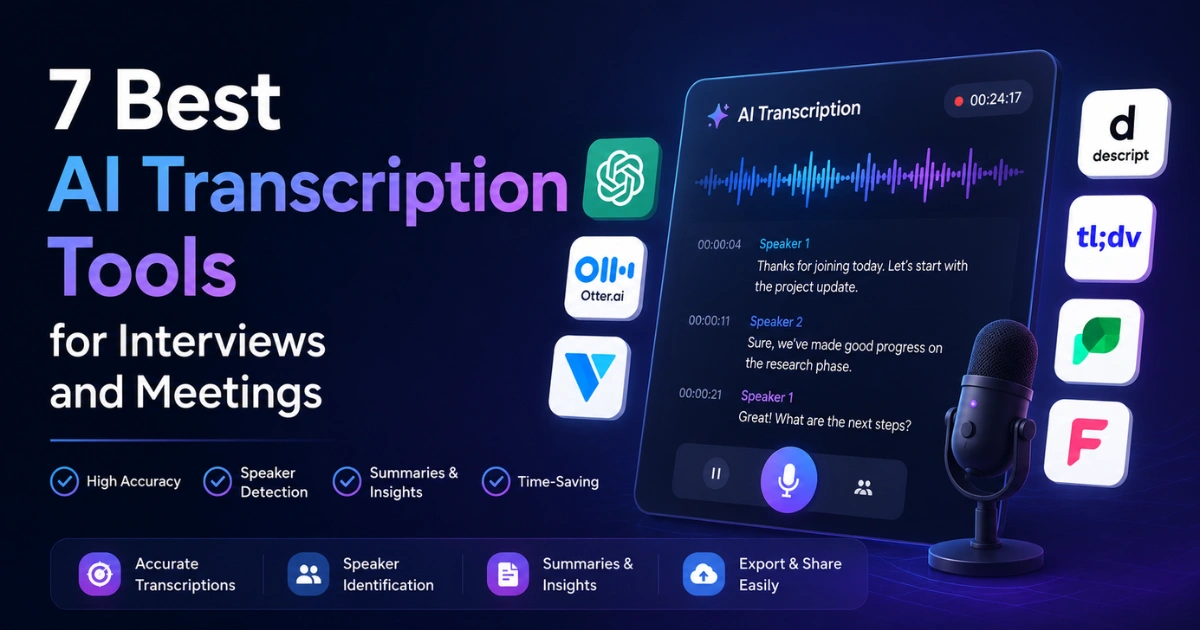
Comparison Table
| Tool | Best For | Real-Time Meeting Bot | Integrations | Free Tier | Paid From |
| Otter.ai | Teams and calendar-driven workflows | Yes | Zoom, Meet, Teams | 300 mins/month | $16.99/month |
| Fireflies.ai | Sales, recruiting, CRM-heavy teams | Yes | 40+ including HubSpot, Salesforce | 800 mins/seat/month | $18/month |
| Whisper (OpenAI) | Researchers, journalists, developers | No | API only, app dependent | Varies by app | ~$0.006/min |
| Rev | Legal, medical, published quotes | No | Minimal | None (pay-as-you-go) | $0.25/min (AI) |
| Descript | Podcasters, video editors, recorded content | No | Limited | 1 hour/month | $24/month |
| Tactiq | No-bot capture, privacy-conscious calls | No (extension) | Google Meet, Zoom, Teams | 10 meetings/month | $8/month |
| Fathom | Individual professionals on Zoom | Yes (Zoom only) | Zoom, Notion, HubSpot | Full-featured free | $19/user/month |
1. Otter.ai
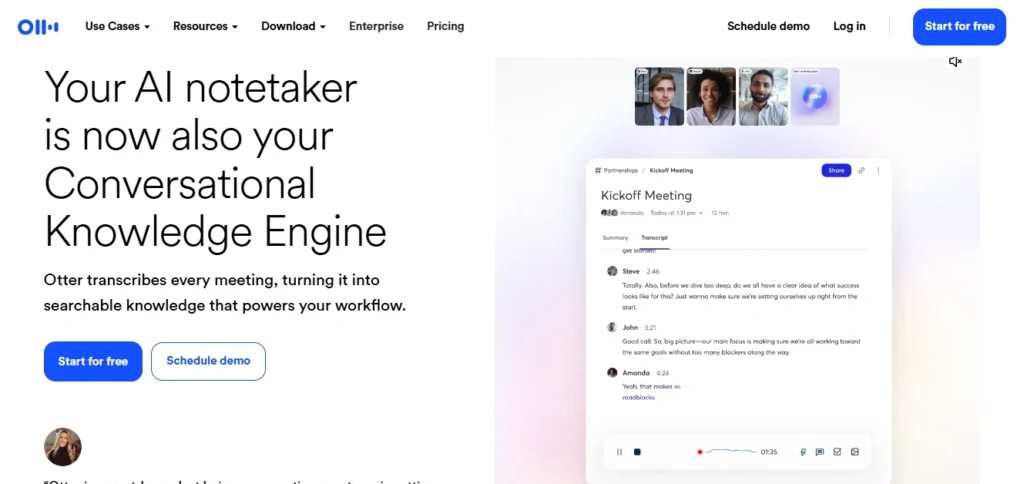
If you are looking for the top 7 AI meeting assistants for productivity, Otter is where most people land first, and honestly — it earns that.
The Google Meet and Zoom bot integration is set-and-forget. You connect your calendar, it joins your calls automatically, and a transcript shows up in your inbox afterward. For teams that run back-to-back meetings, this alone is worth it.
I’ve used Otter across a lot of calls this year. Speaker diarization works well when voices are distinct. It starts falling apart when you’ve got two people with similar accents or when someone has a weak mic — it’ll just attribute everything to one speaker and give up on the other.
The summaries are the part that bugs me most. Action items get pulled out, but the context around them gets lost. “Team to follow up on pricing” is not the same as understanding why pricing came up and what was actually said about it.
If you’re using Otter for internal calls where you just need a rough record, fine. For anything you’re going to act on seriously, you’ll be re-reading the full transcript anyway.
Free tier: 300 minutes a month. Functional, not crippled. Pro runs $16.99/month.
2. Fireflies.ai
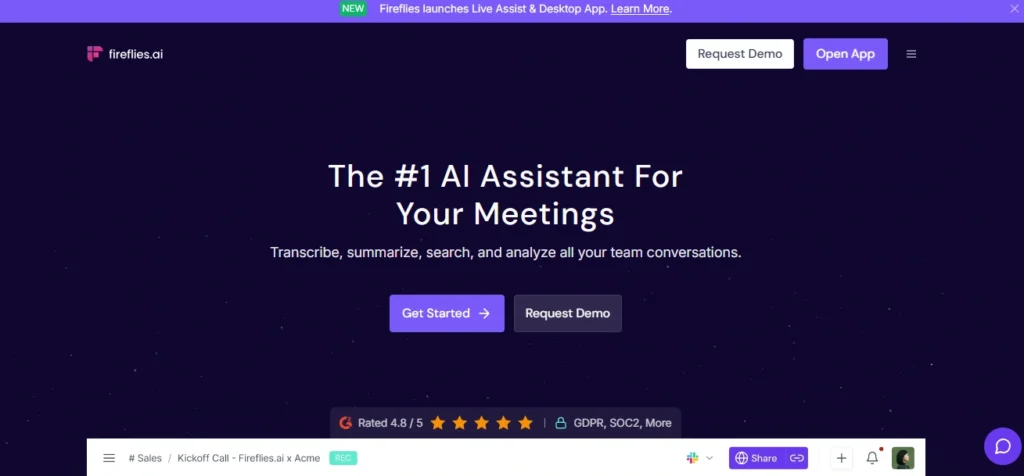
The thing Fireflies does that nothing else on this list does as well is search. You can search across every meeting you’ve ever had in Fireflies.
Every single one. I found a client conversation from four months ago where they mentioned a specific concern about onboarding — took me about 15 seconds to locate it.
For sales teams and recruiters, that’s genuinely transformative. You stop losing institutional knowledge in recordings that no one watches, effectively bypassing the common issue of why chatbots forget everything by maintaining a permanent, searchable context log.
The bot shows up in your meeting as “Notetaker” — which most people are fine with, though occasionally a client will ask what it is.
The transcript comes back within a few minutes of the call ending. Integrations with HubSpot, Salesforce, Slack, and a bunch of other tools mean it can push notes directly to where your team already works.
Where it lets me down: the AI summaries are generic in a way that Fireflies seems oddly proud of. “The team aligned on next steps” is not a summary. It’s a sentence that means nothing.
For teams where the transcripts themselves are the value and you’re doing your own analysis, this doesn’t matter. If you’re relying on the AI summaries to communicate what happened in a meeting — you’ll be disappointed.
Free tier: gives you 800 minutes per seat per month. Paid starts at $18/month.
3. Whisper (OpenAI) — through third-party apps
Whisper is the transcription model underneath a lot of what you already use, and when you get access to it directly, the accuracy difference is noticeable.
It performs especially well with accents, technical vocabulary, and non-standard English that many other transcription tools struggle to recognize.
I ran a research interview through MacWhisper — a Mac app built on top of Whisper — where the speaker had a heavy French accent and was discussing fairly dense technical material. The output was the cleanest I got across anything I tested. Better than everything else on this list on that specific file.
The tradeoff is that Whisper is a transcription engine, not a product. There’s no calendar bot. No real-time capture. No integrations. You record something, you feed it the file, it gives you a transcript. That’s the whole thing.
For journalists, researchers, and podcast producers who record interviews and then want the best possible raw text to work from — this is the answer. For people who need a meeting bot that shows up to calls and sends summaries to Slack — it’s not.
Implementation cost varies. MacWhisper has a free tier. The Whisper API runs around $0.006 per minute.
4. Rev
Rev is the one I reach for when the transcript is going to be used for something where being wrong is actually a problem. Legal quotes. Verbatim interview excerpts. Anything going into print.
They offer two tiers: AI transcription and human transcription. The AI is fast — usually minutes — and handles formal speech very well. Structured interviews, press conferences, depositions: strong. Two people talking casually over each other with background noise: weaker than I’d like.
The human transcription is excellent and costs $1.50 a minute. I know that sounds expensive. For a 20-minute interview it’s $30.
When I’m publishing something and I need to be certain a quote is right, $30 is cheap. I’ve used it a handful of times and never had a problem with the output.
The editing interface deserves a mention — you can click any word in the transcript and it jumps to that moment in the audio. Corrections are fast. This is genuinely well-designed.
AI transcription starts at $0.25/minute, pay-as-you-go. No subscription required.
5. Descript
Unlike the other tools on this list, Descript belongs to a different category. If you expect a dedicated meeting transcription tool, you’ll probably be disappointed.
Descript is an audio and video editor where the transcript is the editing surface. You edit text. The audio moves with it.
Delete a paragraph and that section is cut from the recording. It sounds like a gimmick until you actually use it, and then you realise it is perfect proof that AI won’t replace your team — but it will replace your workflow if you produce any kind of recorded content.
I edited a 45-minute research interview down to 27 minutes by working entirely in the transcript. No scrubbing timelines. No clip handles. Just reading the text, deleting what I didn’t need, and exporting. It was fast in a way that traditional audio editing isn’t.
The filler word removal — “um,” “like,” “you know,” “sort of” — works well and applies across the whole file in one click. Accuracy is solid without being the best on this list, but it doesn’t need to be the most accurate because the correction workflow is fast anyway.
Not the right tool for live meetings or call capture. Fully the right tool for anyone doing recorded interviews, podcasts, or video content who is still editing in a timeline editor for some reason.
Free tier: 1 hour of transcription a month. Creator plan at $24/month.
6. Tactiq
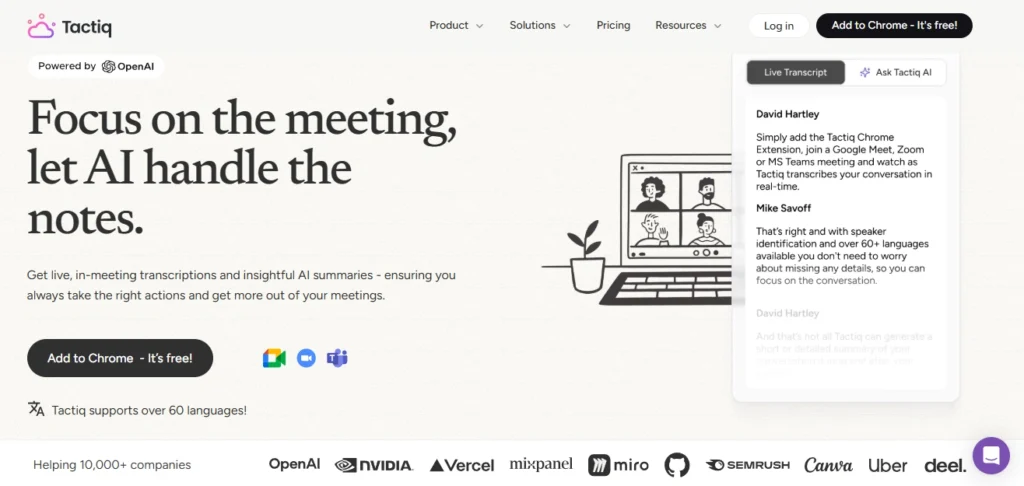
Here’s the thing about meeting bots that nobody really talks about: some clients don’t like them.
You’re on a call with a potential partner, a digital “Notetaker” (which often blurs the line between AI agents vs chatbots) joins the room, and suddenly the energy is different. They’re choosing their words more carefully. The conversation gets formal.
Tactiq solves this by working as a Chrome extension instead of a bot. It reads the live captions that Google Meet, Zoom, and Teams already generate and stitches them into a transcript in real time. Nothing joins the call. The other people don’t see anything different.
The accuracy depends entirely on the quality of the platform’s own captions. Google Meet captions are good, so Tactiq on Google Meet is good.
Zoom captions are more variable, so results vary. It’s not the most accurate tool on this list. But it’s the most unobtrusive, and sometimes that matters more.
I use it for internal calls and quick client check-ins where I want a rough record without making a thing of it. For important interviews where I need a clean transcript — I’m using something else.
Free tier: 10 meetings a month. Pro is $8/month, which is genuinely cheap.
7. Fathom
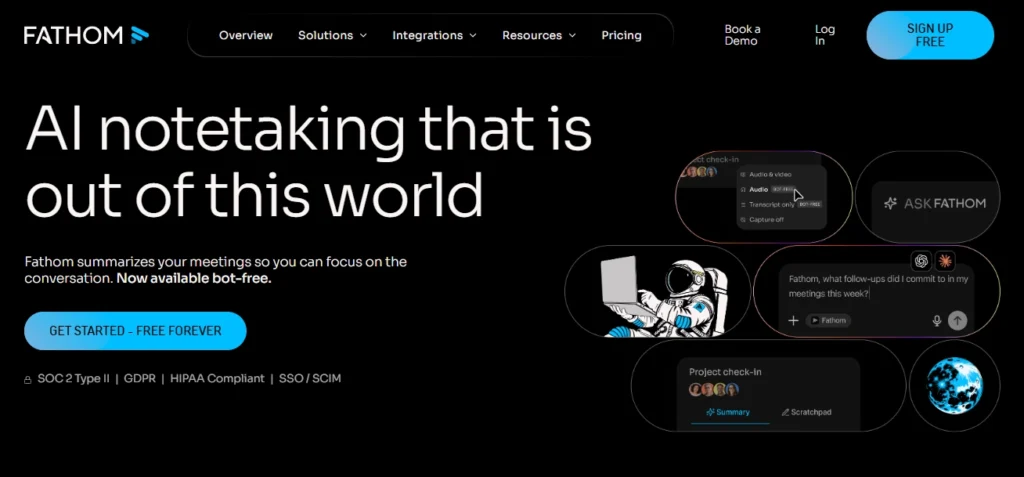
Fathom surprised me more than anything else on this list, mostly because it’s free and it’s actually good.
Individual users get the full experience at no cost. It records and transcribes Zoom calls, generates structured summaries (decisions made, action items, follow-ups — not generic paragraph summaries), and highlights key moments.
The transcription quality is strong. The summaries are the best I’ve seen out of any tool here in terms of being actually useful after the meeting.
The limitations are real though. Zoom only, at least right now. If your company is on Google Meet or Teams, Fathom doesn’t help you.
Speaker attribution is solid for two to four people but gets shaky when you’ve got six or more voices going. And as you’d expect, complex multi-person conversations with crosstalk will give it trouble.
For freelancers, consultants, and individual professionals who spend their lives on Zoom, this is the easiest recommendation I can make. There’s no free tier that’s trying to quietly frustrate you into upgrading. It’s just free, and it works.
Team plan is $19/user/month if you need shared workspaces and admin features.
The Scenario Nobody Warns You About
Every single tool on this list degrades on the same situation — and it’s a perfect example of why AI still makes simple mistakes: multiple people talking at the same time, over a noisy connection, with at least one person on a laptop mic.
Speaker diarization breaks. Proper nouns get mangled. Sentences get cut off mid-thought and attributed to the wrong person. You end up with something that’s 80% there and requires real editing time to fix.
I’m not saying this to discourage you from using these tools — I use them constantly and they’ve saved me enormous amounts of time.
I’m saying: for anything where accuracy actually matters, close the other tabs when you’re in the call, use a decent mic, and budget an hour to review the transcript before you use it for anything important.
The tools are good. They’re not infallible, and the failure mode is quiet enough that you won’t notice until you’re reading the output and something important got dropped.
That’s the part worth knowing going in.