
Most “best free AI resume builder” articles are written by people who signed up, poked around for twenty minutes, and then ranked everything based on the homepage copy.
I know because the advice they give — “just use Zety, it’s great!” — is the kind of thing that collapses the moment you try to download your resume and get hit with a paywall screen.
I went through seven tools with an actual resume. Not a demo. My own work history, a real job description I was targeting, and the patience to hit every wall these free tiers put up. Here’s what I found.
At a Glance: All 7 Tools Compared
Here is the updated comparison table with direct, clickable links to each of the resume builders:
| Tool | Best For | Unlimited Resumes | Clean PDF (Free) | AI Writing | ATS Scoring | Rating |
| Teal | Active job hunters | Yes | Yes | Limited (10 credits) | Yes | 4.2/5 |
| Rezi | ATS optimisation | No (1 only) | No (3 lifetime) | Yes | Yes | 3.8/5 |
| Kickresume | Creative/design roles | Yes | No (watermarked) | Limited | Partial | 2.9/5 |
| Resume.com | Quick, no-fuss resume | Yes | Yes | No | No | 3.6/5 |
| Enhancv | Senior / personal brand | 7-day trial only | No (after trial) | Yes | Partial | 3.4/5 |
| Wobo | Most generous free tier | Yes | Yes | Yes | Yes | 4.0/5 |
| FlowCV | Designers & developers | Yes | Yes | Basic only | No | 3.9/5 |
What “Free” Actually Means in 2026
Before the list — a genuine warning.
The word “free” in this category has been stretched so thin it barely means anything. Few builders let you create a resume but charge you to download it (hi, Zety).
Some tools offer just a handful of lifetime PDF downloads and call it a “free plan” (looking at you, Rezi). Others let you build a resume but slap a watermark on the final export unless you pay. A few seem generous at first — unlimited resumes — until you hit AI credit limits that barely cover two job applications.
When I say “free” in this article, I mean: can you create a resume, get AI help writing it, and download a clean, usable PDF without paying? That’s the bar. Not every tool here clears it perfectly — I’ll tell you exactly where each one falls short.
1. Teal — Best Overall Free Plan (With One Catch)
tealhq.com | Free tier: unlimited resumes, limited AI credits
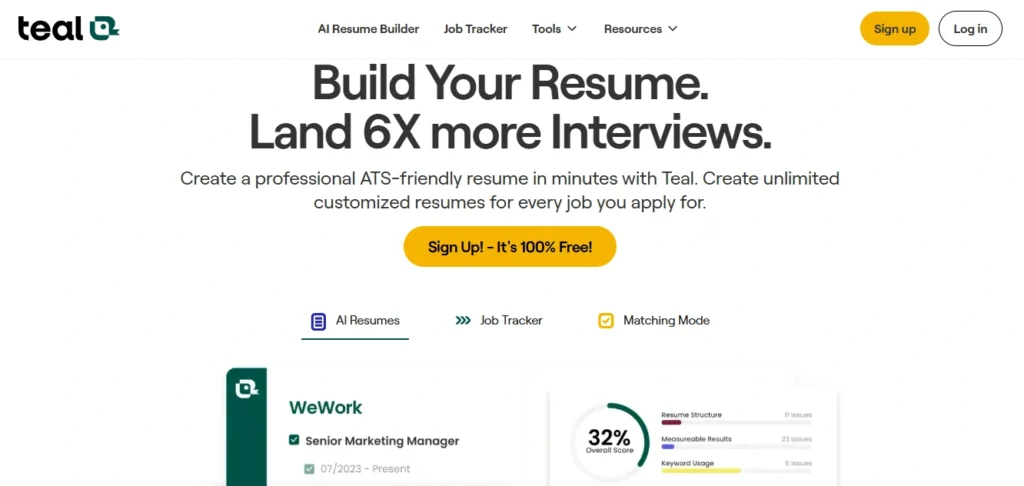
Teal is the one I keep recommending to people who are seriously job hunting — not just updating a document once a year.
The reason is simple: it’s not just a resume builder. It’s a whole job search system. You track your applications, save jobs from LinkedIn or Indeed with a Chrome extension, and the resume builder sits inside the same dashboard so everything talks to each other.
The resume builder itself is genuinely good. You get 10 templates, a job description matching tool that scores your resume against a specific posting in real time, and an ATS checker that runs 15 checks on structure, keywords, and clarity.
The keyword gap analysis alone has saved me from submitting resumes missing obvious terms that the job description mentioned four times.
Now the catch: AI credits. The free tier gives you 10, which sounds fine until you realize each bullet point suggestion burns one. If you’re building a resume from scratch and using AI to help with phrasing, you’ll hit the wall fast. Teal+ to unlock unlimited is $29/month, which stings when you’re between jobs.
- What I actually use it for: The job tracking dashboard and the JD match scorer. The resume itself I partly draft in Teal and partly edit manually. The combination works.
- What’s actually free: Unlimited resume storage, job tracker, 10 AI credits, ATS checker, PDF downloads
- What’s not: Unlimited AI generation, priority support
- Honest rating: 4.2/5
2. Rezi — Best for ATS Optimisation, Worst Free Limit
rezi.ai | Free tier: 1 resume, 3 lifetime PDF downloads
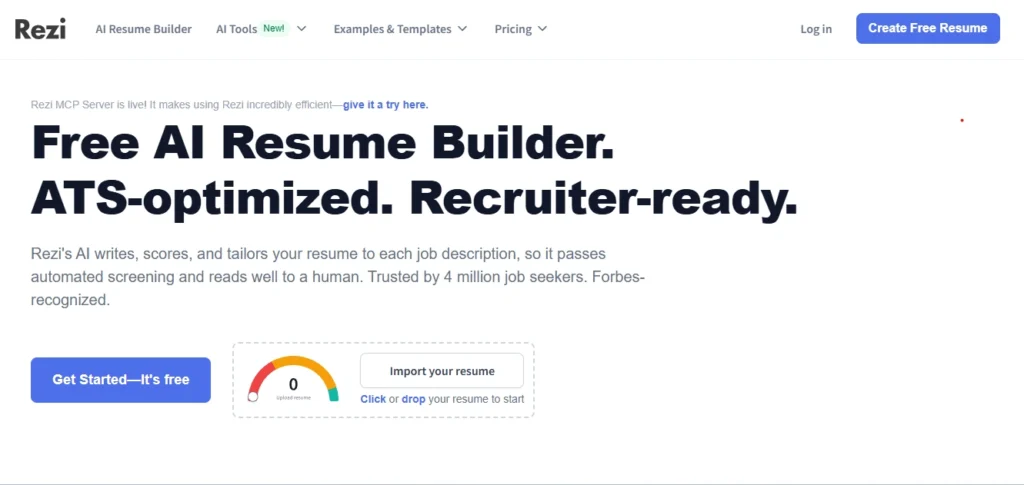
Rezi is technically the best pure ATS resume builder I’ve tested. It’s built from the ground up around keyword optimisation — not as an afterthought feature, but as the entire philosophy.
You paste a job description, and Rezi analyses what’s missing from your content and tells you specifically what to fix. Not “add more keywords” vague nonsense. Actual gap analysis.
The AI writing help is solid. Bullet point suggestions are concise, achievement-focused, and don’t read like they were generated by someone who has never held a job. The formatting is clean and genuinely ATS-safe — single column, no tables, no sidebars that scramble when parsed.
But here’s the problem: three PDF downloads. Lifetime. Not monthly. Three. If you apply to ten jobs and want slightly tailored versions, you will run out before the end of the week. Rezi is upfront about this, which I respect — but it makes the free tier essentially a demo, not a real tool for active job searching.
- What’s actually free: Full ATS optimisation tool, AI writing, 1 resume, 3 PDF downloads
- What’s not: Multiple resumes, unlimited downloads
- Honest rating: 3.8/5 (free) / 4.5/5 (lifetime plan)
3. Kickresume — Best Templates, Most Misleading “Free”
kickresume.com | Free tier: 4 templates, watermarked or text-only downloads
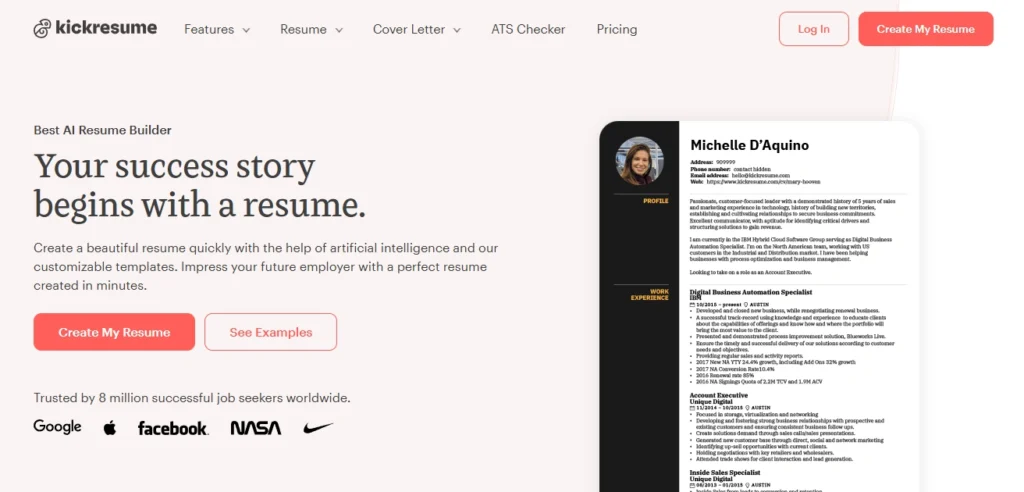
Kickresume has the best-looking templates in this category. If visual design matters for your industry — design, marketing, creative roles — this is where you go. The template library is large, the designs are actually distinct from one another, and the AI writer is fast.
Two problems with the free plan: First, you only get four basic templates. The nice ones — the ones in the screenshots that convinced you to sign up — are premium.
Second, and this is the one that frustrates people the most: you can’t download a clean PDF for free. What you get is either a watermarked PNG preview or a DOCX export with Kickresume branding baked in. Neither of those is something you can email to a hiring manager.
If you pay ($19–$24/month depending on the plan), Kickresume is genuinely excellent. But if you’re looking for actually-free-and-usable, this isn’t it.
- What’s actually free: 4 templates, limited AI credits, basic ATS info
- What’s not: Clean PDF downloads, premium templates, unlimited AI
- Honest rating: 2.9/5 (free) / 4.3/5 (paid)
4. Resume.com (by Indeed) — Genuinely Free, But No AI
resume.com | Free tier: everything, genuinely
Indeed owned resume.com and is actually, completely free. No watermarks, No PDF export fees, No surprise billing page. You build your resume, you download a PDF, you leave. That’s it.
The reason it’s not number one is that the AI angle is thin. There’s a basic content helper, but it’s nowhere close to what Teal or Rezi offer in terms of keyword analysis or ATS scoring. It’s a professional document tool. Clean, reliable, no frills.
- What’s actually free: Everything — all templates, PDF downloads, no watermarks
- What’s not: Meaningful AI optimisation, ATS keyword scoring
- Honest rating: 3.6/5
5. Enhancv — Good AI, Confusing Free Tier
enhancv.com | Free tier: 7-day trial, then watermarked
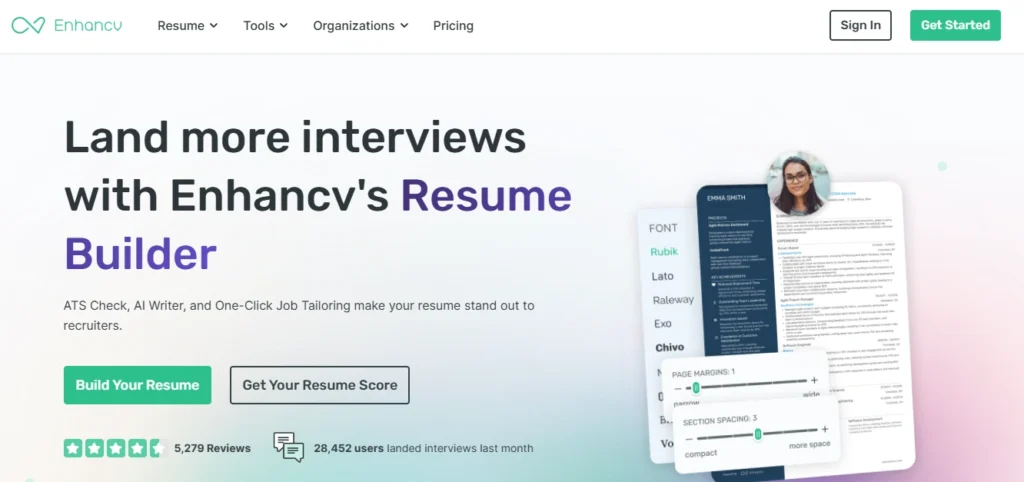
Enhancv sits in interesting territory. The resume sections are distinct — you can add unconventional things like “My Life Philosophy,” values sections, or a strengths summary that go beyond the standard blocks. For people in roles where personality and cultural fit get evaluated, this is useful.
The AI writing help is good. Content suggestions are better than average, and the platform pushes you toward achievement-focused language. Here’s the honest part about pricing: Enhancv gives you a 7-day free trial with full features. After that, downloads are watermarked unless you subscribe.
- What’s actually free: 7-day trial (full features), then watermarked exports
- What’s not: Long-term free use for clean PDFs
- Honest rating: 3.4/5 (free) / 4.1/5 (paid)
6. Wobo — Most Generous Free Tier, Newer Platform
wobo.ai | Free tier: unlimited resumes, unlimited downloads, AI included
Wobo is the surprise on this list. It offers more on the free tier than most: unlimited resume creation, unlimited PDF downloads with no watermarks, and AI writing assistance that doesn’t run on credits.
The AI generates bullet points using STAR and CAR frameworks, which is the right approach. It also runs a 24-point ATS check that flags formatting and content issues in real time. The tradeoffs? ATS scoring is less granular than Rezi, the template library is smaller than Kickresume, and the UX has occasional rough edges.
- What’s actually free: Unlimited resumes, unlimited downloads, AI writing, 24-point ATS check
- What’s not: Deep ATS granularity, large template library
- Honest rating: 4.0/5
7. FlowCV — Best for Designers and Developers
flowcv.com | Free tier: clean templates, PDF downloads
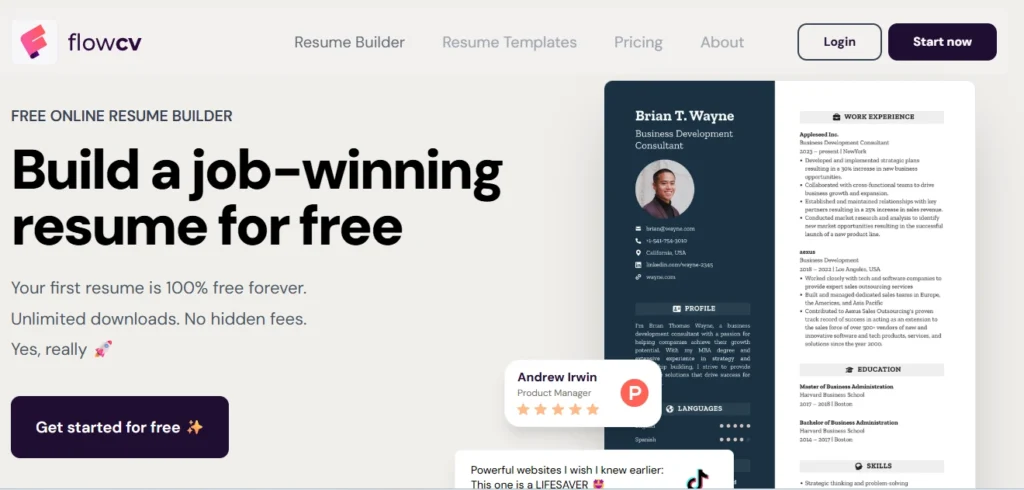
FlowCV isn’t trying to be an AI-first tool, and that’s actually what makes it good for a specific type of person. The design control is higher than anything else on this list. You can adjust column widths, font sizes, spacing, section order — it behaves more like a design tool than a form-filling wizard.
There is AI assistance, but it’s lighter than Teal or Wobo. The main value is in the builder itself. Downloads are free and clean. No watermarks.
- What’s actually free: All templates, PDF downloads, basic AI, design controls
- What’s not: Deep ATS scoring, job description matching
- Honest rating: 3.9/5
Which One Should You Actually Use
This depends on your situation more than any universal ranking.
- Actively applying to multiple jobs: Start with Teal for the job tracking and JD matching. Supplement with Wobo if you run out of AI credits.
- ATS is your primary worry: Rezi for building and optimising the content. Use those three free downloads strategically.
- Full design control and zero friction: FlowCV for developers and designers. Resume.com if you just need something clean and done today.
- If you need a paid plan anyway: Kickresume at $54/year is the most honest value in paid territory. Teal+ at $29/month is worth it for high-volume tailored applications.
Pro Tip: Test two or three tools on the free tier before putting money down. The gap between what these platforms promise and what the free tier actually delivers is wide enough that it’s always worth an hour of your own testing.
How AI Resume Builders Actually Work (The Part Most Articles Skip)
Most of these tools run your input through a large language model — usually GPT-4 class — to generate bullet points, summaries, and rewrites. The quality of the output depends heavily on what you give it. A job title alone produces generic content.
A job description plus your actual experience plus three specific achievements produces something worth editing.
The ATS scoring side is different — that’s not generative AI, it’s keyword matching and formatting analysis. The tool checks whether your document will parse correctly through Applicant Tracking Systems (the software recruiters use to filter resumes before a human ever reads them) and whether the keywords in your resume match what the job description is asking for.
Research consistently shows that the majority of submitted resumes get filtered out at this stage — not because the candidate isn’t qualified, but because the resume doesn’t match the vocabulary the system is looking for.
This is why the ATS-focused tools (Teal, Rezi, Wobo) tend to produce better practical outcomes than the design-focused ones (Kickresume, Enhancv) for most industries. Unless you’re in a field where the resume lands on a human’s desk directly, getting through the ATS filter matters more than the typography.
One thing worth knowing: AI-generated bullet points are a first draft, not a finished product. Every tool here will produce content that’s competent but reads as generic if you submit it unchanged.
The move is to take the AI draft, add your specific numbers, your actual context, and your own phrasing. The tool gets you to 60%. You get it to 100%.