

Let me be upfront about something before this starts: I didn’t write this by pulling a comparison chart off G2 and adding my name to it.
Over the past year I’ve been running social content for three very different accounts — a D2C skincare brand targeting women 28–45, a B2B SaaS newsletter with a LinkedIn-heavy audience, and my own consulting page where I post mostly long-form takes.
Different voice requirements. Different posting frequencies. Different definitions of what “good content” even means.
I tested AI tools across all three. Some I’m still paying for. Some I cancelled after six weeks. A few surprised me in ways I didn’t expect, usually because they were good at something narrow that I hadn’t thought about.
This is that story, not a marketing summary of feature pages.
Quick Comparison Table
| Tool | Best For | Starting Price | What It Actually Does Well | Where It Falls Apart |
|---|---|---|---|---|
| Jasper AI | Brand voice consistency at scale | $49/month | Learns and holds your tone across campaigns | Takes weeks to train properly; expensive solo |
| Copy.ai | Fast draft volume across platforms | $36/month | Workflow automation; captions at speed | Outputs sound generic without heavy editing |
| Canva Magic Studio | Design + copy in one place | Free / $15/month Pro | Kills context-switching for visual posts | Copy quality is shallow; no real voice training |
| Lately AI | Repurposing existing long-form content | $49/month | Pulls social posts from blogs, podcasts, video | Useless if you don’t have source content yet |
| Buffer AI Assistant | Quick drafting inside your scheduler | Free / $6/month per channel | Right there in the tool you’re already using | Not deep enough for campaign-level content |
| Predis.ai | Carousel and product-driven visual posts | $29/month | Understands social formats, not just text | Less useful for text-only or B2B brands |
| Castmagic | Turning audio/video into social content | $29/month | Full content package from one recording | Only relevant if you produce audio or video |
1. Jasper AI
$49/month (Creator) — $125/month (Pro)
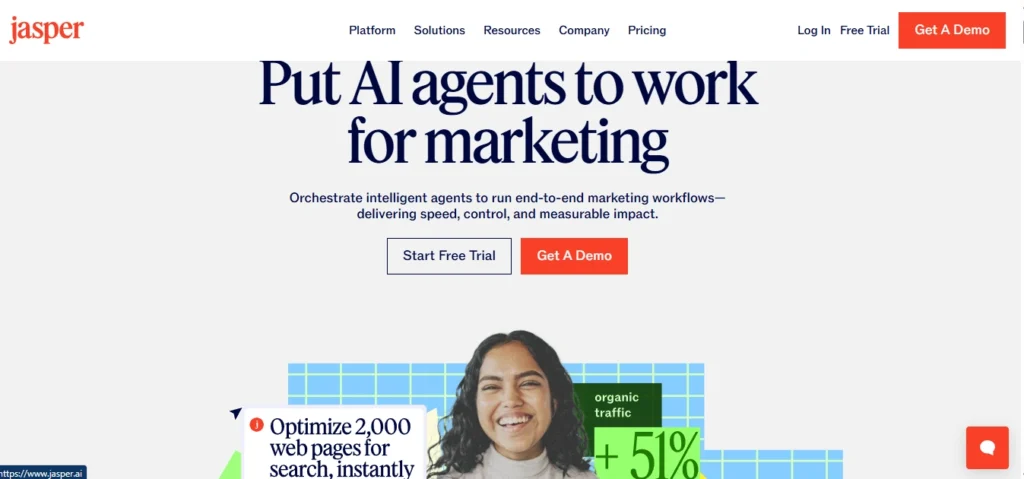
Jasper is the one I had the most complicated relationship with.
The first two weeks were honestly frustrating. Setting up brand voice isn’t a five-minute task — I was uploading tone examples, writing style guidelines, flagging phrases the brand would never use, adding rejected drafts as negative examples. It felt like I was doing the work the tool was supposed to do for me.
Then something shifted around week three. The outputs started sounding like the brand. Not perfectly, but enough that I wasn’t rewriting from scratch anymore.
Editing went from 80% effort to maybe 25–30%. For a brand with a specific, recognizable voice — one where “sounding off” would genuinely hurt trust — that difference mattered.
Jasper’s social media templates cover the obvious formats: Instagram captions, LinkedIn posts, ad hooks, short-form content calendars. Jasper Chat is useful for rapid ideation when you’re stuck on angle rather than execution. What holds it together is the brand voice layer — without that, it’s just another caption generator.
The honest truth is this tool is only worth it if you have the patience to train it and the content volume to justify the cost. Solo creators posting twice a week? The math doesn’t work. A team managing multiple brands or campaigns? Different story.
2. Copy.ai
Free plan available — Paid from $36/month
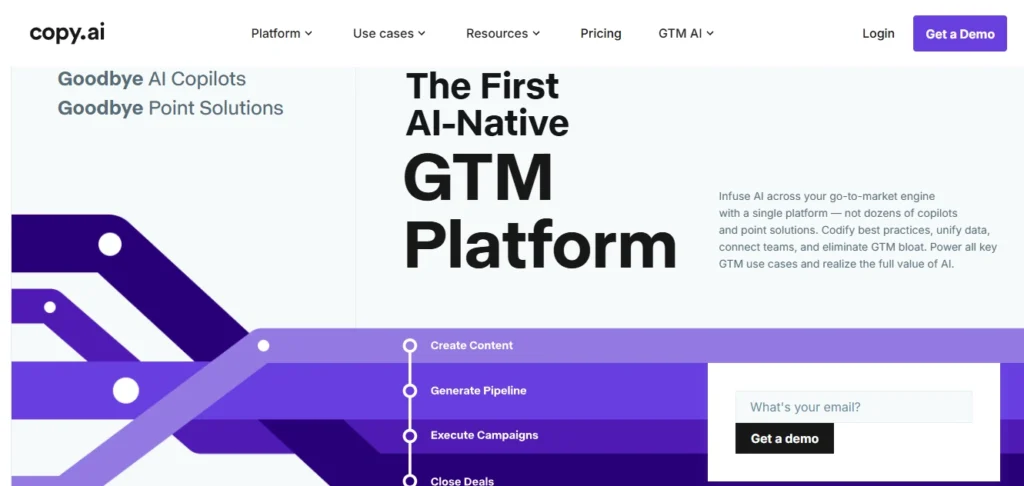
Copy.ai is what I reach for when I need a lot of draft material fast and I know I’m going to edit it anyway.
During a product launch last spring, I needed to cover Instagram, LinkedIn, and X simultaneously over a two-week window. Different angles, different tones, different formats.
I used Copy.ai to generate raw material — not finished posts, but starting points. In a single afternoon I had enough draft content to populate a two-week calendar across three platforms.
The Workflow feature is underrated. You can chain prompts: pull key ideas from a URL, then turn each idea into a platform-specific post format automatically. It’s not magic, but it removes the part of content creation that’s most draining — the blank page.
What Copy.ai doesn’t solve is voice. The default output is polished in the worst way — it sounds professional without sounding like anyone in particular.
Every sentence lands with the same weight. It’s the written equivalent of stock photography. If your brand has personality, you’re still responsible for putting it in.
Use this as a drafting accelerator. Go in expecting to edit. You won’t be disappointed if you don’t go in expecting a finished product.
3. Canva Magic Studio
Free tier available — Pro at $15/month
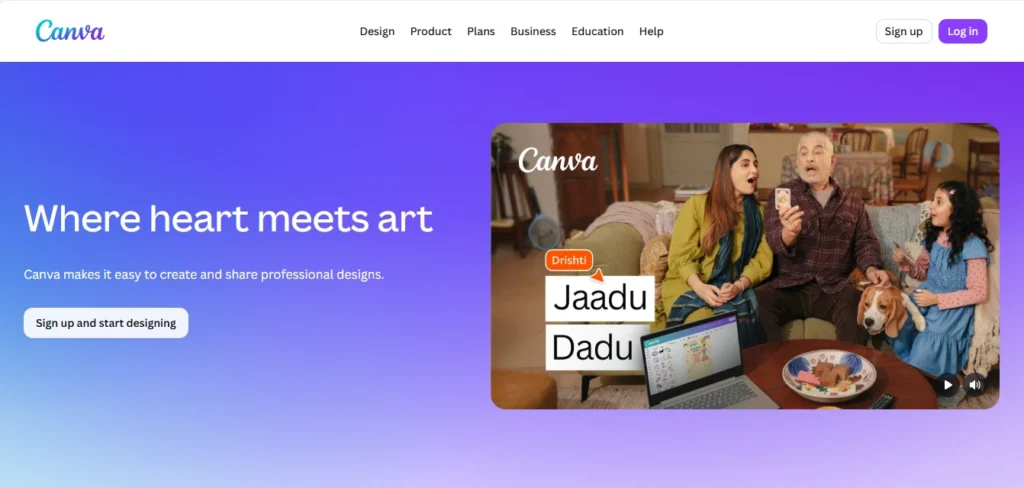
Most tools on this list solve a writing problem. Canva solves a workflow problem, which is actually more annoying for a lot of social media managers.
The issue isn’t usually that people can’t write a caption. It’s that they’re toggling between five apps to produce one post — one for copy, one for design, one for resizing, one for hashtag research, one for scheduling. Canva Magic Studio collapses most of that into one place.
Magic Write lives inside the Canva editor, so you can go from blank canvas to designed post with placeholder copy to final caption without ever leaving the tab.
Magic Design generates complete social graphics from a text prompt. The background remover and auto-resize functions are there too. For Instagram specifically, where the visual and the text genuinely need to fit each other, this matters.
I used Canva heavily for the skincare brand’s feed because consistency between copy tone and visual aesthetic was non-negotiable for that client. Being able to iterate on both simultaneously — changing the caption while looking at the design — caught mismatches I would have missed working in separate tools.
The writing quality, though, is not the point of this tool. Magic Write is capable, not impressive. Generic phrasing, flat sentence structure, no sense of personality. If copywriting is the bottleneck you’re trying to solve, Canva isn’t where you’ll find the answer.
This is a production efficiency tool. The right person for it is someone who’s managing design and copy themselves and needs to move faster, not someone whose copy is already slow and forgettable.
4. Lately AI
Starts at $49/month
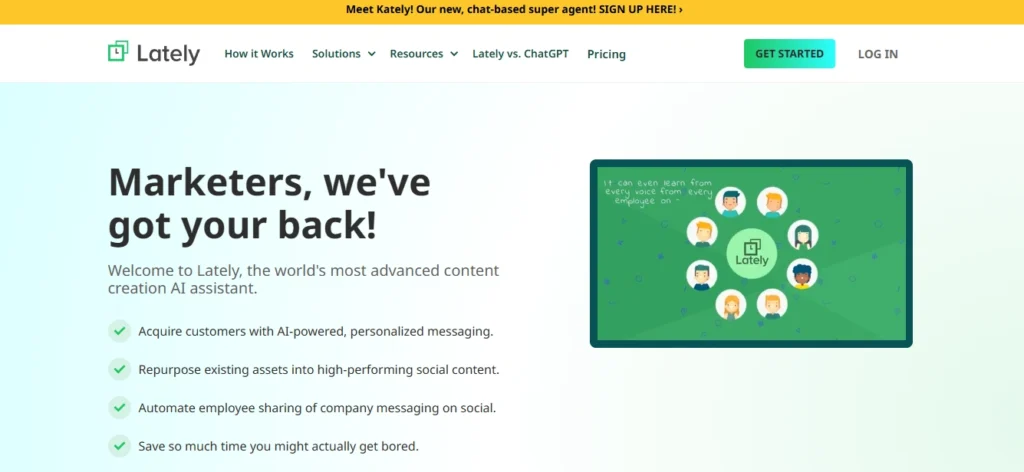
Lately does one thing. It takes content you’ve already created — a blog post, a podcast, a recorded webinar — and extracts social media posts from it.
What makes it more interesting than a simple summarizer is that it doesn’t just pull sentences randomly. It learns which phrases and sentence structures from your existing content have historically performed well on social — based on actual engagement data — and then uses those patterns to decide what to surface from new material.
If your audience responds to posts that open with a counterintuitive claim, Lately starts prioritizing those structures.
I ran a test on a client who had two years of blog content and had never repurposed a word of it for LinkedIn. We ran three months almost entirely on recycled material, reformatted through Lately. The performance held up.
Not every post was a hit, but the engagement rate wasn’t meaningfully different from their original content, and the production effort dropped by roughly 60%.
The catch is obvious: this only works if you have source material. If you’re starting a brand from scratch or your content volume is low, lately has nothing to learn from and nothing to extract.
The interface is also rougher around the edges than most tools on this list, and the pattern recognition takes a few weeks of data before it actually becomes useful.
This is a tool for people sitting on a backlog they haven’t touched. If that’s you, it’s one of the higher-ROI things you can spend $49 a month on.
5. Buffer AI Assistant
Free on Buffer’s free plan — Buffer Essentials from $6/month per channel
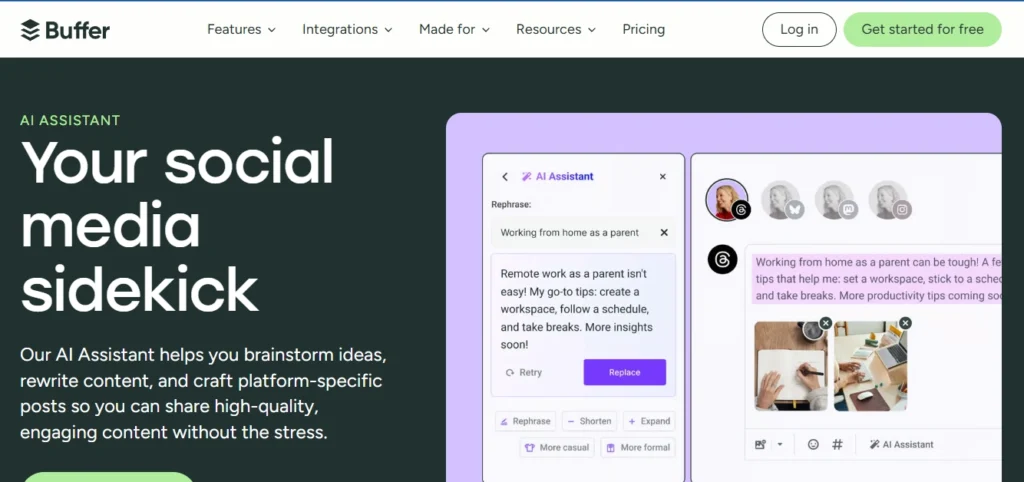
Buffer is a scheduling tool that added AI. That positioning is important.
It’s not trying to be Jasper. It’s not trying to replace Copy.ai. It’s trying to solve the specific problem of: you’re already inside Buffer composing a post, you don’t have a great caption, you don’t want to open another tab.
The AI Assistant inside Buffer’s composer lets you brief it on what you want, pick your platform, and get a draft. You can adjust tone, rewrite sections, add hashtags, all in the same window. For posts that don’t require much creative lift — a quick LinkedIn thought, a daily Instagram update, a product reminder — it’s faster than context-switching to a dedicated tool.
What it can’t do is anything that requires depth. Brand voice training, multi-angle campaign thinking, complex copy — Buffer AI doesn’t touch that. It’s a convenience layer on top of a scheduling tool, not a standalone content solution.
If you’re already using Buffer and you’re on a paid plan, try it before you sign up for something heavier. You might find it handles 40% of your use cases without adding a new subscription.
6. Predis.ai
Starts at $29/month

Most AI writing tools were built for documents and backfitted for social media. Predis was built for social from the start, and it shows in how it thinks about formats.
Give Predis a product description, a topic, or a URL, and it doesn’t just generate copy — it generates post concepts that understand what format they’re going into. A carousel gets slide-by-slide structure with individual headlines. A reel concept gets a script and visual direction. It knows that LinkedIn and Instagram aren’t the same platform, so it doesn’t produce the same output for both.
I tested Predis specifically on carousel content because carousels are the format I find most tedious to produce manually. Each slide needs its own logic, its own headline, and its own relationship to the slide before and after it.
Predis generated carousel frameworks that were genuinely usable as starting points — not just a list of bullet points dropped onto a template, but structured flows that understood slide-to-slide progression.
There’s also a competitor analysis feature that pulls engagement patterns from a competitor’s Instagram account. Useful when you’re walking into a new niche and want to know what’s already working before you start guessing.
The limitation is that the tool is most valuable for brands where visual is part of the story — e-commerce, lifestyle, product-heavy content. For B2B brands, consultants, or anyone whose content is mainly text and ideas, the visual-first orientation is a mismatch.
7. Castmagic
Starts at $29/month
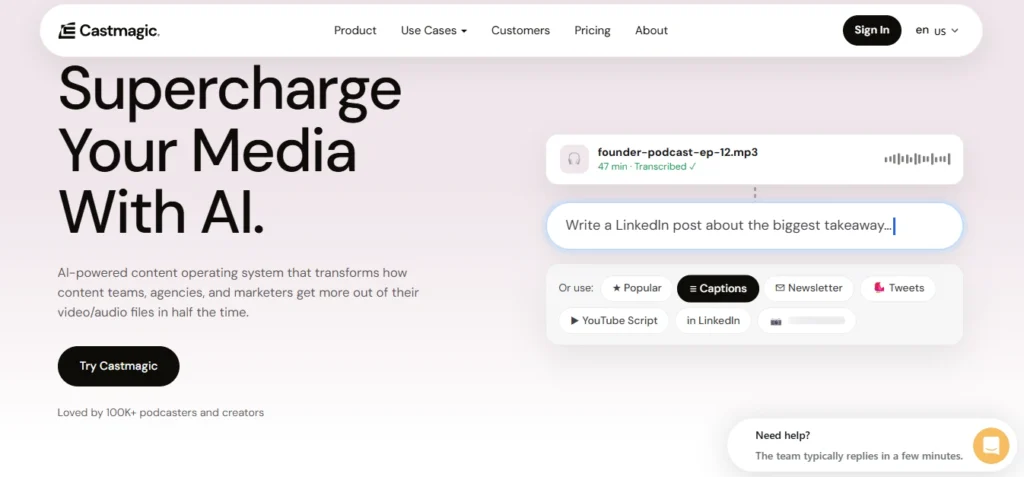
Castmagic is the narrowest tool on this list, and also the one where I’ve seen the most dramatic time savings in specific situations.
The workflow is simple: you upload a recorded podcast, a Zoom call, a webinar, a video. Castmagic transcribes it, then runs the transcript through AI templates to produce a full content package — show notes, social media captions, key quote pull-outs, LinkedIn posts, newsletter sections, Twitter threads. Everything from one source recording.
I set this up for a client with a weekly podcast. Before Castmagic, writing show notes and pulling social content from each episode was taking three to four hours.
After: about 45 minutes including review and editing. The quote extraction specifically was impressive — it was consistently pulling the most interesting 30-second moments, not just the opening sentences.
The obvious constraint is that none of this is useful to you if you don’t produce audio or video content. It’s also dependent on audio quality — a poorly recorded interview produces a messy transcript and messy outputs downstream. And unlike tools that help you produce content from ideas, Castmagic only helps you scale content from something that already exists.
If you run a podcast, record client sessions, film videos, or host webinars and you’re not repurposing them for social — this pays for itself in the first week.
The Part Where I Tell You Which One to Buy
I won’t give you a single winner because the honest answer is that it depends on what’s actually slowing you down right now.
- If your problem is voice consistency — everything sounds the same across your team or across campaigns — set up Jasper and invest the time to train it.
- If your problem is production speed and you need more drafts faster, Copy.ai or Buffer AI depending on how sophisticated your needs are.
- If you’re managing design and copy together and you’re tired of five tabs, Canva Magic Studio is probably the most practical answer.
- If you have a content backlog nobody has touched, Lately will make you feel foolish for not starting sooner.
- If you produce audio or video, Castmagic is almost certainly the most time-saving tool on this list.
The thing none of these tools will do is decide what you should say or why anyone should care. That part is still yours. What they do — when you pick the right one for the right job — is remove the friction between having an idea and getting it out the door.
That’s worth something. Not everything, but something.