

I switched my main coding tool four times in the last year—not because I’m indecisive, but because the tools genuinely changed underneath me.
Cursor rewrote its pricing. Windsurf got acquired by Cognition and shipped a completely different agent UI. Copilot’s agent mode went from “nice demo” to something I actually trust on a Friday deployment.
If you’re reading a “best AI coding assistant” list from even eight months ago, there’s a good chance it’s already outdated.
So instead of trusting another roundup, I tested all seven tools across real projects: a messy Next.js app, a Django backend touched by six developers over four years, and a small Go service I maintain.
Same tasks, every time—fix a flaky test, refactor an overloaded function, write a migration, and explain undocumented legacy code.
None of these tools “won” everything. That’s the honest answer most listicles avoid.
What follows is where each one actually shines, where it breaks, and who it’s worth paying for.
Quick Comparison Before You Read Seven Sections
| Tool | Best for | Starting price | Where it lives | What surprised me |
| GitHub Copilot | Daily driver, staying in your existing editor | $10/month individual | VS Code, JetBrains, Visual Studio, Xcode, Neovim | Agent mode catching a null-pointer bug I’d have missed in review |
| Cursor | Power users who want an AI-first editor | $20/month (Pro) | Standalone editor, built on VS Code | How much faster Composer is than tabbing between files myself |
| Claude Code | Terminal-based agentic work, big refactors | $20/month (bundled with Claude Pro) | CLI, plus VS Code and JetBrains extensions | It actually reads the whole repo before touching anything |
| Windsurf | Budget alternative to Cursor with a similar feel | Free tier, Pro around $15–20/month | Standalone editor | Cascade caught a circular import three files deep |
| Amazon Q Developer | Teams already living inside AWS | Free tier, $19/user/month Pro | VS Code, JetBrains, AWS Console, CLI | How good it is at IAM policies and CDK specifically |
| Tabnine | Regulated industries, air-gapped environments | No real free tier for serious use; $9–39+/user/month | VS Code, JetBrains, Neovim | Suggestions feel noticeably less “smart” than the frontier tools |
| JetBrains AI Assistant | Anyone already living in IntelliJ, PyCharm, WebStorm | Free tier, paid bundle around $10–17/month | Built into JetBrains IDEs | The local code completion that runs with zero network calls |
Note: Prices shift constantly in this market — Cursor alone has changed its billing model twice in the past year, so treat these as a starting point and check the vendor page before you commit a card.
1. GitHub Copilot
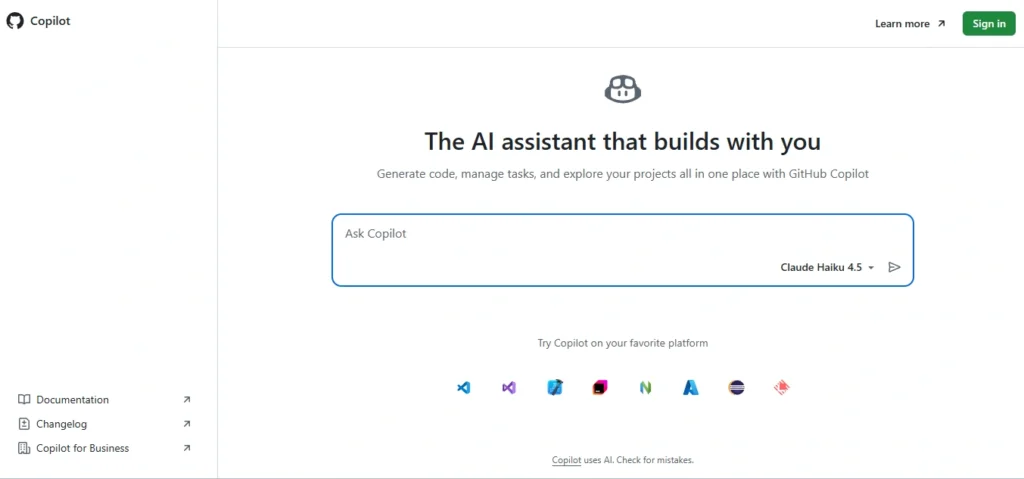
Copilot is the tool I keep coming back to. Not because it’s flashy—but because it doesn’t force me to change how I work. Install it, open VS Code, and within minutes you’re getting useful inline suggestions.
What changed for me this year is agent mode.
I gave it a frustrating task: find every place in a Django app where we were running database queries inside loops. It scanned the codebase, flagged six spots, and proposed fixes for four—without constant hand-holding.
It wasn’t perfect. Two suggestions were off because of a custom queryset manager. But catching four real N+1 issues automatically is still meaningful.
Where it struggles is long-range reasoning. If a bug starts in config and surfaces deep inside a service layer, it often guesses instead of tracing properly. That’s usually when I switch tools.
- Pricing: Around $10/month for individuals, ~$19/user for teams, plus a limited free tier.
- Verdict: Pick Copilot if you want a reliable assistant that fits into your workflow without friction.
2. Cursor
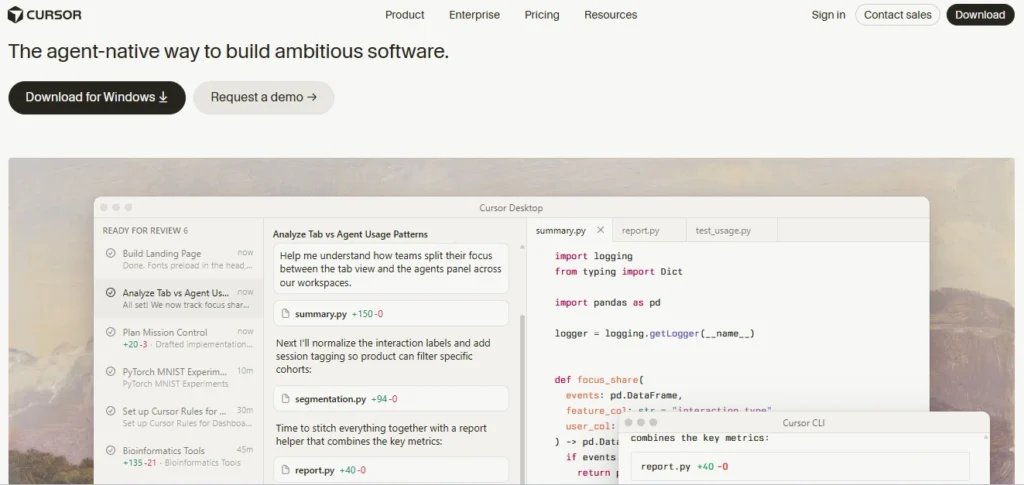
Cursor made me realize how much time I was wasting jumping between files.
Its Composer feature can take a task like “add rate limiting to all API routes” and actually implement it across multiple files in one pass. When I tested it on a Next.js project, it handled most of the work correctly—missing just one edge case, which it fixed after a quick prompt.
The bigger issue is pricing.
In 2025, Cursor moved from flat pricing to usage-based credits—and it gets unpredictable fast. I burned through my monthly credits in under two weeks during a heavy refactor and ended up paying overages I didn’t expect.
Even Cursor’s CEO acknowledged the confusion, and part of the community shifted to alternatives like Windsurf. Still, the core product is strong.
- Pricing: Starts around $20/month with credits; higher tiers scale with usage. Free tier exists but hits limits quickly.
- Verdict: Choose Cursor if you want deep, multi-file automation and don’t mind variable pricing.
3. Claude Code
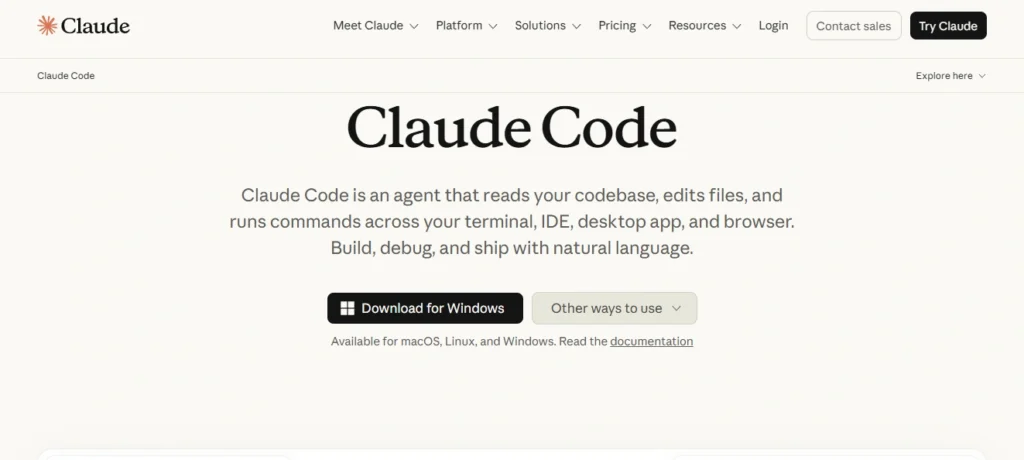
This is the one I reach for when a task is too big or too ambiguous to hand to an inline assistant. It runs in the terminal, reads your whole repository before doing anything, and can plan a multi-step task — write code, run the tests, read the failure, fix it, run again — without me re-explaining context every five minutes.
I tested it on the messiest task of the three: refactor a Go service’s error handling to use a consistent wrapped-error pattern across nineteen files.
It planned the change first, asked me to confirm the pattern before touching anything (I appreciated that — too many tools just start editing), then executed it in stages and ran the test suite after each batch.
It took about twenty-five minutes and got there with one manual correction from me on a file it had assumed was dead code but wasn’t.
The tradeoff is that it’s a terminal tool first. If you want inline suggestions while you type, this isn’t that — you’ll want it alongside Copilot or your editor’s native completion, not instead of it.
Session limits on the lower tier can also bite you on a long working day; I hit the cap twice during back-to-back debugging sessions before upgrading.
- Pricing: Bundled into Claude’s subscription plans starting around $20/month for Pro, with higher tiers around $100–200/month for people running it most of the day, plus a separate pay-per-token API option if your usage is spiky.
- The Verdict: Pick Claude Code if you do a lot of refactoring, debugging, or working in codebases you didn’t write yourself, and you’re comfortable living in a terminal.
4. Windsurf

Windsurf used to be Codeium before Cognition (the team behind Devin) acquired it, and the rebrand came with a real shift in what the tool is trying to be.
Cascade, its multi-file agent feature, is genuinely close to Cursor’s Composer in quality, and on my Next.js project it actually caught something Cursor didn’t — a circular import that only showed up because Cascade traced the dependency graph before making a change instead of editing first and discovering the conflict after.
The newer feature worth knowing about is the Devin handoff: you can plan a task inside Windsurf’s editor, then send it off to run on Devin’s cloud agent and review the result when it’s done, instead of watching every step locally.
I used it for a background task — writing tests for an under-tested module — and came back forty minutes later to a working PR. It’s not flawless (one generated test was testing the mock instead of the actual behavior), but for async work it’s a genuinely different workflow than anything else on this list.
- Pricing: Pro tier listed anywhere from $15 to $20/month depending on when you check, and the billing model itself shifted from a credit pool to daily and weekly quotas in early 2026. The free tier’s daily limits on Cascade run out fast if you use it as your main driver.
- The Verdict: Pick Windsurf if you want Cursor-style agentic editing without fully committing to Cursor’s pricing, or if the idea of handing a task off to a background agent appeals to you.
5. Amazon Q Developer
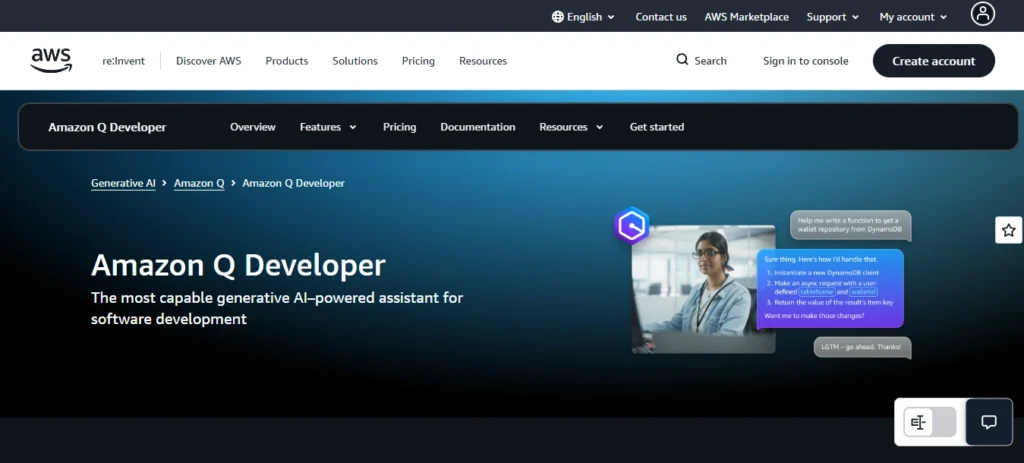
I almost left this off the list because on a generic web app, it’s fine but unremarkable. Then I tested it against actual AWS work — writing CDK constructs, reviewing IAM policies, debugging a Lambda cold-start issue — and it was noticeably better than the general-purpose tools at that specific job.
It knows AWS service quirks the way Copilot knows general patterns. It flagged an overly broad IAM policy I’d written without me asking it to review security at all, just as part of generating the resource.
Outside the AWS ecosystem, I didn’t find a strong reason to choose it over Copilot. The completions are competent but not exciting, and the chat experience feels a step behind Claude or GPT-based tools when you ask it something that isn’t infrastructure-related.
- Pricing: The free tier is genuinely generous for a free tier — a meaningful number of agentic requests per month before you hit a wall — and Pro runs about $19/user/month, undercutting most enterprise competitors.
- The Verdict: Pick Amazon Q Developer if your team lives in AWS and you want a tool that understands your cloud config, not just your code.
6. Tabnine
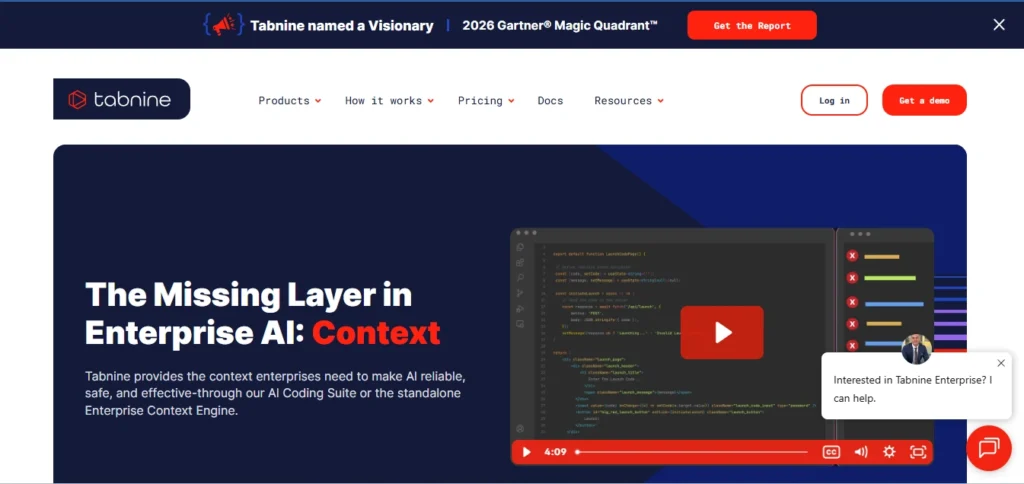
Tabnine is the one I’d never choose for myself but would absolutely recommend to a friend working at a bank or a defense contractor.
The pitch is narrow and they execute on it: zero code retention, fully air-gapped deployment options, and models that can be fine-tuned on your own private codebase without anything leaving your infrastructure.
Functionally, the suggestion quality is a step behind the frontier tools. I ran the same “find the N+1 query” test I gave Copilot and Tabnine caught two of the six issues Copilot found four of.
That gap is real and worth knowing about before you sign an annual contract, which is mandatory for most of their plans — there’s no month-to-month flexibility once you’re past the trial.
- Pricing: Starts around $9/month for individuals on the lighter plan and climbs to $39 or more per user for enterprise tiers with the full self-hosted setup, and you’ll need to budget separately for infrastructure if you go the on-premises route.
- The Verdict: Pick Tabnine if your compliance team would veto every other tool on this list before your engineers even got to try them.
7. JetBrains AI Assistant

If you already live in IntelliJ, PyCharm, or WebStorm, this one is easy to underrate because it doesn’t market itself loudly.
It’s built into the IDE you’re already using, and the local completion model runs without sending anything over the network — which matters if you’re working somewhere with strict data policies but don’t want the cost or friction of a full Tabnine deployment.
I tested it mainly in IntelliJ on a Java service, and the refactoring suggestions were solid for contained changes — renaming, extracting methods, fixing obvious code smells.
It got noticeably weaker on anything requiring it to reason across the whole project at once; for that I still reached for Claude Code instead and brought the result back into the IDE.
- Pricing: JetBrains offers a free tier with basic functionality and a paid AI Pro bundle that runs somewhere in the $10–17/month range depending on your existing JetBrains license.
- The Verdict: Pick JetBrains AI Assistant if switching editors isn’t on the table and you want something that’s already there rather than another subscription to manage.
What I’d Actually Tell a Friend Asking Which One to Buy
If you’re looking for just one tool and don’t want to overhaul your workflow, start with GitHub Copilot. It’s the easiest option to adopt, and at $10/month, it’s a low-risk way to see real gains quickly.
If you regularly deal with multi-file refactoring or complex code changes, tools like Cursor or Windsurf can save you significant time. Choosing between them mostly comes down to whether you prefer Cursor’s broader model capabilities or Windsurf’s simpler, more affordable pricing.
And if your work often involves understanding and untangling existing codebases rather than building from scratch, Claude Code stands out — it handles that kind of deep code reasoning better than most inline assistants.
My own setup right now, for what it’s worth, is Copilot running in the background for everyday completions and Claude Code for anything that touches more than three files at once. That combination has changed twice this year already, and I wouldn’t be shocked if it changes again before the next time someone asks me this question.
A Few Things People Ask Me About This List
- Do I need more than one of these tools?
Most developers I know who are serious about this end up running two — one fast inline completion tool for everyday typing, and one heavier agent for planning and multi-file work. Paying for three or more is usually overkill unless your company is footing the bill. - Is the free tier on any of these actually usable long-term?
GitHub Copilot’s free tier and Amazon Q Developer’s free tier are the two I’d call genuinely usable for light, occasional work. Cursor and Windsurf’s free tiers are built for evaluation — you’ll hit limits fast if you try to use them as your main tool. - Does using these tools mean my code trains someone else’s model?
It depends entirely on the vendor and the plan tier — paid business and enterprise tiers from every tool on this list include some form of opt-out or zero-retention guarantee, but the free and individual tiers vary, so read the specific data policy for the plan you’re on rather than assuming.