
Moving away from cloud-based AI doesn’t mean sacrificing a clean, intuitive interface. According to a Kdnuggets, the open-source community has built powerful frontends that rival the ChatGPT experience, offering file support, web search, and agent workflows all running entirely on your own hardware.
Here is a breakdown of seven interfaces that bring local LLMs to life, along with a comparison of their strengths.
Quick Comparison
| Interface | Primary Strength | Typical Setup | Standout Features |
| Open WebUI | All-in-one local workspace | Docker / Python | Auto-detects Ollama, tool integration, seamless model switching |
| llama.cpp WebUI | Ultra-lightweight usage | Built into llama-server | Zero extra installation, native streaming, reasoning outputs |
| LobeHub | Custom AI agents | Docker / Self-hosted | Dedicated task assistants, highly polished commercial-grade UI |
| AnythingLLM | Document analysis (RAG) | Desktop app / Docker | Built-in vector DB, isolated knowledge base workspaces |
| Jan | Hassle-free offline use | Desktop application | One-click model downloads, no infrastructure configuration required |
| LibreChat | Team and enterprise use | Docker / Self-hosted | User authentication, code execution, multi-provider support |
| Hugging Face Chat UI | Developer-focused frontend | Node.js / Docker | Clean UI for existing backends, multimodal input |
Open WebUI
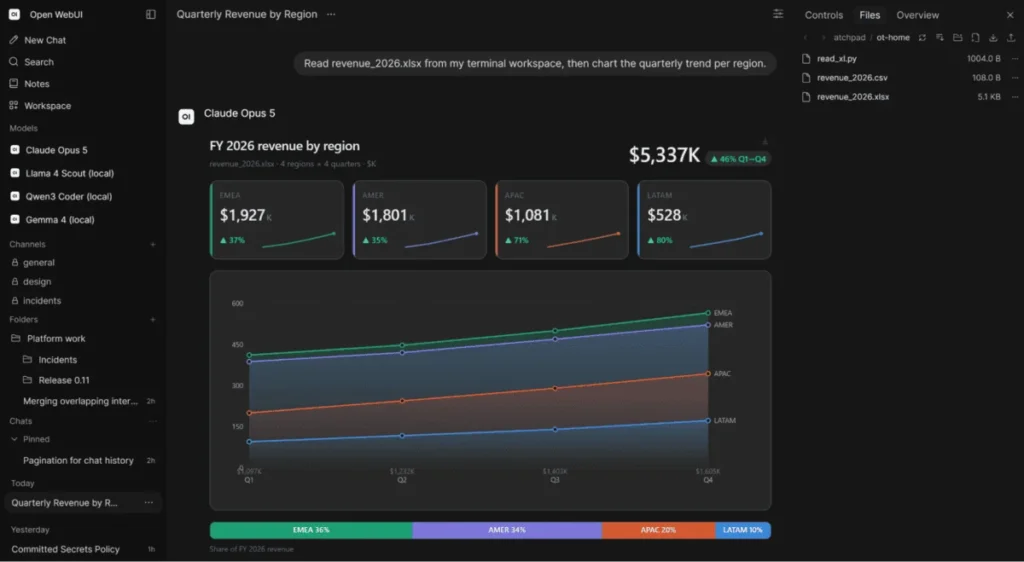
This interface is heavily favored for a good reason. Specifically, running it via Docker or Python is incredibly straightforward.
Furthermore, it automatically detects local Ollama instances and hooks directly into llama.cpp or any OpenAI-compatible API. Therefore, it operates as a full-fledged local workspace where you can swap models mid-conversation and utilize custom tools without friction.
llama.cpp WebUI
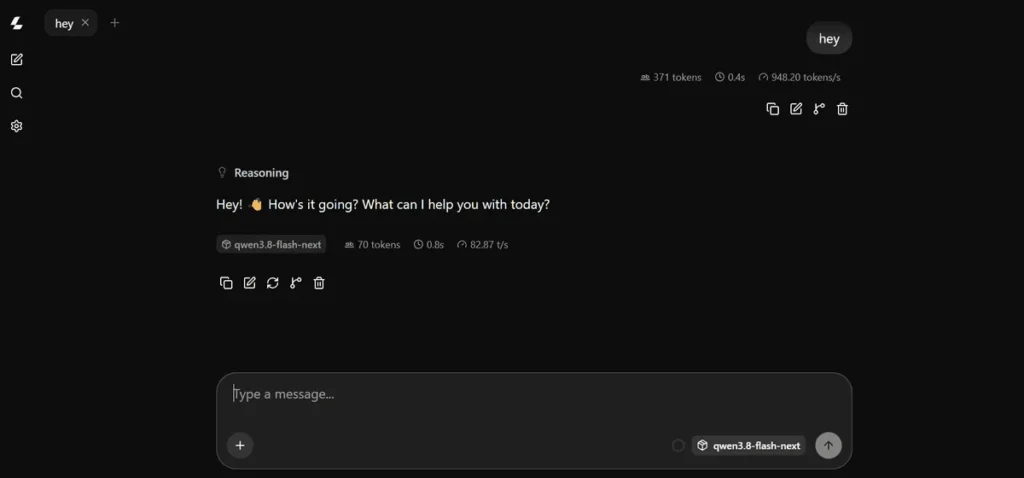
If you already run llama.cpp, you certainly don’t need to install a separate chat application. Instead, the built-in WebUI spins up alongside your server automatically.
Although it is barebones, the interface is highly effective. As a result, it provides streaming responses, conversation history, and file attachments straight from the browser.
LobeHub
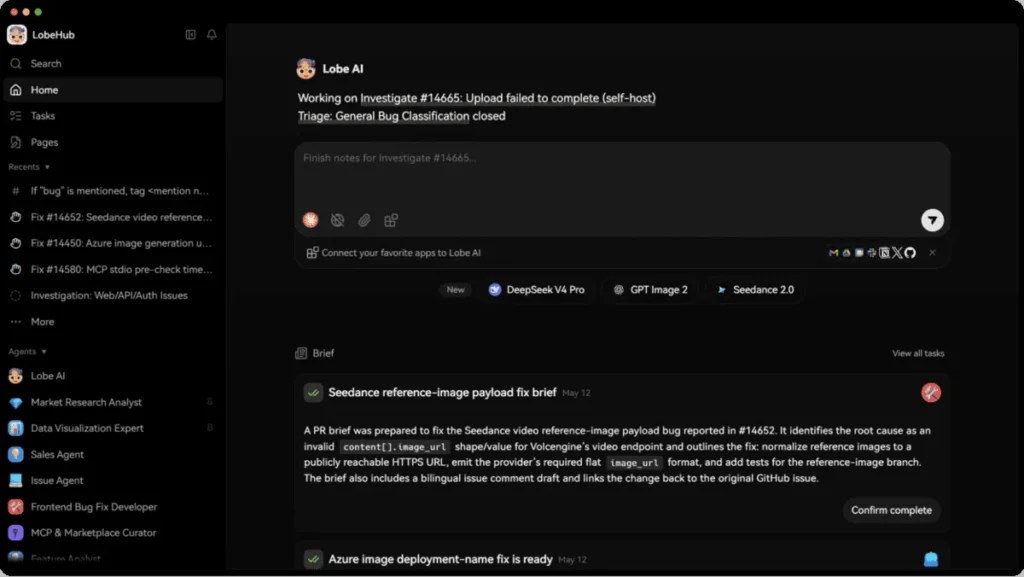
LobeHub stands out for its visual design and agent capabilities. Beyond standard chatting, you can configure dedicated AI agents tailored for specific tasks like a coding helper or a research bot each armed with its own custom instructions. It bridges the gap between a basic chat window and a premium commercial AI product.
AnythingLLM
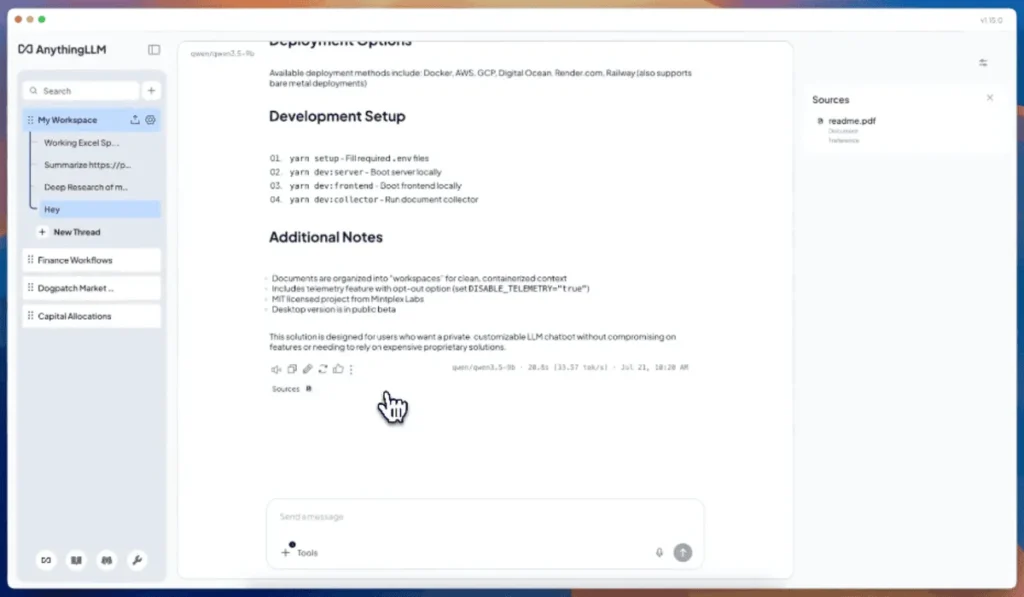
When your priority is chatting with your own documents, AnythingLLM is the clear choice. It handles the heavy lifting of a RAG setup out of the box, meaning you don’t have to piece together vector databases and chunking tools yourself. You can isolate data into separate workspaces, keeping your technical documentation entirely separate from your personal notes.
Jan
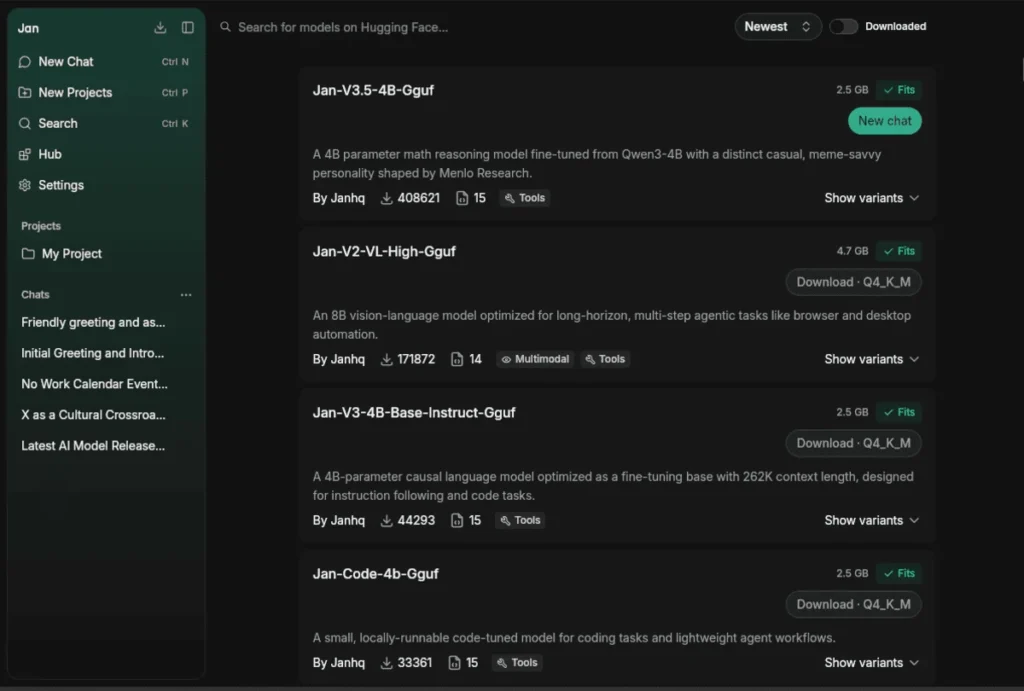
Jan is the desktop app for people who want to avoid configuring Docker containers or messing with command lines. You install the software, click to download a model, and start chatting. It abstracts away the infrastructure completely while still leaving room for power users to tweak parameters under the hood.
LibreChat
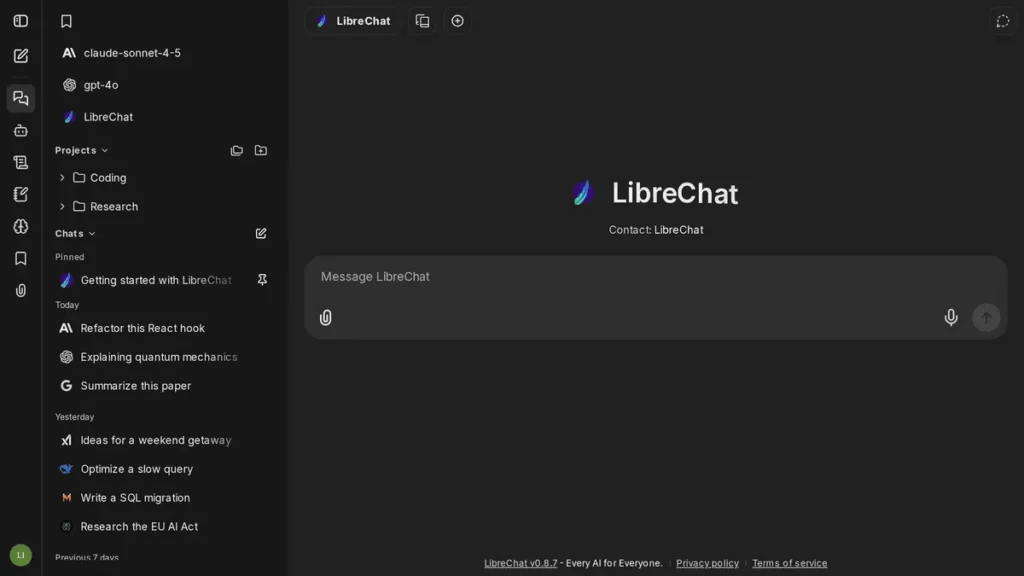
LibreChat is a heavy hitter that is distinctly designed for scale. Notably, it supports multiple users, authentication, custom actions, and code execution. Since it allows for multiple model providers, it is ideal if you want to host an internal AI platform for a team rather than just setting up a basic personal chat window.
Hugging Face Chat UI
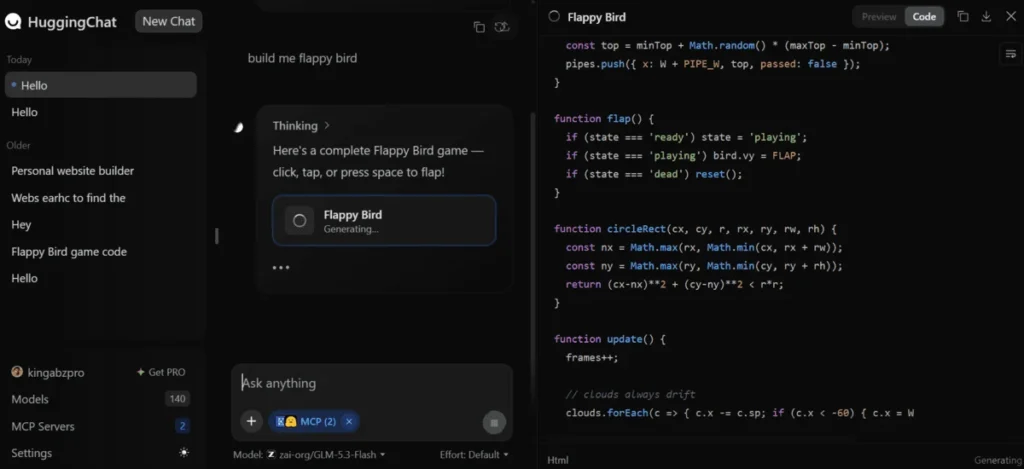
If your inference server is already doing the heavy lifting, Hugging Face Chat UI provides a sleek, developer-focused frontend. Similarly to commercial platforms, it handles multimodal inputs and external tools flawlessly. Of course, this assumes you are comfortable linking it to your existing backend via OpenAI-compatible APIs.
Ultimately, ChatGPT is just a frontend connecting you to OpenAI’s models. By pairing one of these open-source interfaces with a local model, however, you regain complete control over your data, your privacy, and your exact workflow requirements.