
If social media is where you want to build an audience, video editing stops being optional pretty quickly.
The problem is that traditional editing software has a steep learning curve, and most people don’t have months to spend getting comfortable with timelines, keyframes, and color panels before they can post anything.
AI has quietly closed that gap. Most major editing tools now handle the tedious parts, cutting silence, framing a subject, writing captions, automatically, which means the software finally adapts to the person using it instead of the other way around.
Softonic’s own 2026 roundup of AI video editors covered a similar set of tools worth knowing about, and we’ve pulled together our own breakdown of where each one actually fits.
Quick comparison
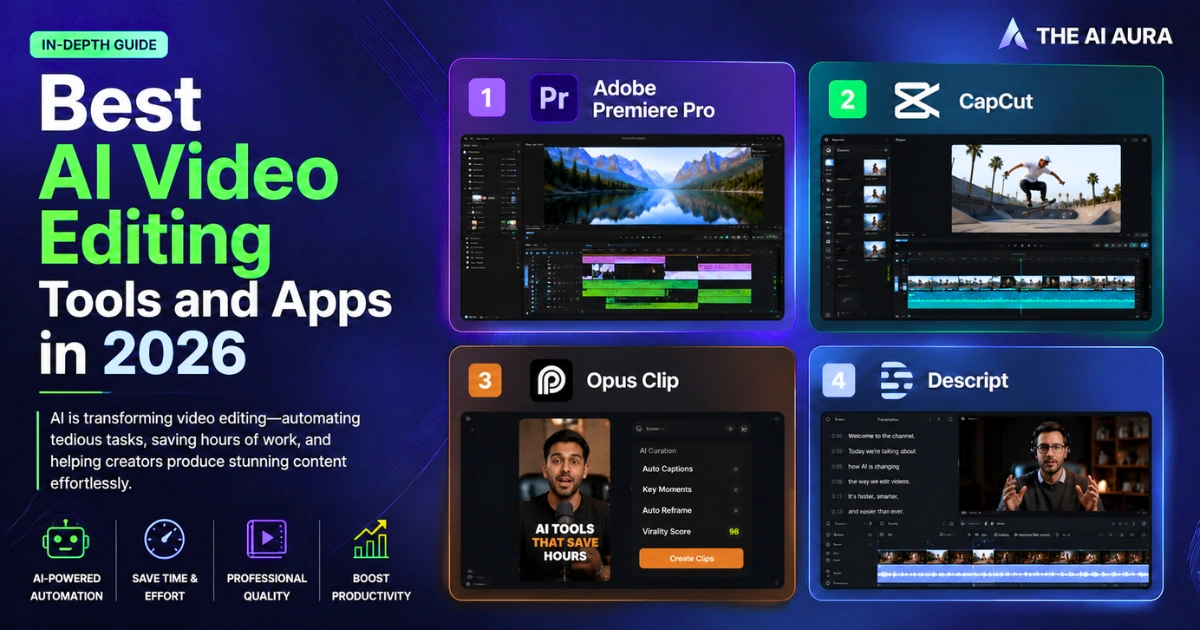
| Tool | Best For | Standout AI Feature | Free Version |
| Adobe Premiere Pro | Full-scale professional editing | Generative Extend lengthens clips without a jarring cut | 7-day trial only |
| CapCut | Daily short-form content for TikTok and Reels | Script-to-video generation plus multilingual AI voiceover | Yes, genuinely usable |
| Opus Clip | Turning long videos into short clips automatically | ClipAnything scores and selects the best moments on its own | Very limited |
| Descript | Podcast and talking-head video editing | Edit video by editing the transcript, delete a sentence and the clip goes with it | Yes, capped at 720p and roughly an hour of transcription a month |
What each one is actually good at
Adobe Premiere Pro
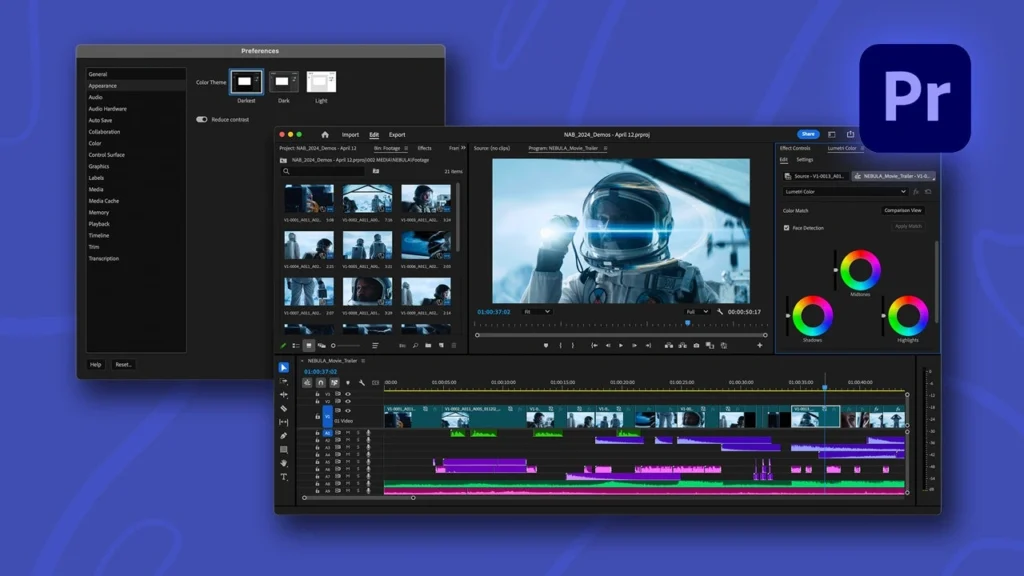
Premiere Pro remains the industry standard for a reason, and its AI additions have made it far more approachable than it used to be.
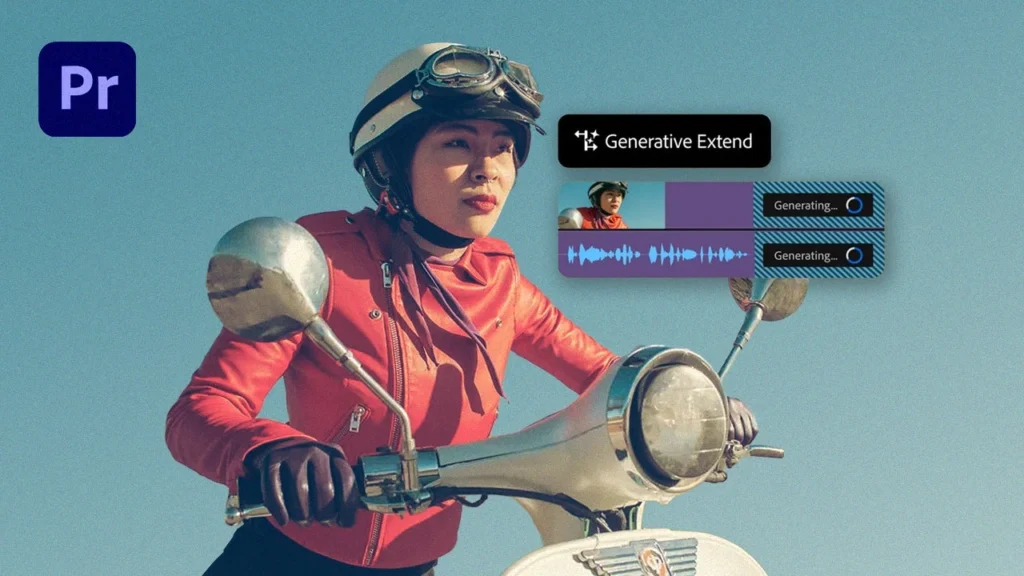
Generative Extend is the standout, it stretches a clip a few extra seconds when you need more breathing room instead of forcing an awkward cut, while Media Intelligence lets you search your own footage using plain descriptions rather than digging through folders.
For creators specifically, Speech to Text now handles transcription across more than 18 languages, separates multiple speakers automatically, and can translate subtitles into 27 languages on top of that.
None of this comes cheap, though. After the seven-day trial, you’re into a subscription, with pricing that varies by region and whether you’re an individual, a business, or a student, and full access to the AI suite pushes you toward Adobe’s higher-tier plans rather than the base one.
CapCut
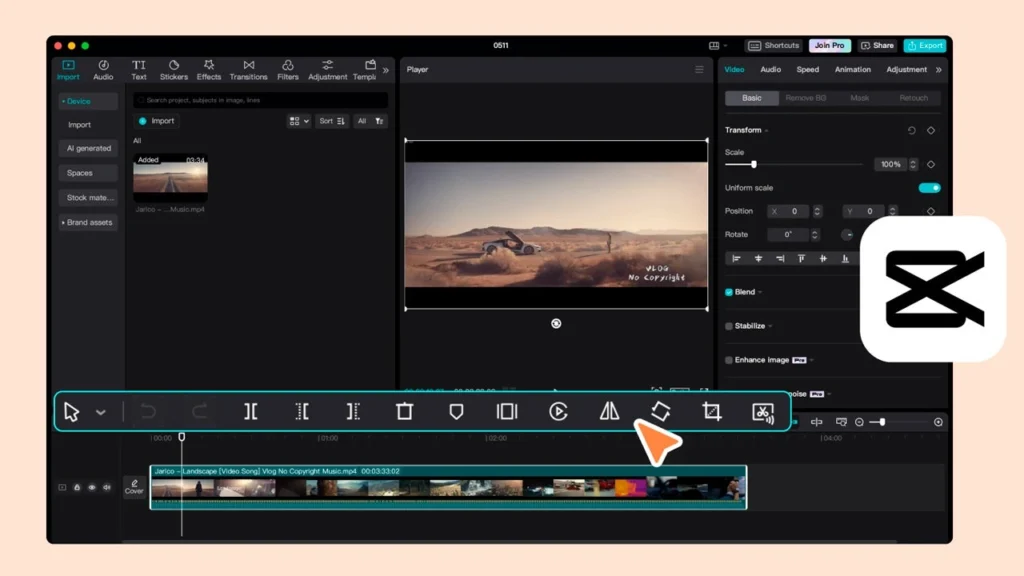
CapCut earns its popularity by being genuinely free where it counts. You can generate a video from a script, add automatic captions, remove a background, and even have an AI voice narrate your own written text in several languages, including English, Spanish, Japanese, and Chinese, all without paying anything.
The catch is that CapCut’s more advanced generative tools run on a credit system tied to its paid tiers, so a heavy daily poster will eventually bump into limits the free plan doesn’t cover.
Opus Clip
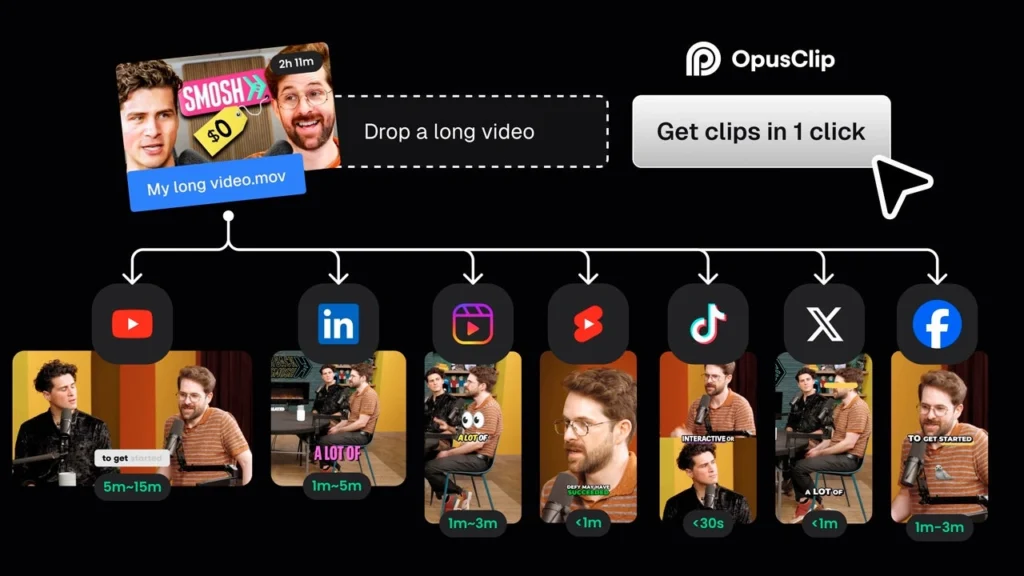
Opus Clip solves a narrower, very specific problem: taking one long video, a podcast, a webinar, a stream, and turning it into several short clips ready for Shorts or Reels.
ClipAnything is the feature worth knowing about, since it analyzes the full video and picks out the moments most likely to perform well on their own, then reframes the speaker so the clip actually fits a vertical format. The free version is thin enough that it’s really just a taste test before you commit to a paid plan.
Descript
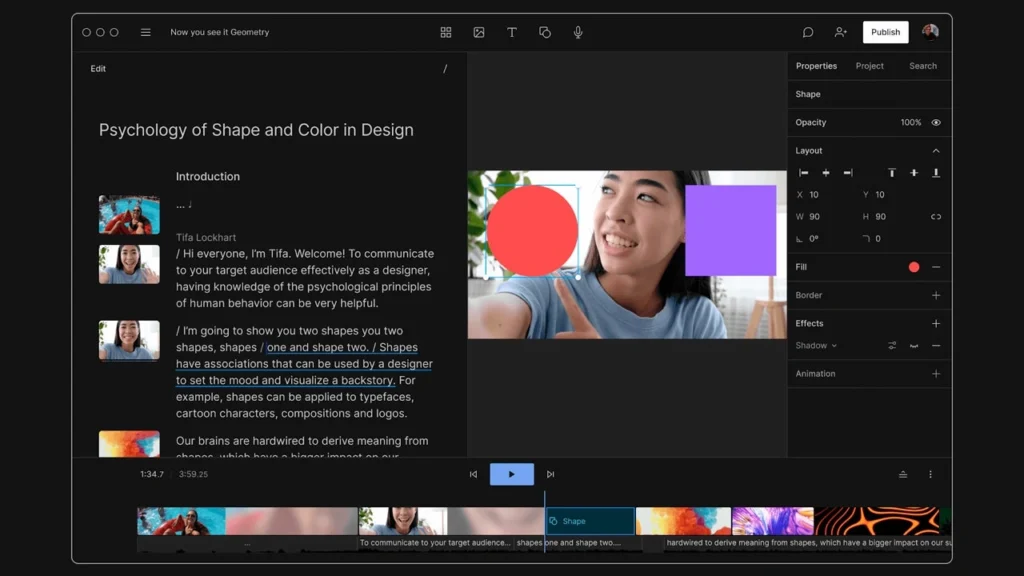
Descript takes the least conventional approach of the four, and it’s the most useful pick if podcasts or talking-head videos are your main format. Instead of manipulating a timeline, you edit the transcript directly, delete a sentence in the text and the corresponding footage disappears with it.
Descript’s own pitch is that if you can use a word processor, you can use Descript, and that framing mostly holds up. Beyond the core editing, it can flag your most shareable clips, translate content, clean up background noise, and apply a green screen effect.
The free tier caps you at 720p exports and about an hour of transcription a month, enough to genuinely test it before deciding whether the unlimited paid plans are worth it.
None of these four is the single “best” option, they’re built for different jobs. Premiere Pro if you need full creative control and don’t mind the subscription, CapCut if you’re posting daily and want to stay free as long as possible, Opus Clip if repurposing long content into shorts is your actual bottleneck and Descript if editing by text sounds faster than editing by timeline ever has.
Source: Softonic, "The Best AI Video Editors of 2026 for Creators Who Don't Like Editing"