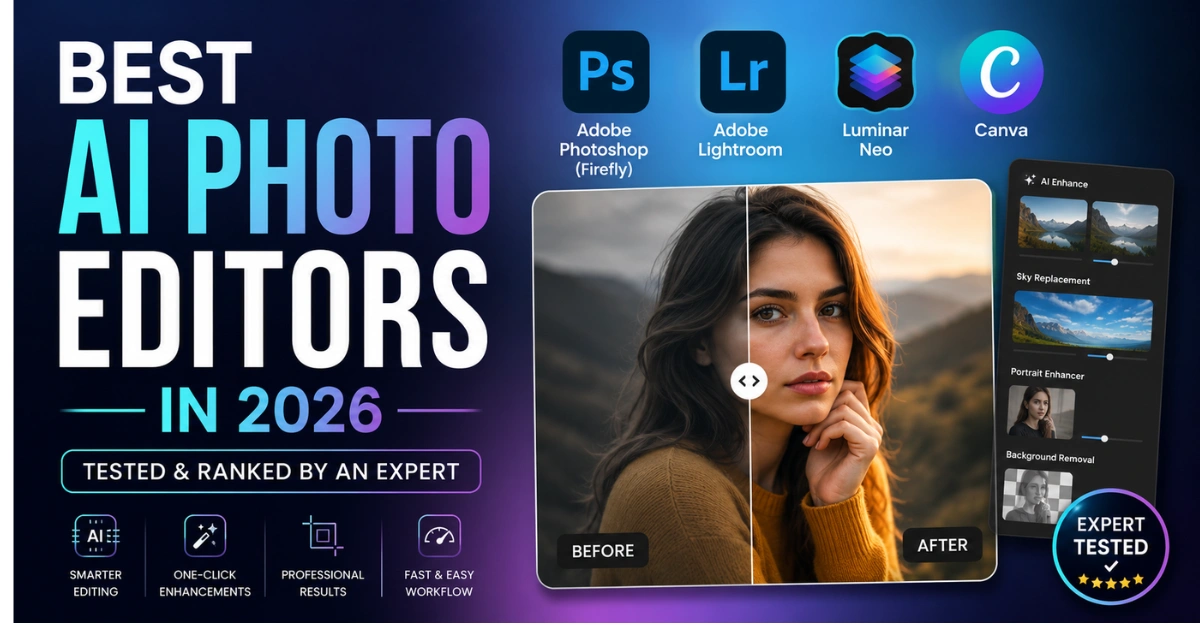

AI photo editing has evolved from a novelty into an essential part of modern photography.
Whether you’re a professional photographer, content creator, or casual user, AI-powered editing tools can now remove distractions, enhance images, replace backgrounds, and generate realistic edits in seconds.
The challenge is choosing the right one. With dozens of apps promising “AI-powered” editing, it’s difficult to separate genuinely useful tools from those that overpromise and underdeliver.
After testing the leading AI photo editors available in 2026, these are the platforms that consistently deliver fast, accurate, and natural-looking results.
How to Choose the Right AI Photo Editor
Before paying for a subscription, think about how you’ll use the software. If you’re heavily focused on building an audience, pairing an editor with top social media content creation tools may be enough for daily posting.
However, photographers and professionals should look for advanced AI features such as Generative Fill, background expansion, smart object selection, automatic masking, and AI-powered retouching that significantly reduce editing time.
Commercial use is another important consideration. Some AI models are trained on publicly scraped images, creating potential copyright concerns. Editors that use licensed training data provide greater confidence for professional and commercial projects.
Finally, compare pricing carefully. Most premium AI photo editors use monthly or annual subscription plans, although several also offer free versions or trial periods to help you evaluate the software before committing.
Feature Comparison
| Software | Best For | Key AI Features | Commercial Use | Platforms | Pricing |
| Luminar Neo | Portraits & landscapes | Sky replacement, AI retouching, text-based editing | Yes | Windows, macOS, iOS, Android | Paid (Free trial) |
| Adobe Photoshop (Firefly) | Professional editing | Generative Fill, Expand, Harmonize, object removal | Excellent | Windows, macOS, iPad, Web | Paid subscription |
| Pixazo AI Image Editor | Creators, marketers & e-commerce | AI enhancement, object removal, background replacement, retouching | Yes | Web, API | Free & Pro |
| Adobe Lightroom | Photography workflow | AI masking, object removal, portrait enhancement | Excellent | Windows, macOS, iOS, Android | Paid subscription |
1. Luminar Neo
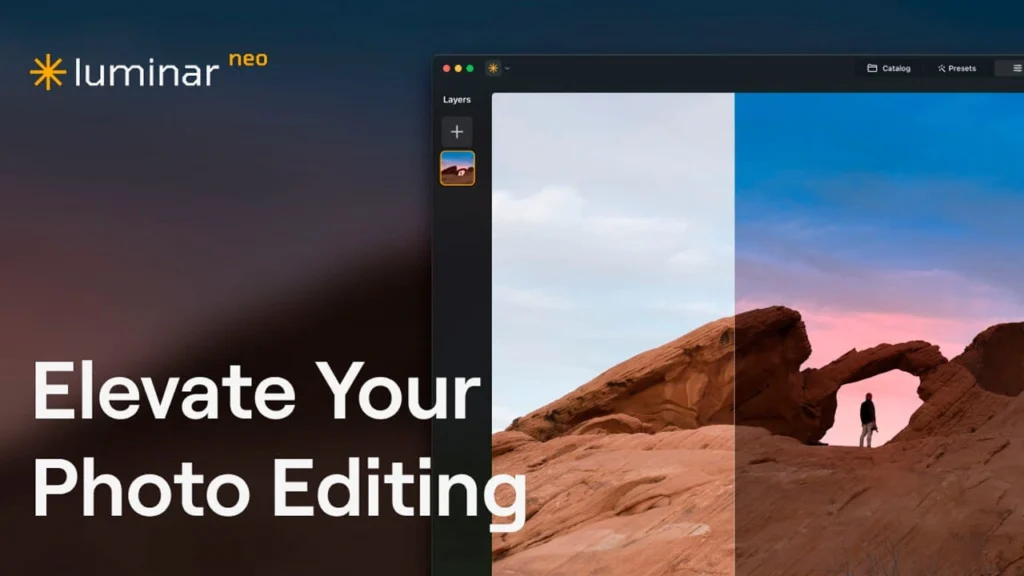
Luminar Neo strikes an excellent balance between automation and manual editing. Developed by Skylum, it offers powerful AI tools for sky replacement, portrait enhancement, object removal, and background cleanup.
Its built-in AI assistant also lets users perform edits through simple text commands, making complex adjustments much faster. Luminar Neo works as a standalone application or as a plugin for Adobe Photoshop and Lightroom. A free trial is available, while the full version requires a paid subscription.
2. Adobe Photoshop (Firefly)

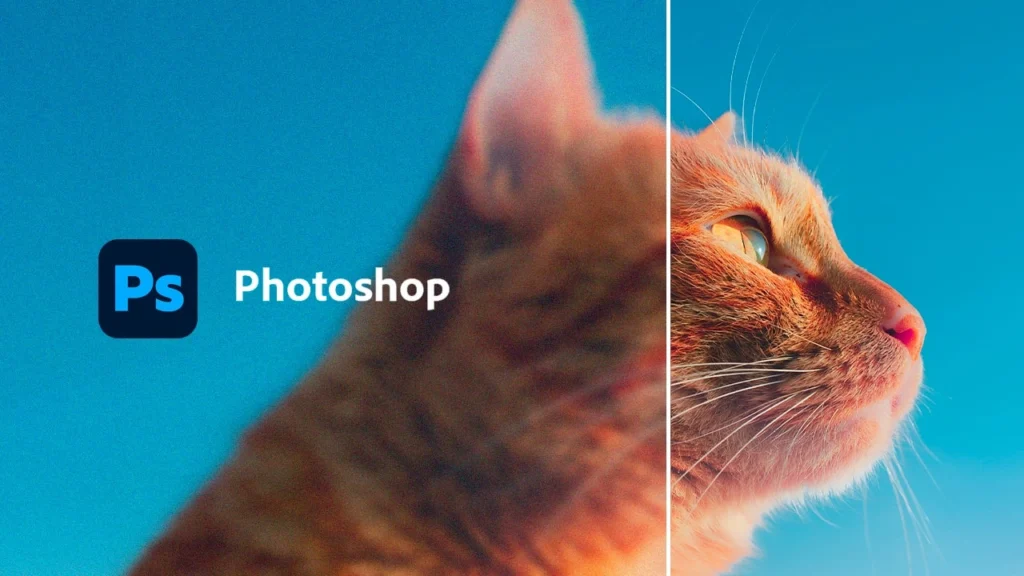
Adobe Photoshop remains the industry standard for professional image editing, and Firefly has made it even more powerful.
Features like Generative Fill, Generative Expand, and Harmonize allow users to create realistic edits using text prompts a fascinating process if you want to understand what AI actually does when you type a prompt while maintaining professional image quality.
One of Photoshop’s biggest advantages is that Firefly is trained on licensed Adobe Stock content, making it one of the safest options for commercial work.
(Note: If you are looking to generate entire assets from scratch rather than just editing them, you might want to compare the best AI image generators on the market).
Photoshop is available for Windows, macOS, iPad, and the web through an Adobe Creative Cloud subscription.
3. Pixazo
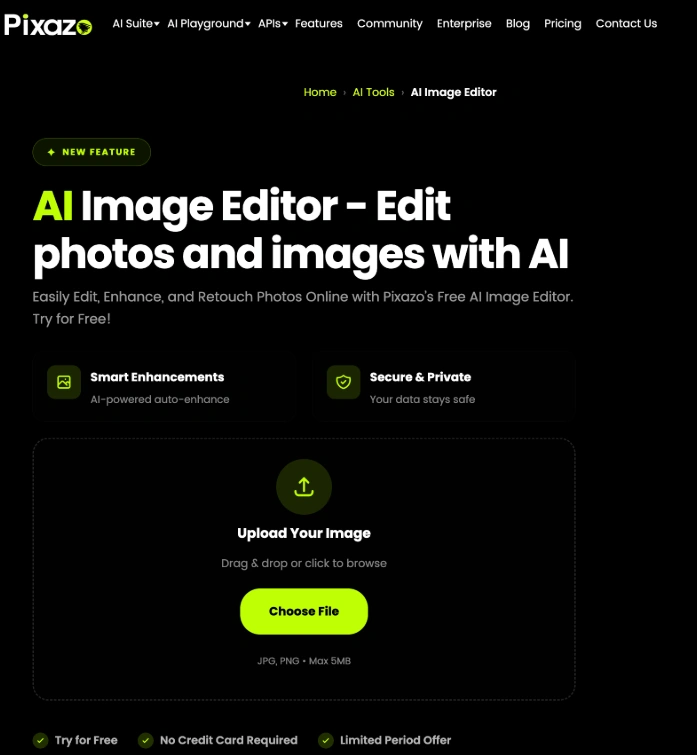
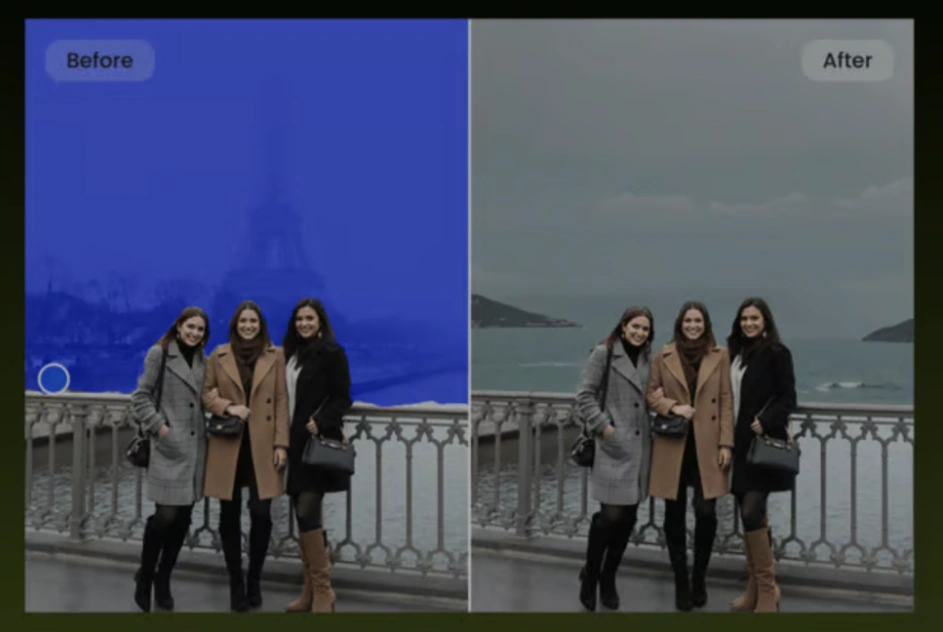
Pixazo AI Image Editor is designed for fast and simple AI-powered photo editing rather than complex manual manipulation. Its AI tools help users edit, enhance, transform, and refine images with minimal effort, making it useful for creators, marketers, e-commerce businesses, and small teams that need polished visuals quickly.
While it may not offer the same level of advanced manual control as professional photo-editing software, Pixazo is a practical option for users who want to streamline image editing with AI and create professional-looking visuals without extensive editing skills.
4. Adobe Lightroom
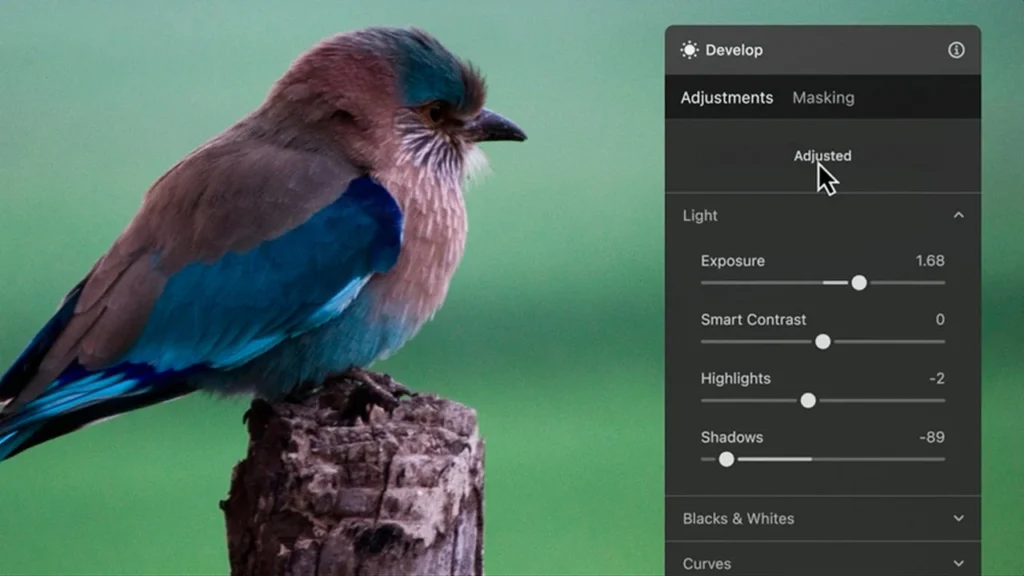
Adobe Lightroom focuses on improving existing photographs rather than generating new content. It remains the preferred choice for photographers who edit large batches of RAW images.
AI features such as automatic subject masking, sky selection, portrait enhancement, and object removal will easily replace your previous manual workflow while preserving image quality. Lightroom is available on desktop and mobile through Adobe Creative Cloud and seamlessly syncs edits across devices.
Source: Softonic, "The Best AI Photo Editors of 2026, Tested by a Real Editor"