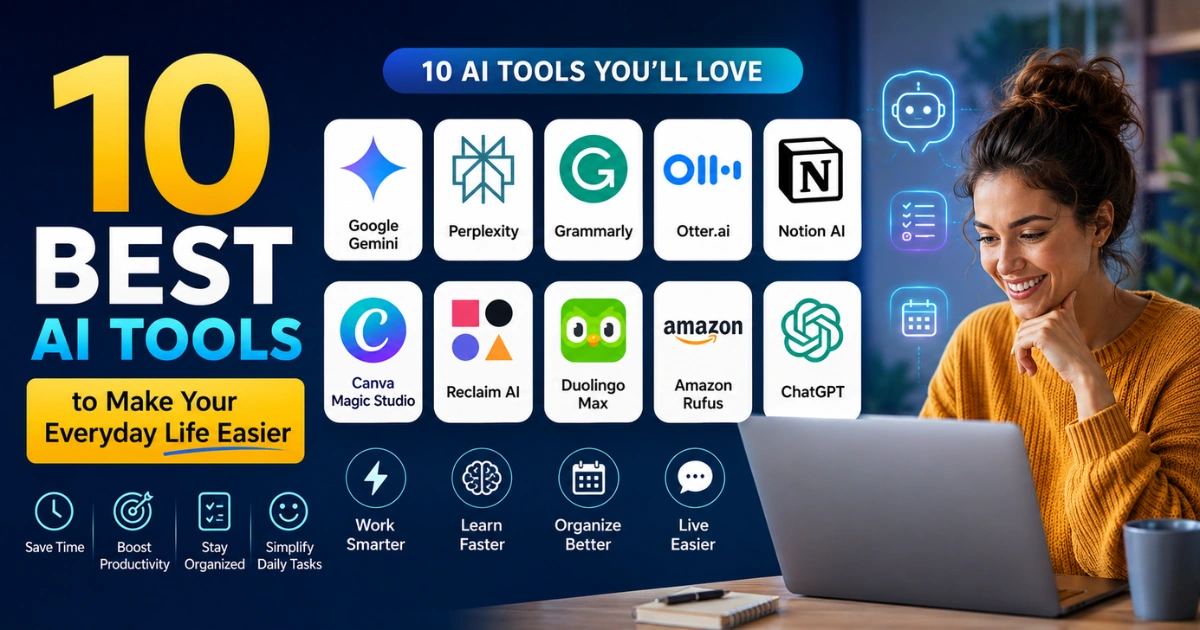

I’ve downloaded way more personal AI assistants than any reasonable person should, deleted most of them within a week, and kept a small handful that actually stuck around on my home screen.
That’s the real filter I used for this list, not “most powerful” or “most talked about,” but which ones I still open without thinking twice.
A few of these will be obvious. A couple probably aren’t on your radar yet. None of them need a computer science degree to use.
Comparison of AI Assistants
| Tool | Best For | What Actually Stands Out | Price |
| ChatGPT | General everyday questions and writing | Remembers your context across chats without you repeating yourself | Free tier, Plus at $20/month |
| Google Gemini | Anyone already living in Gmail and Docs | Pulls straight from your inbox and calendar without extra steps | Free tier, AI Plus from $3.99/month |
| Perplexity | Actually trustworthy research answers | Shows its sources instead of asking you to take its word for it | Free tier, Pro at $20/month |
| Grammarly | Fixing your writing without overthinking it | Works quietly inside apps you already use, not a separate window | Free tier, Premium from $12/month |
| Otter.ai | Never taking meeting notes again | Live transcription plus a summary the moment the call ends | Free tier, Pro at $16.99/month |
| Notion AI | People who already dump everything into Notion | Answers questions using your own notes, not the open internet | Bundled with Notion plans from $10/month |
| Canva Magic Studio | Making something look designed without design skills | One prompt turns a blank page into a usable layout | Free tier, Pro at $12.99/month |
| Reclaim AI | Getting your calendar to defend your own time | Auto-reschedules your tasks when your day gets messy | Free tier, Starter at $8/month |
| Duolingo Max | Actually understanding why an answer was wrong | Explains grammar mistakes in plain language instead of just marking them wrong | Super at $12.99/month, Max higher |
| Amazon Rufus | Shopping without reading five open tabs of reviews | Answers “does this work for X” questions using real product data | Free inside the Amazon app |
ChatGPT
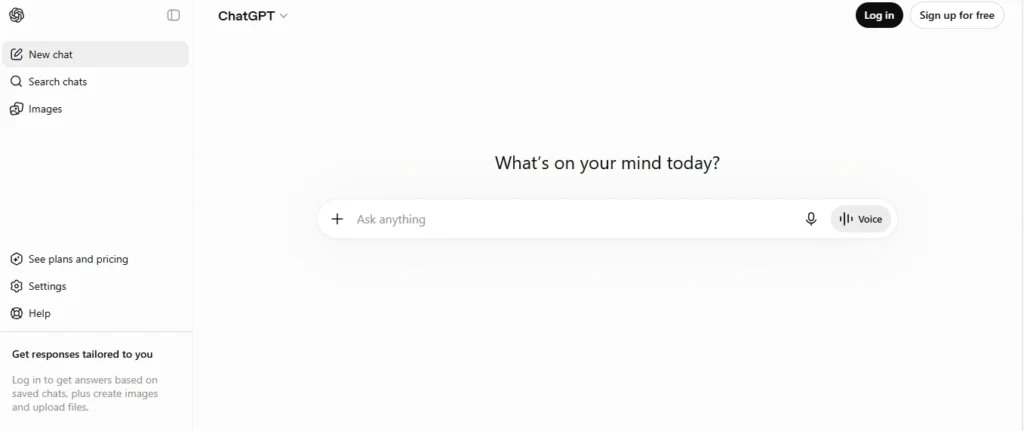
This is still the one I open first, mostly out of habit at this point. What’s changed the most isn’t raw intelligence, it’s memory.
It now holds onto the fact that I hate long intros in emails, or that I’m usually asking about a specific ongoing project, without me re-explaining myself every session.
Voice mode is genuinely fine for a quick “what’s a good substitute for buttermilk” moment while your hands are covered in flour. It’s not the best at any one specific thing on this list, but it’s the one that handles the widest range of “I don’t know which app to open for this” moments.
Google Gemini
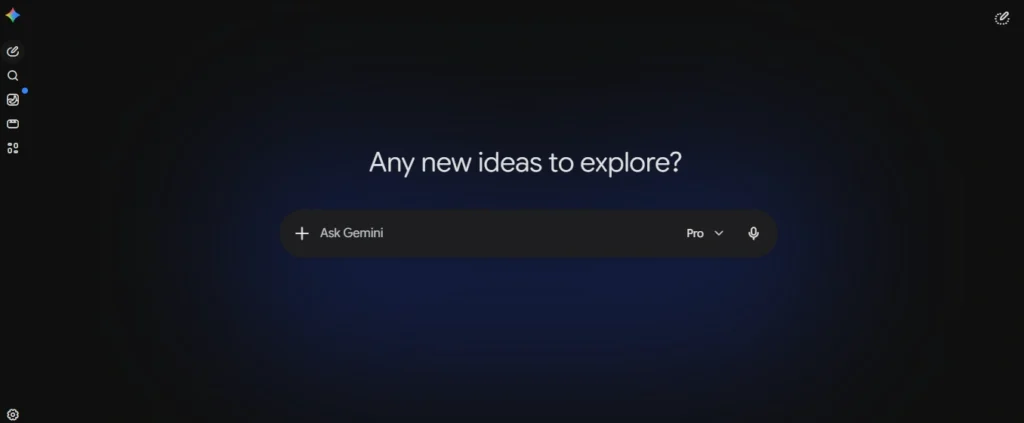
If your life already runs through Gmail, Docs, and Google Calendar, Gemini has an unfair advantage the other assistants don’t: it can just look.
Ask it to summarize a thread you’re too lazy to scroll through, or draft a reply based on what’s already in the conversation, and it doesn’t need you to copy-paste anything first. The trade-off is real, though.
Step outside the Google ecosystem and it feels noticeably less useful than it does inside it.
Perplexity
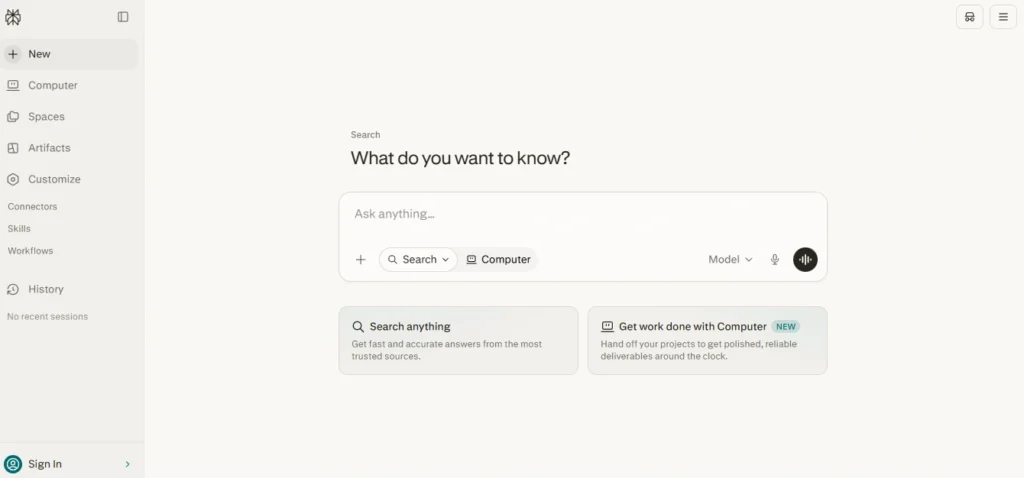
I stopped trusting chatbot answers for anything factual a while back, which is exactly why Perplexity earned a permanent spot. Every answer comes with the actual sources it pulled from, right there, clickable.
When I’m trying to settle something like “is this ingredient actually banned in the EU” or checking a stat before I repeat it to someone, this is the one I reach for. It’s slower and more clinical than ChatGPT, and that’s the point.
Grammarly
The reason this has survived a decade of AI hype cycles is boring but true: it just sits quietly in the background wherever you’re already typing, instead of asking you to open a new tab.
It catches the sentence that technically isn’t wrong but reads clunky, which is a different and honestly more useful skill than basic spellcheck. I don’t love every rewrite suggestion it makes, but I don’t have to accept them, and that opt-in friction is why it doesn’t flatten your own writing voice the way some tools do.
Otter.ai
I used to leave meetings with three lines of scrawled notes and zero memory of what I actually agreed to do.
Otter transcribes live and hands you a clean, searchable summary with action items the second the call ends, no bot awkwardly announced joining the meeting the way some competitors do.
The transcription still stumbles on strong accents or crosstalk, and you’ll want to skim the summary rather than trust it blindly on anything that actually matters legally or financially.
Notion AI
This one only makes sense if you’re already someone who dumps notes, docs, and half-finished plans into Notion.
Once you are, though, asking it “what did I decide about the kitchen renovation budget” and getting an answer pulled from your own scattered notes, instead of a generic internet answer, is the actual unlock.
It’s not a general chatbot substitute, and trying to use it that way misses why it’s good.
Canva Magic Studio
I have zero design training, and this is the tool that’s let me stop caring about that. Type what you want, get a real starting layout instead of a blank canvas, then drag things around until it looks like you know what you’re doing.
Magic Write handles captions well enough for casual use. Where it falls short is anything requiring true originality or creative branding, it leans generic fast if you don’t push back on its first draft.
Reclaim AI
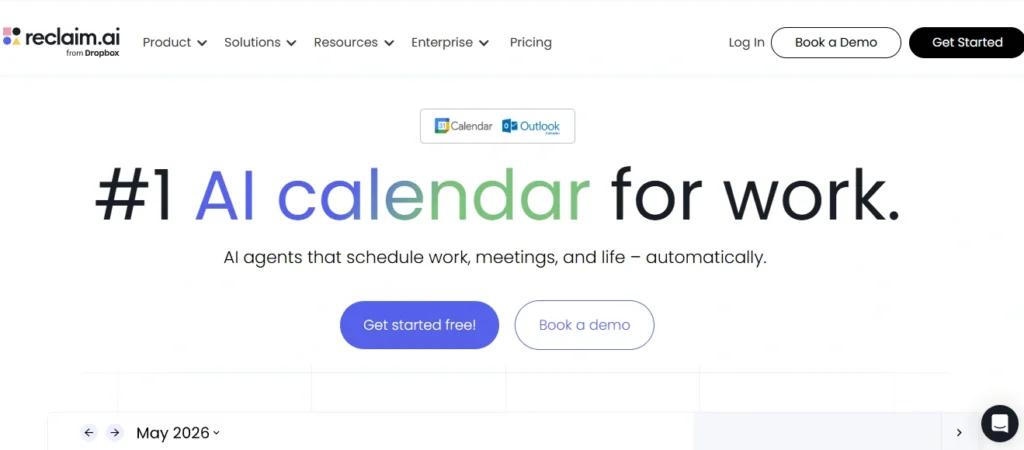
My calendar used to get steamrolled by whoever asked for a meeting first. Reclaim treats your own tasks and habits as things worth defending time for, not just leftover gaps between other people’s meetings.
It automatically reshuffles when something gets bumped instead of leaving you to manually rebuild your workflow. It works best if you’re disciplined about actually marking things as real commitments rather than vague someday-tasks.
Duolingo Max
Regular Duolingo tells you an answer is wrong. Max tells you why, in a short, plain explanation of the grammar rule you just broke, and it lets you role-play a conversation instead of just tapping multiple choice.
That explanation layer is the actual difference maker for anyone who’s plateaued on the app before, since knowing you’re wrong and understanding why are two different things.
Amazon Rufus
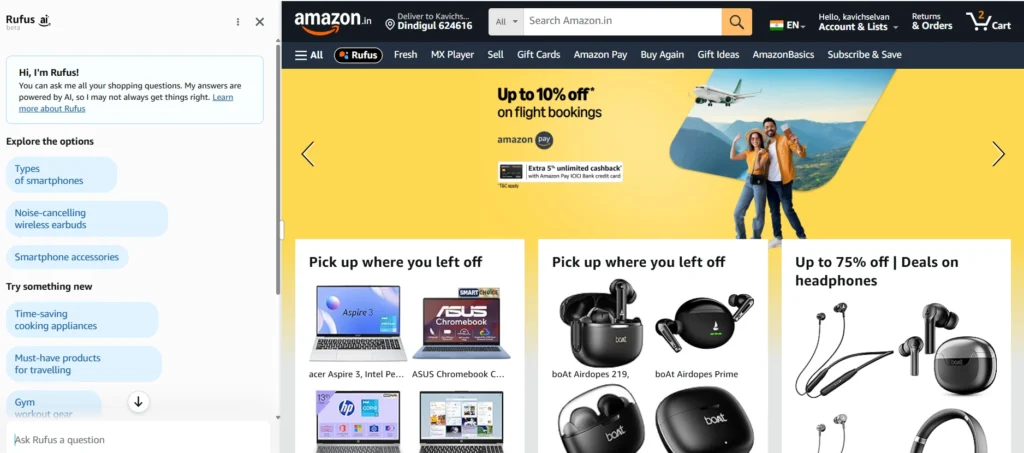
I was skeptical of this one specifically, an AI shopping assistant felt like a solution nobody asked for. Then I actually used it to ask “will this fit under a standard kitchen counter” instead of digging through a product’s Q&A section myself, and it pulled a real answer from the listing data.
It won’t replace reading actual reviews for anything expensive, but for quick compatibility and sizing questions, it saves the tab-hopping. Ten tools is a lot to actually adopt at once, and you don’t need to.
Pick the one or two that map to something you’re already doing badly, ChatGPT or Gemini if it’s general daily questions, Reclaim if your calendar runs you instead of the other way around, Grammarly if you’re tired of rereading your own emails three times.
The rest will still be there once the first one earns its spot on your home screen.