
I’ve been experimenting with AI voice tools for the past year — mostly because I was tired of re-recording the same 30-second intro every time I mispronounced something.
What I found is that most “best of” lists are written by people who watched one YouTube video and called it a day.
So, I ran actual tests: uploaded real scripts, compared audio exports, and tracked which tools held up after the novelty wore off.
This isn’t a paid review. Some of these tools impressed me. Some didn’t. Here’s where I landed.
Quick Comparison
| Tool | Best For | Voice Quality | Free Plan | Starting Price |
| ElevenLabs | Realism and voice cloning | Excellent | Yes (limited) | $5/month |
| Murf AI | Professional voiceovers | Very Good | Yes (watermarked) | $19/month |
| Descript | Podcast editing + voice | Good | Yes | $12/month |
| Play.ht | Podcast intros, long-form | Good | Yes (limited) | $31.2/month |
| Speechify | Speed listening, narration | Good | Yes | $139/year |
| Lovo AI | Marketing and explainer videos | Very Good | Yes (limited) | $19/month |
| Resemble AI | Custom voice cloning | Excellent | No | $0.006/sec |
1. ElevenLabs — The One That Actually Sounds Human
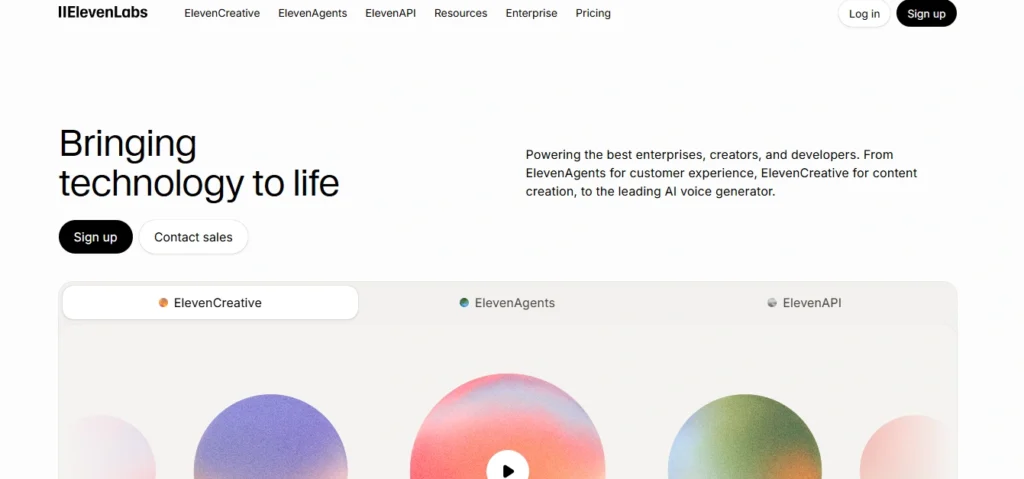
If you’ve heard a podcast lately where you thought “wait, is that real?” — there’s a decent chance it was ElevenLabs. Their voice model has been trained differently from most tools, and you can hear it the second you paste in a paragraph.
What sets it apart is the emotional range. Most AI voices read text like a teleprompter. ElevenLabs picks up on punctuation and sentence structure and adjusts delivery accordingly. A sentence ending in a question mark actually sounds uncertain. Emphasis lands where it should.
I tested it with a 600-word podcast script—partially drafted using one of my go-to AI writing assistants—that had a few rhetorical questions, a dramatic pause moment, and a list of items. On default settings, it got most of it right without any manual adjustment.
Voice cloning is their other standout feature. You upload 1–3 minutes of your own voice, and within a few minutes you have a cloned version that can read any script.
I used my own voice recording, and while it wasn’t a perfect clone, it was close enough that my co-host asked if I had re-recorded it. For solo podcasters who want consistency without being mic-ready every session, that’s a genuine use case.
- Where it falls short: The free tier gives you 10,000 characters per month. That runs out faster than you’d expect — a 10-minute podcast script is roughly 8,000–9,000 characters.
You’ll hit the ceiling quickly if you’re producing weekly content. The $5/month Creator plan bumps you to 30,000 characters, which is more workable. - Pricing: Free (10k chars/month) | $5/month Creator | $22/month Independent Publisher
2. Murf AI — Built for the Professional Use Case
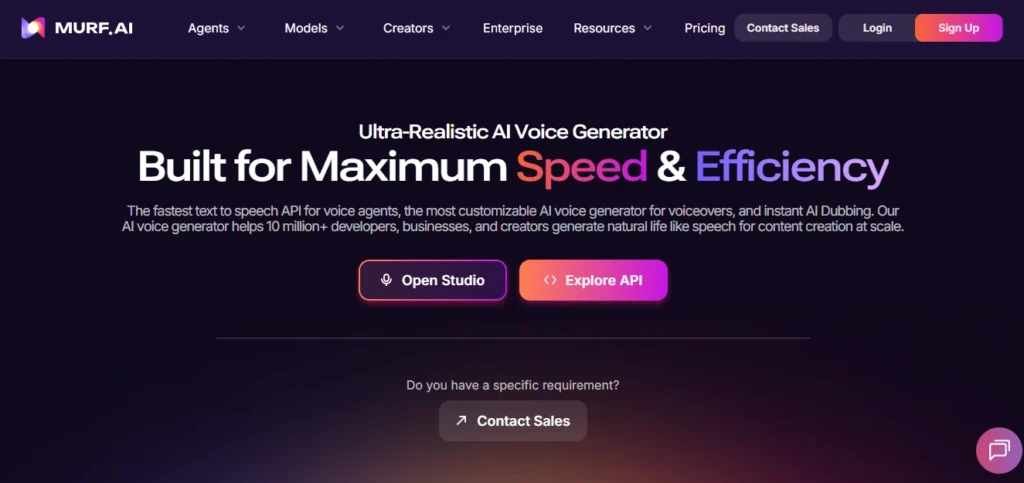
Murf was built with marketers and corporate video producers in mind (making it a perfect companion to modern AI video generators), and that’s obvious from the interface. It’s clean, organized, and doesn’t require you to understand anything technical to get a good result.
They have 120+ voices across 20 languages, and unlike some tools where half the voices sound robotic, Murf’s quality is consistent across most of their catalog.
I tested five voices on the same paragraph — three sounded genuinely good, one was mediocre, and one was noticeably synthetic. That’s a better ratio than most competitors.
The built-in editor is where Murf earns its place in a professional workflow. You can adjust pitch, speed, and emphasis at the word level — not just the whole clip. If you need a specific word to land harder, you highlight it and dial it up.
That kind of control matters when you’re working on commercial narration or explainer videos where delivery precision counts.
- Where it falls short: The free plan adds a watermark to exports. You need to pay to get clean audio, which makes true evaluation harder before committing.
- Pricing: Free (watermarked) | $19/month Basic | $26/month Pro
3. Descript — Not Just a Voice Tool, It’s an Editing Environment
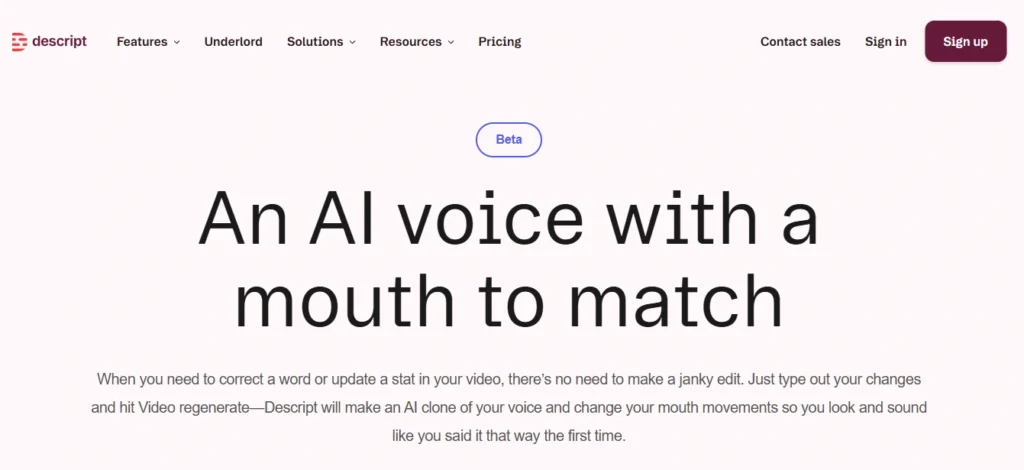
Descript takes a different approach entirely. It’s built as a podcast and video editor first, with AI voice features layered in.
The centerpiece is their Overdub feature — you train it on your voice, and then you can correct mistakes in your recordings by typing. The tool regenerates just that word or phrase in your voice.
I recorded a test episode, made three intentional errors, and used Overdub to fix them. Two of the three corrections blended seamlessly.
The third was slightly noticeable — the cadence felt off by half a beat. Not terrible, but worth knowing if your audience listens closely.
- Where it falls short:
Descript is a whole ecosystem, not a voice generator you can drop into an existing workflow. If you’re already happy with your recording setup and just want cleaner voiceovers, the learning curve isn’t worth it—a prime example of the AI adoption illusion were adding heavy tools to a simple workflow actually slows you down.
But if you’re building a podcast setup from scratch, it might be the only tool you need. - Pricing: Free tier available | $12/month Hobbyist | $24/month Creator
4. Play.ht — Strong for Long-Form, Decent API
Play.ht has been around longer than most tools on this list, and that experience shows in their voice library depth. They claim over 800 voices, and while I didn’t test all of them, the 15 or so I sampled ranged from solid to excellent.
Their newer Ultra Realistic voices are genuinely good — conversational, with natural rhythm.
For podcasters specifically, Play.ht handles long scripts without the quality degrading mid-clip. Some tools start sounding more robotic as the audio gets longer (likely due to how the model handles context). Play.ht stayed consistent across a 2,000-word test script.
They also have a solid API, which matters if you’re building any kind of automated content pipeline. I talked to a developer who uses it to auto-generate episode previews — short 60-second highlights narrated in a consistent voice.
That’s a real workflow use case, and Play.ht supports it cleanly, though you’ll need to know how to reduce your AI API costs as your production volume scales.
- Where it falls short: The pricing structure is more confusing than it should be. The starter plan feels limited for any serious production volume, and jumping to the next tier is a noticeable cost increase.
- Pricing: Free (limited) | $31.2/month Creator | $49/month Starter
5. Speechify — Different Use Case, Worth Knowing
Speechify is primarily a text-to-speech tool for consuming content — audiobooks, articles, documents — at high speed. But it also has a voice generation component that podcasters are starting to use for specific things: chapter narration, content repurposing, accessibility versions of episodes.
The voice quality at normal speeds is good. At 1.5x–2x speed (which is how most Speechify users consume content), it stays intelligible longer than competitors. That’s a function of how their voices are trained.
I wouldn’t use Speechify as my primary podcast production tool. But if you’re producing educational content and want an audio version that people can speed through on a commute, it does that well.
- Pricing: Free tier | $139/year Premium
6. Lovo AI — The Underrated One
Lovo doesn’t show up on many comparison lists, which is strange because the voice quality is consistently in the top tier.
Their Genny product (their main platform) has 500+ voices and specifically leans into emotional range as a feature — you can select not just a voice but a style, like “conversational,” “newscast,” “storytelling,” or “customer service.”
For voiceovers specifically — explainer videos, ads, YouTube narration — Lovo is strong. The interface makes it easy to produce a polished output quickly. I made a 90-second product explainer narration in about 12 minutes, including picking the voice and making two rounds of edits.
- Where it falls short: The voice cloning feature requires a higher-tier plan, and the free tier is restrictive. But if you’re already paying for another video editing tool that doesn’t include voice, Lovo is worth stacking.
- Pricing: Free (limited) | $19/month Basic | $49/month Pro
7. Resemble AI — If Custom Voice Is the Priority
Resemble AI is built around one core use case: cloning and customizing a specific voice. It’s used by developers, brands, and media companies that need a consistent synthetic voice tied to their identity.
The quality of their voice cloning is exceptional — arguably better than ElevenLabs for pure accuracy when you have enough training data.
The catch is the workflow. Resemble isn’t a drag-and-drop tool. You’re working with an API, managing voice models, and integrating it into a broader pipeline—a true reflection of how the modern AI stack operates in production.
- Pricing: Pay-as-you-go at $0.006/second | Enterprise plans available
What I Actually Use and Why
After running all of these through real scripts, I keep coming back to ElevenLabs for most voice generation tasks. The quality gap between their top voices and everything else is still noticeable — especially in natural sentence rhythm. Murf is my second pick for anything that needs word-level control or has a stricter professional requirement.
Descript sits in its own category because it’s a production tool, not just a voice tool. If you’re not already using it for editing, the voice features alone probably don’t justify the subscription. But if editing is where you spend your time, it earns its spot.
Things Nobody Tells You Before You Buy
- Character limits matter more than you think. Run a word count on your average script and multiply by six to estimate characters. Most free plans evaporate inside one episode.
- Voice cloning quality depends on your source audio. If you’re recording in a noisy room with a cheap mic, the clone will carry those artifacts. Clean input = clean output.
- “Natural sounding” is subjective. What sounds natural for a calm explainer narration sounds slow and boring for a true crime podcast. Test the same script on multiple tools before committing.
- Export format support varies. Most tools export MP3. If you need WAV, FLAC, or specific sample rates, check before subscribing — not all plans give you full format control.
Who Should Use Which Tool
- A solo podcaster recording weekly episodes but mispronouncing things or wanting to cut re-recording time — Descript with Overdub is the move.
- A marketer producing short promotional audio clips — Murf or Lovo.
- A developer building an automated content pipeline — Play.ht or Resemble AI.
- Someone who just wants the most realistic-sounding narration without complexity — ElevenLabs (start with the free tier and see if the quality justifies the upgrade).
None of these tools are perfect. All of them are getting better every few months, especially as text, image, video, and voice continue to merge.
The version you’re evaluating today will be noticeably different in six months — which means trying one for a month and revisiting the market again later is probably smarter than locking into a long-term plan right now.