

I have a complicated relationship with Gamma.
While my Gamma App Review highlights why it’s the tool I recommend to almost everyone who asks me about AI slide makers — half of them come back two weeks later saying they hit some wall. The export is gated.
The slides all look the same after a while. The brand customization only goes so far. Or they just want something that works differently.
So I spent the better part of three weeks testing the alternatives. Not reading feature pages — actually running prompts through each one, comparing the output, pushing the edge cases, and figuring out where each tool actually earns its keep.
This isn’t a list of “10 tools you should know about.” It’s seven tools I can say something real about.
Why People Start Looking Past Gamma
Gamma’s biggest strength — the ability to go from a prompt to a polished deck in under two minutes — is also where most people begin to feel trapped.
This speed is a major step toward curing blank page syndrome and rewriting business productivity, but once you’ve seen the Gamma aesthetic a few dozen times, you start to recognize it. The cards, the gradients, the default spacing. It starts to feel like a template rather than a presentation.
There’s also the pricing friction. The free tier is generous enough to get you hooked, but you hit the limit fast if you’re building decks regularly. And the branding lock on exports at the lower tiers is a real business limitation if you’re presenting to clients.
None of that makes Gamma bad. It makes it a specific tool for a specific use case. What follows is what I found when I went looking for everything else.
Quick Comparison Table
| Tool | Best For | AI Generation | Design Quality | Collaboration | Starting Price |
| Beautiful.ai | Brand-consistent team decks | Moderate | High | Good | ~$12/mo |
| Tome | Narrative / async sharing | Strong | Unique format | Limited | Free / $16/mo |
| Canva AI | Existing Canva users | Moderate | Very High | Good | Included in Canva Pro |
| Pitch | Team collaboration | Good | High | Excellent | Free / $8/mo per user |
| SlidesAI | Google Workspace users | Basic | Average | Via Google Slides | Free / $10/mo |
| Decktopus | Sales decks with forms | Good | Moderate | Limited | Free / $15/mo |
| Plus AI | Editing existing decks | Strong | Inherits from Slides | Via Google Slides | ~$10–15/mo |
1. Beautiful.ai — For Teams That Need Consistent Branding
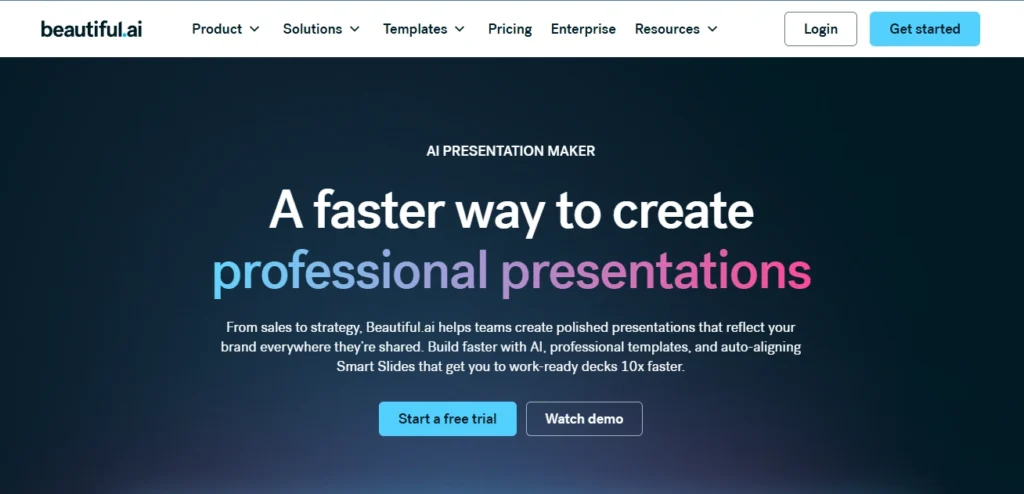
If Gamma feels like a creative sandbox, Beautiful.ai feels like a design system.
The core mechanic is “Smart Slides” — pre-built layout templates that auto-adjust when you add or remove content.
You can’t move elements to arbitrary positions, which sounds limiting until you realize how often unconstrained slides become chaotic.
I ran the same 12-slide deck prompt through both Gamma and Beautiful.ai. Gamma produced something that looked more “designed” in screenshots. Beautiful.ai produced something that looked more professional in an actual presentation setting — especially on a projector with the lights off.
The AI features aren’t as dramatically agentic as some competitors. You’re not going to paste a URL and get a full deck. What the AI does well here is suggest slide structures for your content and fill in layouts intelligently. It’s more of an AI-assisted builder than a fully automated one.
- Where it earns its spot: Agency teams, HR decks, and anything that needs to go out under a consistent brand without someone cleaning it up manually before every send. It’s a great example of looking beyond static images to the future of AI in creative branding.
- Where it falls short: The content generation side isn’t its strong suit. You’re bringing the words; it’s handling the design logic.
- Pricing: Starts around $12/month per user. Team plans are where the real brand controls unlock.
2. Tome — For Narrative-Driven Presentations
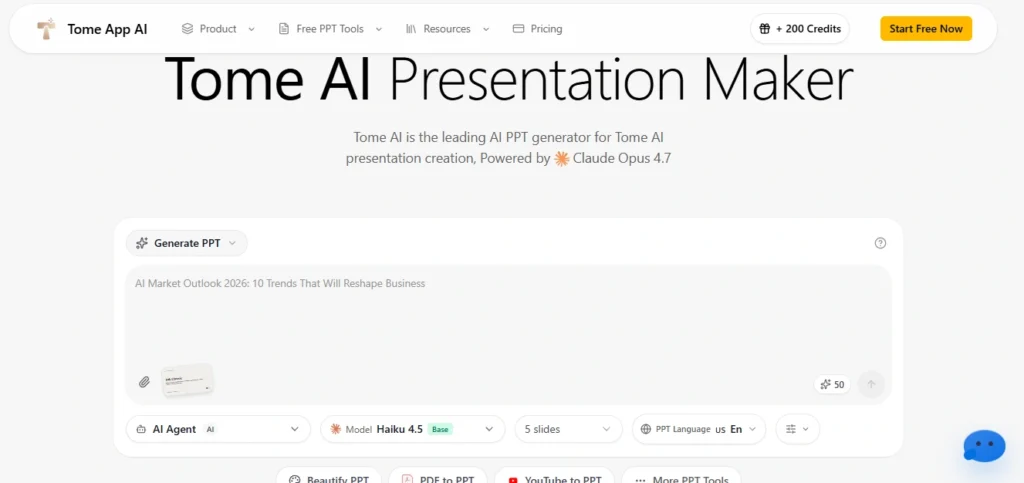
Tome came out of the gates with a lot of hype, and then quietly became something different from what the early demos suggested. It’s evolved from a “magical AI deck builder” into something closer to a long-form visual communication tool — part presentation, part document, part interactive story.
This actually makes it more useful for a specific type of work. If you’re building an investor narrative, a product explainer, or a strategic overview that someone is going to read asynchronously rather than watch live, Tome is better than most slide tools.
The scroll-based format and the web-first output means links actually work, embeds show up, and the whole thing doesn’t look broken when shared over email.
The AI in Tome generates text that’s noticeably better-structured than what I got from most competitors. Whether that’s because of the underlying model or the prompting it does behind the scenes, I can’t say — but the output reads more like something a person wrote.
- Where it earns its spot: Async sharing situations, narrative-heavy content, startup-style decks meant to be sent rather than presented.
- Where it falls short: If you need a traditional slide format for a board meeting or conference presentation, Tome’s format can feel awkward. It’s its own format, not a PowerPoint replacement.
- Pricing: Free tier is usable. Pro plan is around $16/month.
3. Canva AI (Magic Design) — For People Already Living in Canva
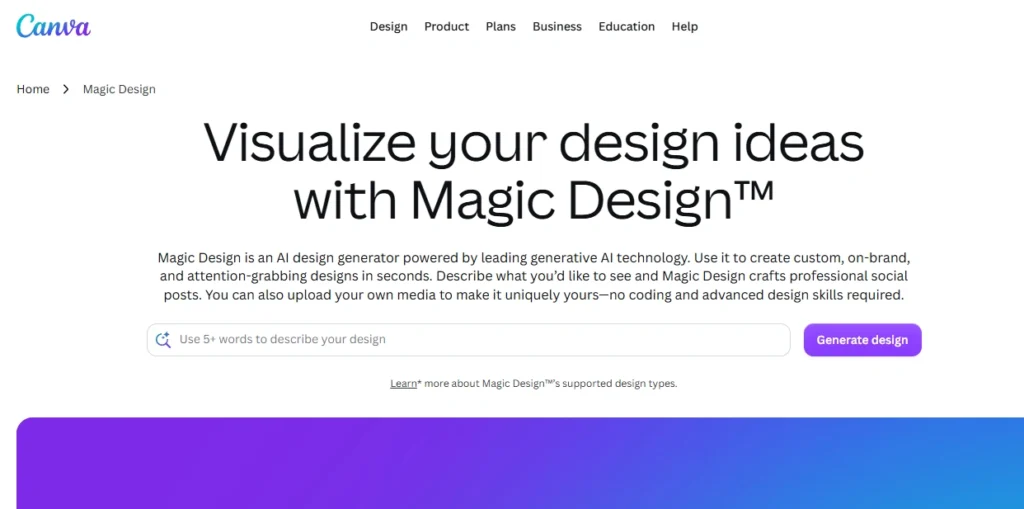
I debated including this one because it’s not primarily a presentation tool. But if you’re already using Canva for other design work, the AI features that landed in 2024 and 2025 are genuinely good, and ignoring them in a list like this would be dishonest.
Magic Design takes a text prompt and generates a presentation using Canva’s template library as its backbone. The visual quality of the output is high — Canva’s templates have always been better-looking than most dedicated presentation tools, and the AI selects and adapts them reasonably well.
The image generation integration (Magic Media) means you can fill image slots with generated visuals without leaving the platform.
The problem is the AI “layer” sometimes feels bolted on rather than integrated. The content generation is inconsistent. I ran the same product pitch prompt three times and got outputs that ranged from pretty good to genuinely confusing in their structure.
- Where it earns its spot: If you’re a Canva Pro or Teams user and need slides fast, Magic Design is right there. No additional subscription, no new tool to learn.
- Where it falls short: The AI is doing less thinking than you might expect. Treat it as a fast template selector with prefilled content, not an intelligent presentation architect.
- Pricing: Canva Pro at $15/month gives you access to Magic Design. If you’re already paying, it’s effectively free.
4. Pitch — For Startups and Product Teams
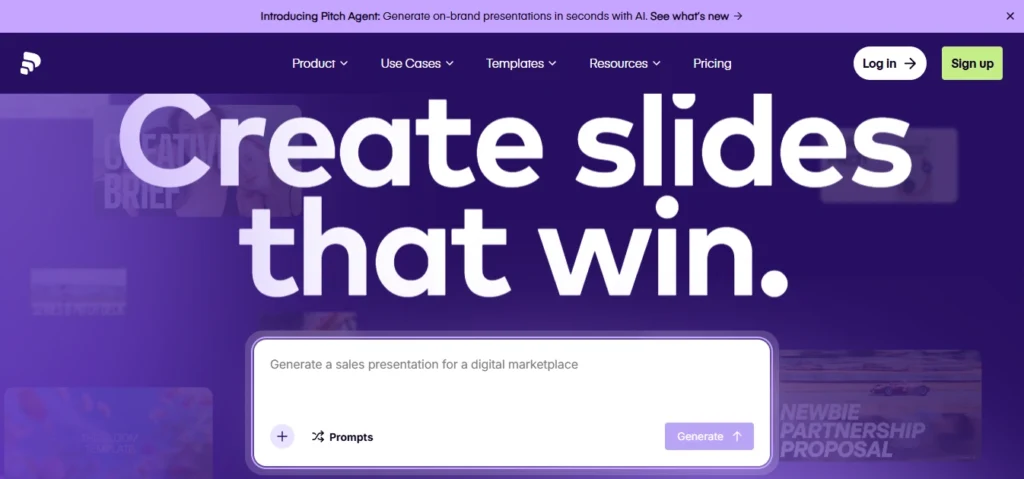
Pitch occupies an interesting middle position: it’s collaborative like Figma, structured like PowerPoint, and has AI features that are genuinely integrated rather than feature-page decoration.
The AI in Pitch will generate slides from a brief, suggest edits, and help you rewrite or restructure content. What makes it more usable than some competitors is that the AI suggestions actually respect the slide context — it’s not just dumping generic content into generic layouts.
The collaboration features are where Pitch really differentiates. Real-time co-editing, commenting on specific slide elements, version history — these are things that matter when you’re building a deck across a team.
Gamma isn’t particularly collaborative. Beautiful.ai is decent but not at Pitch’s level.
I tested a 20-slide SaaS pitch deck with a team of three. The workflow was smoother than anything I’ve used except Figma for design work.
The final output was clean, and nobody had to go “wait, which version did we export?” It’s a perfect reminder that AI won’t replace your team — but it will replace your workflow.
- Where it earns its spot: Teams. Real teams, where more than one person touches the deck.
- Where it falls short: Solo users are paying for infrastructure they don’t need. The AI generation is good but not dramatically better than competitors for individual use.
- Pricing: Free for small teams. Pro is around $8/month per user. Reasonable.
5. SlidesAI — For Google Slides Loyalists
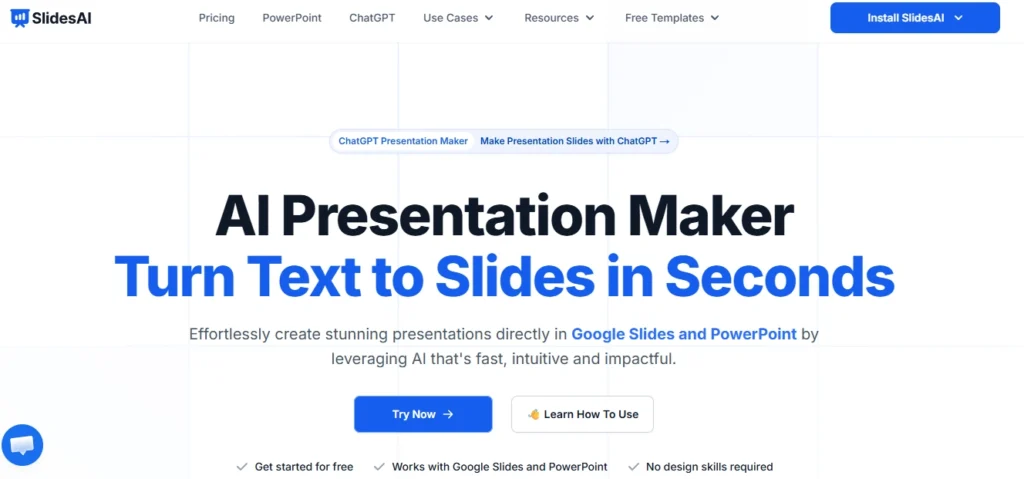
If your workflow lives in Google Workspace and you want AI-assisted slides without leaving that ecosystem, SlidesAI is the most direct path.
It’s a Google Slides add-on that generates presentations from text input and drops them directly into your Drive as native Google Slides files.
The “native” part matters more than it sounds. The output isn’t some exported file you then have to work with — it’s actual Google Slides that you can edit, share, comment on, and present exactly like any other file in your Drive. For teams already running on Google Workspace, the friction reduction is real.
The visual quality of the generated slides is average. Better than something a non-designer would build from scratch in Google Slides, worse than what Canva or Beautiful.ai would produce. The AI is doing content structuring more than visual design, and that’s probably the right tradeoff given what it is.
- Where it earns its spot: Organizations standardized on Google Workspace. Teachers. Anyone who needs slides fast and will refine them afterward in a familiar tool.
- Where it falls short: If visual quality is your primary concern, you’ll be disappointed. This is a productivity tool, not a design tool.
- Pricing: Free tier (3 presentations/month). Basic at around $10/month. Pro at around $20/month.
6. Decktopus — For Quick Standalone Presentations

Decktopus is one of the older names in AI presentations — they were doing this before it was the category it is today — and it shows in both the good and bad ways. The product is more mature and stable than a lot of competitors. It’s also showing its age in places.
The AI generates full presentations from a topic or outline, suggests design themes, and even adds speaker notes automatically. The speaker notes feature is actually better than most tools I tested — they’re contextually relevant to the slide content rather than just rephrased versions of the bullet points.
Where Decktopus has carved out a specific niche is in forms and lead capture. You can add forms directly into your presentation and collect responses. For sales decks, webinar materials, or anything where you want someone to take action inside the presentation, this is a feature most competitors don’t have at all.
- Where it earns its spot: Sales enablement, webinar decks, presentations where you want embedded data collection. Also good for one-person shops that need to send polished decks quickly.
- Where it falls short: Design flexibility is limited. You’re working within their templates and the customization ceiling is lower than competitors.
- Pricing: Free tier available. AI plans start around $15/month.
7. Plus AI (for Google Slides) — For Power Users Who Want AI Without Leaving Slides
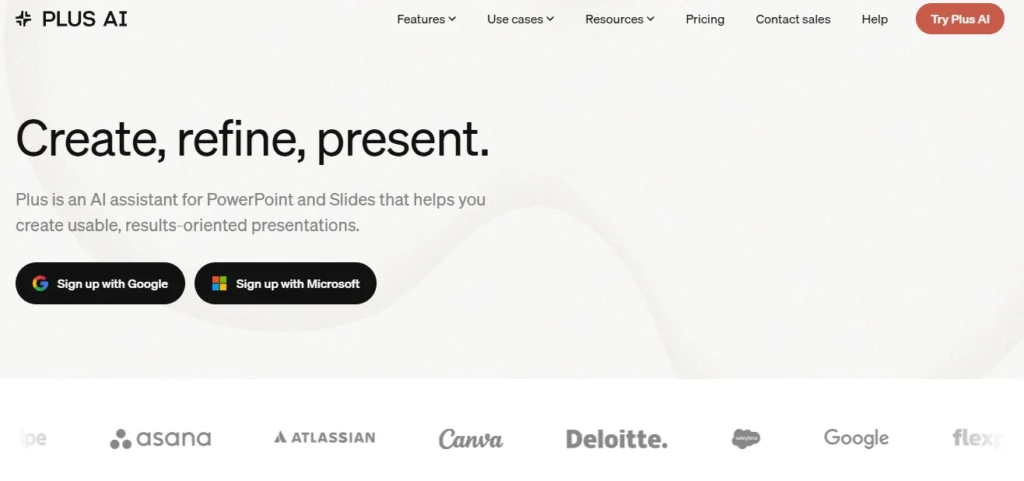
Plus AI is worth knowing about because it takes a fundamentally different approach from most tools on this list. Instead of building a new presentation environment, it adds AI capabilities inside Google Slides through an add-on. But it goes deeper than SlidesAI.
Plus AI can generate full presentations, but it can also do targeted work on existing decks — rewriting individual slides, changing tone, suggesting improvements, restructuring content. If you have an existing deck you’re trying to improve rather than building from scratch, Plus AI is probably the most useful tool I tested.
The “remix” feature is particularly good. You paste in content (an outline, a document, a set of talking points) and it restructures and formats it into slides.
I ran a 1,200-word product brief through it and got a 10-slide deck that genuinely captured the structure of the original document rather than just summarizing it generically. (If you’re starting with dense research, pairing this with AI tools for PDF summarization and document analysis makes the process even smoother).
- Where it earns its spot: Google Slides users who want the full range of AI editing, not just generation. Research-heavy presentations where you’re starting with a document.
- Where it falls short: You need to be comfortable in Google Slides. If you’re not already there, the add-on model won’t feel as seamless.
- Pricing: Individual plan around $10–15/month. Team plans available.
How to Pick Without Overthinking It
The most common mistake I see is people choosing based on the demo video rather than their actual workflow.
Falling for flashy demos is a classic symptom of the AI adoption illusion, which explains why most companies are doing it wrong. Every one of these tools looks great in a 90-second screen recording.
Ask yourself three things: Where does the deck actually end up? (A Google Slides file, a PDF, a web link — the format matters.) Who else touches the presentation? (If it’s just you, collaboration features don’t matter.
If it’s a team, they matter a lot.) And how much of the work is content versus design? (Some of these tools are better writers; some are better designers.)
For most solo users who want something close to Gamma but different, Tome and Beautiful.ai are the first stops worth making.
For teams, Pitch is the answer I’d give without much hesitation. For Google Workspace-dependent organizations, Plus AI gives you the most capability without disrupting the existing system.
None of these tools make great slides automatically. What they do is reduce the time between “I need to present this” and “I have something I’m not embarrassed to show people.” That gap used to be hours.
Now it’s usually under 30 minutes. If you’re tracking AI ROI metrics, that saved time is what you’re actually buying.