
Software development has drastically changed over the last few years. Instead of just writing raw code, developers are now orchestrating multiple AI agents, generating boilerplate, reviewing automated refactoring, and juggling a constantly growing stack of specialized tools.
Managing this ecosystem usually means memorizing a sprawling web of keyboard shortcuts or constantly shifting focus away from the main code editor to click through menus.
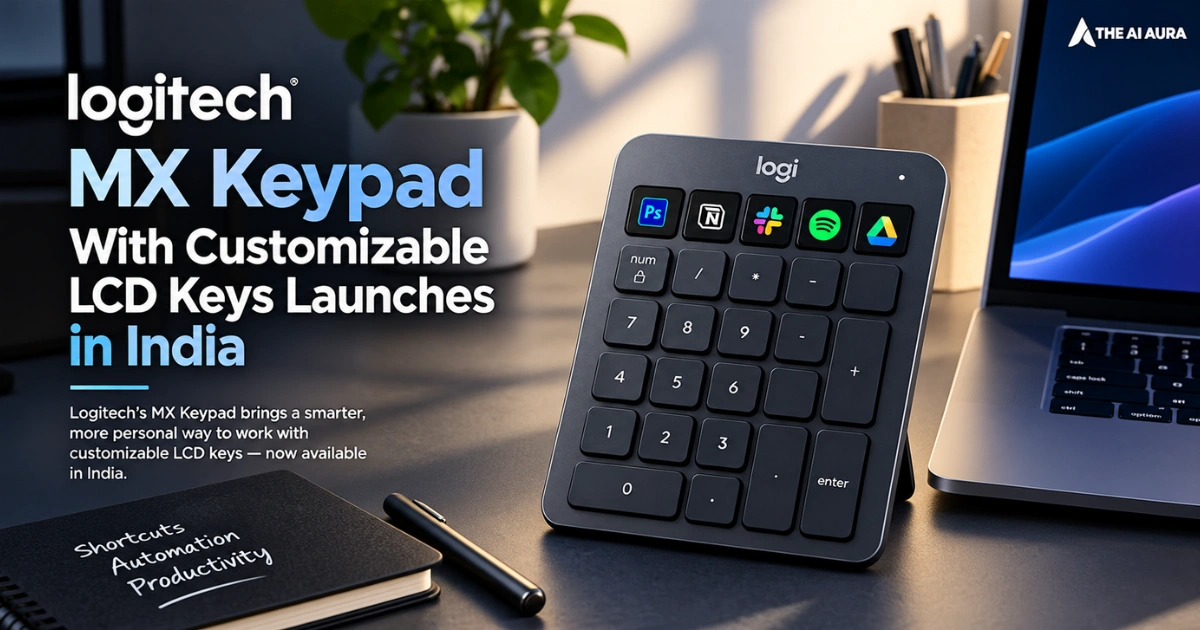
To solve this friction, Logitech has launched the MX Keypad in India. Priced at ₹15,999, this standalone macro pad isn’t just another peripheral with programmable buttons. Developed in close collaboration with GitHub, it functions as a dedicated AI control center.
The goal is simple: take the cognitive load of managing background AI agents and complex scripts and offload it to a physical interface.
A Dynamic Interface for Complex Development
Logitech designed the hardware around a grid of customizable LCD keys. These keys function as dynamic visual dashboards rather than static switches. Furthermore, the keypad delivers remarkable contextual awareness.
When you switch from VS Code to Slack or Zoom, the keys adapt instantly. They immediately update their icons and functions to match the active application. As a result, developers can execute multi-step workflows with a single tap.
Instead of typing repetitive prompts, you can assign complex instructions directly to physical keys. You can trigger AI agents to write code blocks, run refactoring routines, or comment on highlighted lines. Additionally, the device supports voice prompting for hands-free control.
The device also acts as a continuous status monitor. When an AI agent compiles code or scans for bugs, the LCD keys display real-time progress. Therefore, you do not need to check terminal windows repeatedly. A quick glance tells you exactly what needs your attention.
Beyond strict coding, the keypad accelerates creative and productivity workflows. You can trigger Git scripts, manage debuggers, or navigate apps like Figma, Adobe Creative Cloud, and OBS Studio.
Ecosystem Integration and Open Customization
Out of the box, the MX Keypad is built to talk to the heavyweights of the AI coding space.
Built to complement the best AI coding assistants for developers, it features deep integration with GitHub Copilot even bundling three months of GitHub Copilot Pro+ for both new and existing users, redeemable via the Logi Options+ software. It also actively supports both Claude Code and OpenAI Codex.
However, Logitech understood that no two developers have the exact same workflow, meaning closed ecosystems do not work for this demographic. To address this, they released the Logi Actions SDK alongside the hardware.
This toolkit includes AI-friendly documentation, intentionally designed so that coding agents can automatically generate bespoke integrations for developers. If a tool you use isn’t supported, you can build the plugin yourself directly from VS Code.
For those who prefer not to build their own tools from scratch, the Logi Marketplace is already populating with community-created plugins.
Through Logi Options+, users can assign macros, reorganize key layouts across multiple virtual pages, and download custom icons to fully personalize their setup. This allows for deep command-line interface control mapped directly to your fingertips.
On the hardware side, the device maintains a slim, desk-friendly profile and aligns with current environmental manufacturing standards.
Available in a Graphite finish, the keypad is constructed using 64% certified post-consumer recycled plastic (excluding internal components like the LCD and printed wiring assembly). The packaging is completely plastic-free, utilizing paper sourced from FSC-certified forests.
Source: FoneArena, "Logitech MX Keypad With Customizable LCD Keys for AI Workflows Launched in India"