
We’ve spent the last few years treating artificial intelligence like a hyper-advanced command prompt. You type your query into a blank box, hit enter, and a dense wall of text inevitably spits back out.
While this has revolutionized how we draft content or write code, the way human beings actually process complex, multi-layered information is rarely that linear.
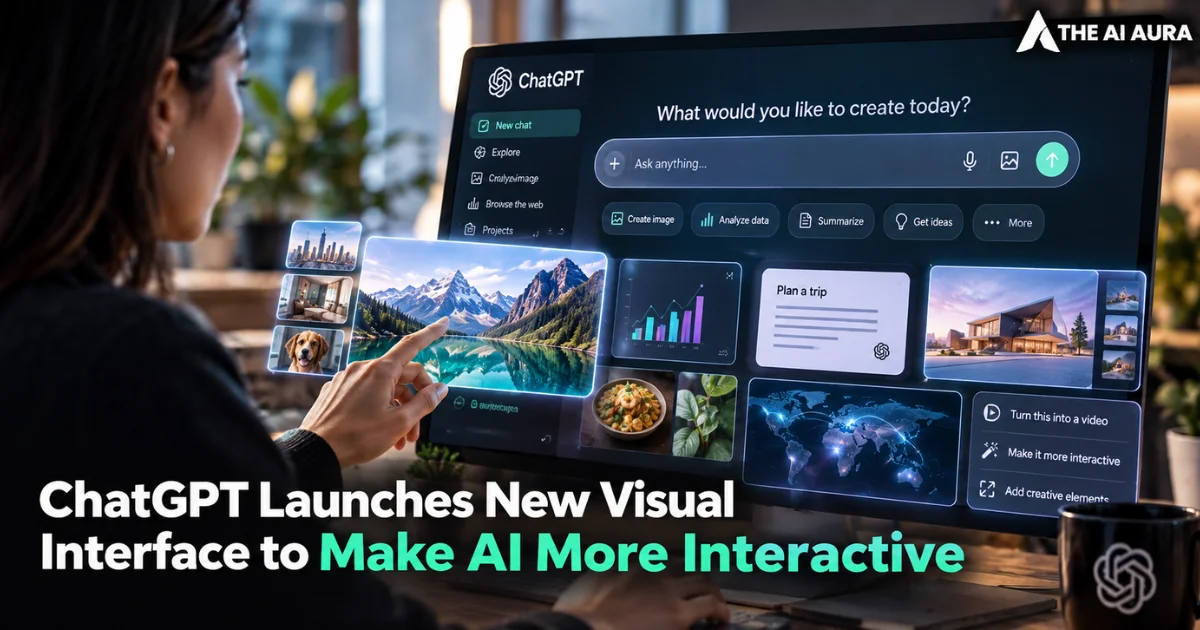
It seems OpenAI has finally decided to bridge that cognitive gap. With the immediate rollout of their new GPT-6 model, ChatGPT is receiving a massive visual overhaul officially dubbed Intelligent UI.
This is not just about pasting a static, cartoonish picture next to a paragraph of text to break up the visual monotony.
It represents a fundamental shift in how the model communicates and operates, reflecting broader industry shifts in how Multimodal AI Explained: How Text, Image, Video, and Voice Are Merging in 2026 redefines modern interaction.
The interface is moving away from being a glorified digital encyclopedia and is starting to function much more like a reactive workspace.
Interactive Elements as the New Baseline
For quite a while now, the main barrier to truly grasping difficult concepts through conversational AI has been the limitations of the medium itself. Reading about a multi-step process is one thing, but being able to manipulate the variables changes the learning dynamic entirely.
The underlying mechanics of Intelligent UI revolve around dynamic rendering on the fly. Instead of generating a flat image of a graph, the system now spins up tappable buttons, editable charts, and customized utilities built specifically for whatever niche task you happen to be working on in that exact moment.
According to a recent piece detailing the update from TechCrunch, this new interface integrates these heavy visual elements directly into the conversational flow seamlessly.
If you ask the model for a financial budget breakdown, you do not just get a list of numbers; you get a working, interactive calculator embedded in the chat. If you need to map out a complex data architecture, you get an interactive chart you can actually click and tweak.
This evolution marks an important milestone as interfaces shift from chatbots to agents: why 2026 is the year AI does the work for you, drastically reducing the friction between retrieving information and actively applying it to your workflow.
Adapting the Cognitive Load to the User
The real technical power of this update lies in its context awareness and adaptability. Aarush Selvan, a product manager at OpenAI, recently pointed out during a demonstration that the most helpful answers are rarely just text, especially when a user is trying to understand something deeply structural or mechanical.
He showcased this by asking the model to explore exactly how an airplane wing generates lift. Rather than delivering a dry physics lecture, the chatbot immediately generated functional, interactive diagrams illustrating the aerodynamics and pressure changes in real time.
This intuitive approach extends far beyond academic physics. It applies to everyday planning, from visualizing the granular mechanics of a bicycle repair to rendering a detailed, interactive topographical map for a multi-day hiking excursion. What stands out the most from an architectural perspective is the underlying flexibility of the system.
You are never forced into this new visual paradigm if you happen to prefer a strict, minimalist approach. The platform gives users the granular control to dial back the visual intensity, preserving the classic text-heavy experience if that suits their specific needs.
By rolling this feature out globally across all tiers starting with Pro, Business, and Enterprise before hitting the free Go tiers OpenAI is making a very clear statement. Dynamic, visual computing is no longer a premium, experimental feature. It is the established standard for human-computer interaction moving forward.