
The enterprise software landscape is shifting rapidly. Companies are leaving fragmented tools behind and moving toward unified platforms.
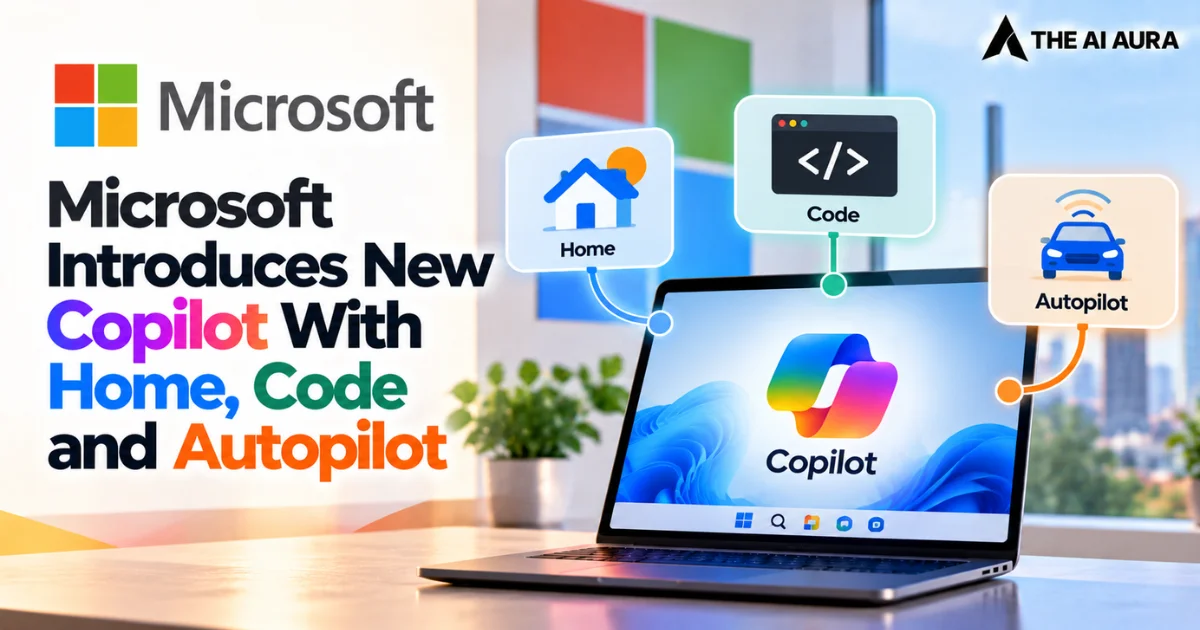
Microsoft recognizes that future productivity requires more than drafting emails or summarizing meetings. Instead, teams need to scale artificial intelligence across every workflow. With its latest major update, Microsoft is redesigning Copilot to anchor modern knowledge work.
This evolution transitions Copilot from a reactive, prompt-dependent digital assistant into a proactive ecosystem designed to connect the specific tools professionals rely on daily, reflecting the broader industry shift from chatbots to agents.
Furthermore, Microsoft helps teams build, customize, and deploy AI dynamically across operations. Technology now adapts to human ambition rather than forcing humans to adapt to software.
Redefining the Workspace with Home and Code
To solve constant context-switching, the platform introduces Home. Home serves as a central starting point for conversations and delegated tasks. It cuts the friction of jumping between meetings, chats, and documents. The interface grounds users in recent activity and suggests smart next steps.
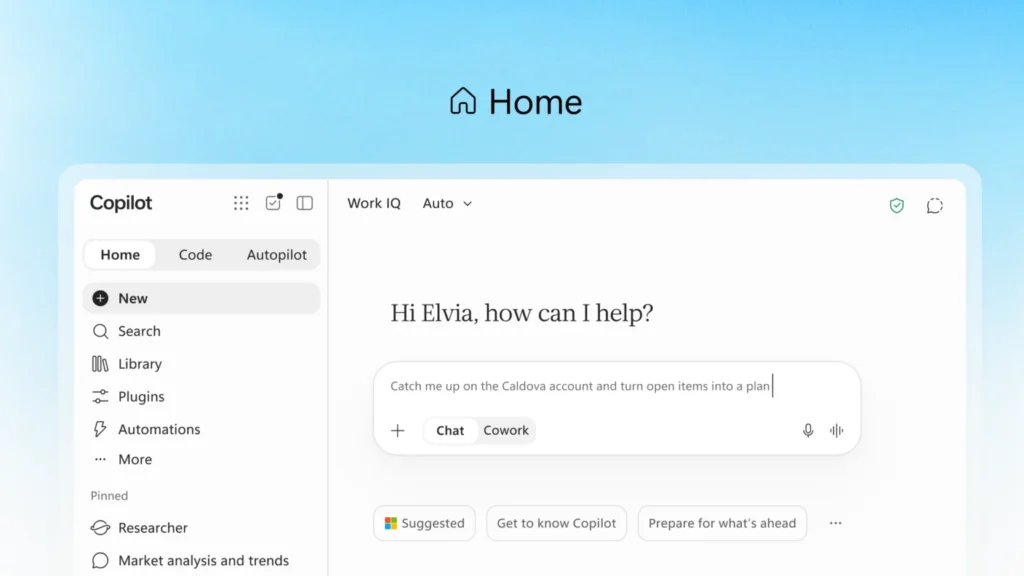
Microsoft also brings Word, Excel, and PowerPoint directly into Copilot. Users can create live documents, model budgets, and build presentations right alongside prompts. This workflow avoids broken formatting and messy file versions that stall team progress.
Beyond standard office tasks, Microsoft is fundamentally changing how solutions are built by moving application development outside the exclusive domain of software engineers.
According to a recent announcement detailing these structural shifts at Microsoft, the new Code capability introduces small, purpose-built solutions as a vital fourth unit of knowledge work, sitting alongside traditional documents, spreadsheets, and decks.
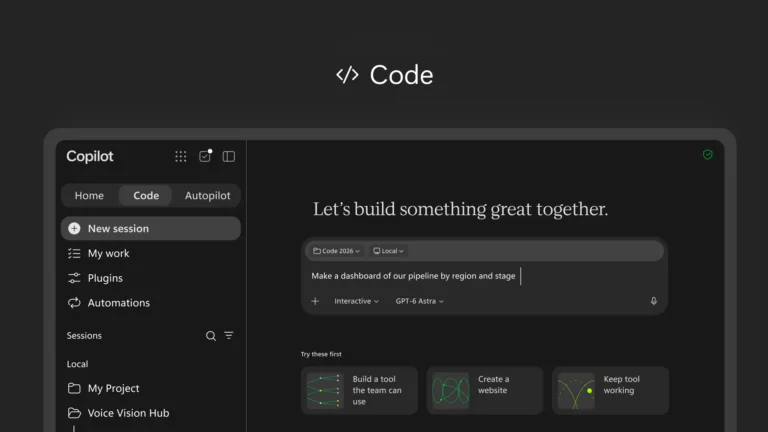
Powered by the same underlying architecture as GitHub Copilot, Code allows anyone to describe a desired tracker, dashboard, or workflow in natural language.
The system then builds it within a secure, sandboxed environment governed by the Microsoft Copilot Managed Runtime. This allows teams to create and share custom, cloud-hosted internal apps that are deeply grounded in their organizational data, effectively democratizing software creation for everyday business challenges.
The Rise of Autopilot and Strategic Cost Management
The most profound shift in this update is the introduction of Autopilot, a persistent, highly proactive digital teammate previously developed under the moniker Scout. Unlike traditional AI that requires constant prompting, Autopilot operates autonomously based on a defined role and objective.
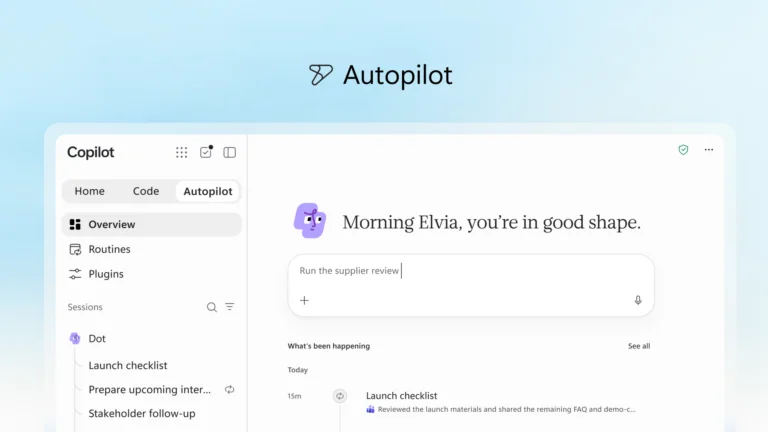
It lives within the corporate tenant with its own identity and workspace, capable of monitoring channels, following up on email threads, and executing recurring project management tasks while your attention is elsewhere.
Because it is cloud-hosted and grounded in the unified intelligence of Microsoft IQ, it understands the intricate realities of how an organization operates, managing end-to-end processes like supplier reviews or stakeholder outreach without requiring constant human oversight.
As these agentic workflows become deeply embedded in enterprise operations, managing the associated costs becomes a critical business imperative to avoid the common AI cost trap that companies don’t budget for.
Microsoft is addressing this through new FinOps for AI capabilities designed to help organizations optimize their software investments.
For everyday generative tasks like summarization and drafting, organizations can rely on a fixed-cost user subscription license that automatically routes requests to the most efficient model.
However, the advanced, long-running agentic capabilities of Autopilot and Code operate on usage-based billing, giving IT and business leaders granular control over their AI spend.
By expanding cost management features, administrators can set specific spending policies, track credit usage, and analyze which automated tasks are delivering the strongest return on investment, ensuring that the deployment of advanced AI aligns perfectly with tangible business value.