
Windows 11 has spent years fighting an uphill battle against sluggish Electron wrappers and web app ports. Despite Microsoft pushing modern desktop frameworks, developers avoided building native WinUI 3 applications because the tooling was notoriously heavy and the migration path from legacy frameworks was a headache.
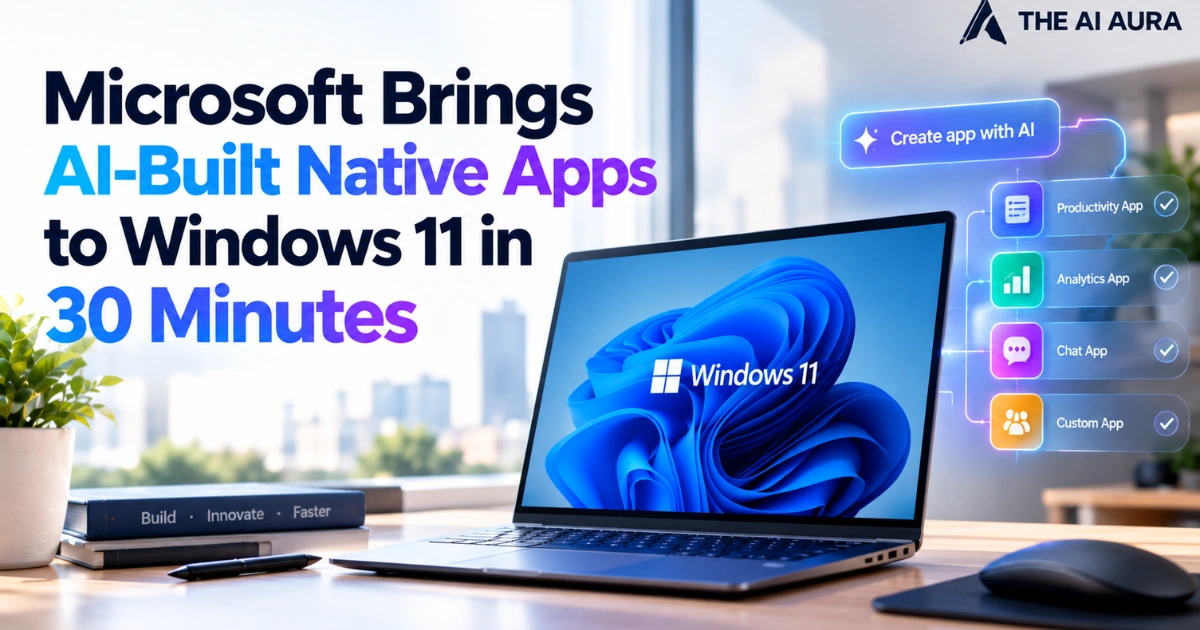
Microsoft is now trying an unconventional shortcut: using targeted AI agents and lightweight developer tools to build and ship native Windows software in under half an hour.
The company published a hands-on quickstart guide detailing how anyone can go from an empty directory to a signed, Store-ready WinUI 3 application using free utilities.
By stripping away the requirement for a bloated Visual Studio installation and leaning into agentic development, Microsoft is attempting to solve its native software deficit at the source.
Inside the 30-Minute Toolchain and the MCP Advantage
The workflow bypasses traditional setup bottlenecks entirely. Instead of downloading a massive desktop development workload, developers run through Visual Studio Code, .NET 10, Microsoft’s dedicated winapp CLI, and the free tier of GitHub Copilot.
What makes this system actually function rather than hallucinating broken code is how Microsoft handles training bias. Large language models were trained on millions of legacy WPF and UWP repositories but have comparatively little data on modern WinUI 3.
If you ask a generic AI model to write a Windows App SDK interface, it will inevitably spit out obsolete APIs from 2014.
To fix this, Microsoft configured the WinUI Copilot agent to connect directly to its Microsoft Learn MCP (Model Context Protocol) server.
The agent dynamically retrieves current WinUI 3 API schemas and documentation at query time. Working inside VS Code, the agent handles the initial UI scaffolding, writes event logic, runs automated UI tests, packages the build into an MSIX container, and prepares the bundle for the Microsoft Store.
By feeding the model real-time API contracts rather than relying on stale weights, developers can reliably generate functional native code on the first pass.
Modernizing Legacy WPF and UWP Without the Manual Grind
The flashiest hook is building new apps in thirty minutes, but the more consequential development is Microsoft’s AI-guided migration tooling. Millions of enterprise and utility apps remain trapped in WPF or deprecated UWP environments simply because refactoring UI subsystems is too expensive to justify manually.
Migrating legacy Windows software to WinUI 3 has never been a simple search-and-replace routine. Swapping out namespaces from System.Windows.* to Microsoft.UI.Xaml.* breaks fundamental mechanisms like window handles, thread dispatching, high-DPI scaling, and data binding contexts.
Microsoft tackles this by providing the AI agent with explicit migration rulesets and mapping tables.
The migration skill instructs the model on exact substitution parameters: translating legacy dispatchers to modern thread dispatching loops, refactoring window management routines to the Windows App SDK, and intercepting legacy UI declarations before compilation errors spiral.
Rather than positioning AI as an open-ended conversational gimmick, this setup treats large language models as deterministic code transcribers bounded by live documentation.
If Microsoft can convince independent developers to modernize their backlogs with zero-cost tooling, Windows 11 might finally shed its reputation for sluggish web wrappers and restore a responsive, native desktop ecosystem.
Source: Windows Latest, "Microsoft Is Ending Windows 11’s Web App Slop Era, and AI Now Writes Native Apps in 30 Minutes"